

Still managing Shopify purchase orders in a spreadsheet?
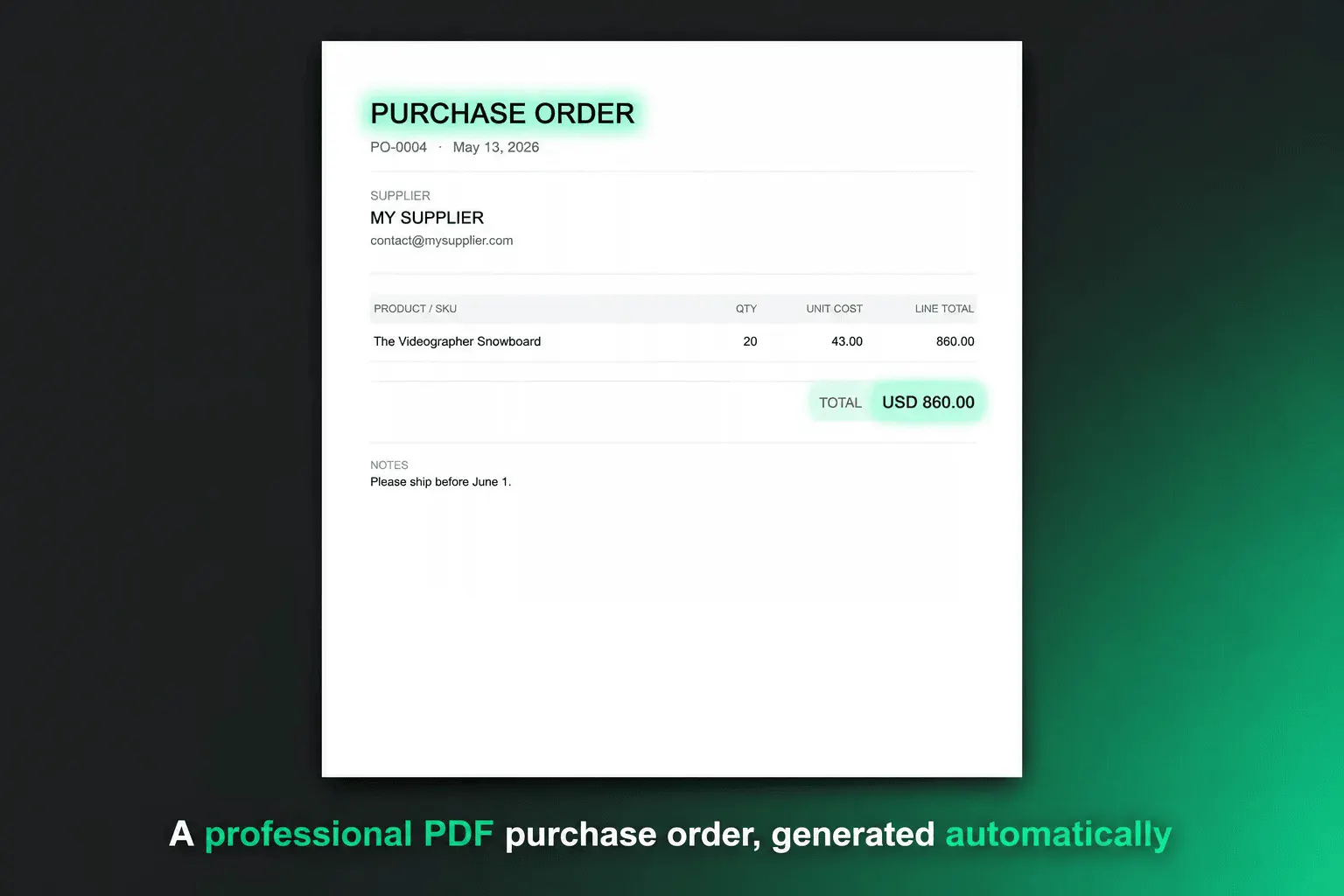
If you're sending supplier orders over email, tracking what's been received in a spreadsheet, and manually updating Shopify inventory when stock arrives — you're not alone. That was the default workflow for most merchants after Stocky, and it breaks the moment you have more than 3 suppliers or 50 SKUs.
The problems stack up fast:
— Supplier emails get buried and POs get lost — You update the spreadsheet but forget to update Shopify — You reorder too late because nothing flagged you at the right time — A new team member has no idea what's on order or when it arrives
EZStock fixes the whole stack: create a PO, email it to your supplier as a PDF in one click, mark it received, and Shopify inventory updates automatically. No spreadsheet. No manual sync.
Free to start. Launching on Product Hunt tonight at 12:01 AM PDT 🚀
Replies
This was exactly my situation before building EZStock. The spreadsheet works until it doesn't — usually right when you're about to run out of something important.
The part that broke first for me was the Shopify sync. You'd receive a shipment, update the sheet, then realize three days later you forgot to adjust the inventory in Shopify. By then you'd already oversold.
The demand forecasting piece took longer to get right. Static reorder points are fine for products with consistent velocity, but anything seasonal or trending would always catch me off guard. Pulling 30/60/90-day sales velocity from actual order history and comparing it against lead time is what finally made the alerts useful rather than just noise.
Free plan covers unlimited suppliers and up to 5 POs/month — enough to replace the spreadsheet entirely before committing to anything paid.