

Browser Notes - Slash commands, star favorites, to-dos & smoother sticky boards

Hey everyone — quick this week update for Browser Notes https://browsernotes.app.
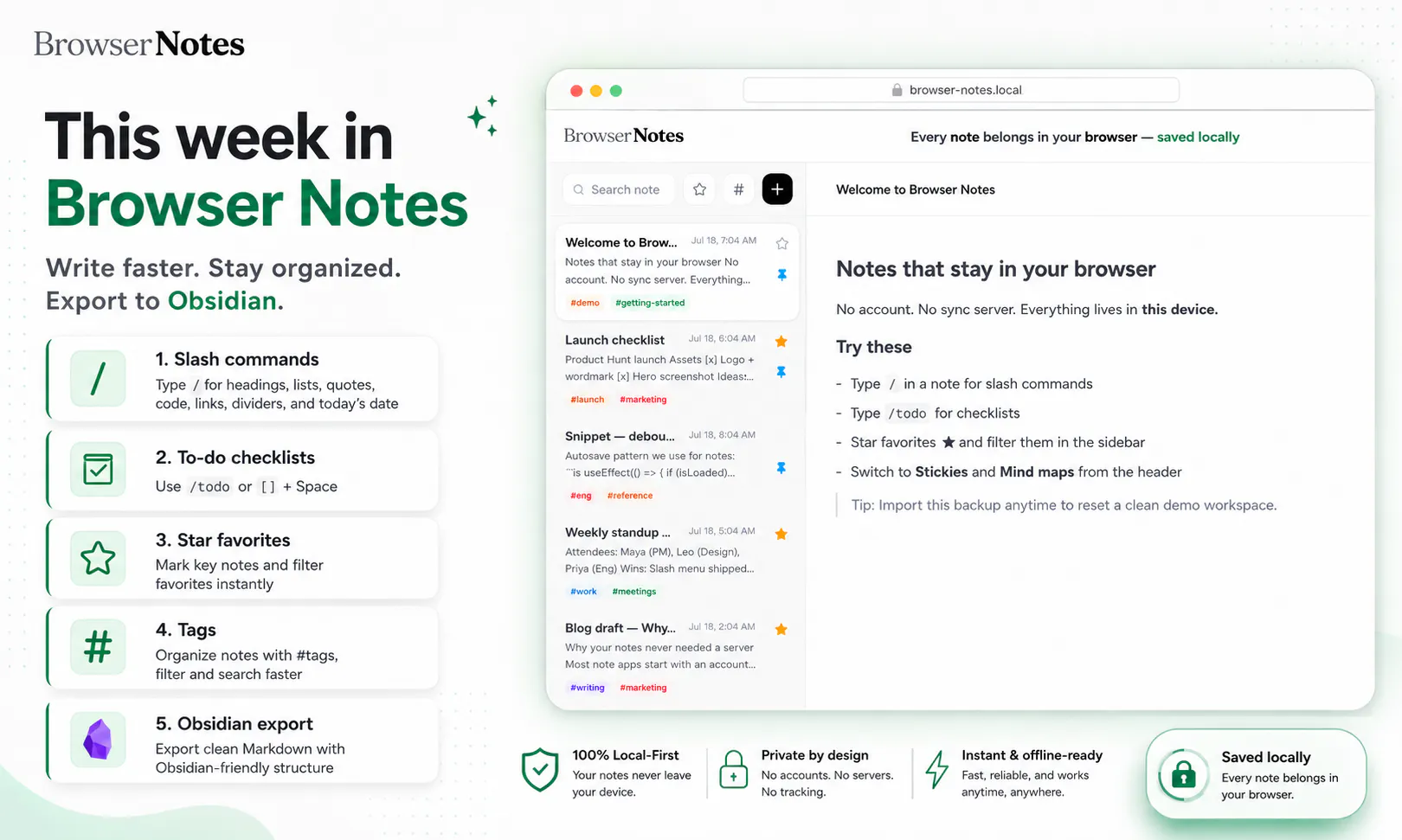
We’ve been shipping a batch of editor and board improvements. Here’s what’s new:
Write faster
Slash commands — Type `/` in a text note for headings, lists, quotes, code, bold, italic, links, dividers, and today’s date. Filter as you type; Enter to apply.
To-do checklists — Type `/todo` (or `[]` + Space) for checkboxes. Check items off in place. They save as Markdown `- [ ]` / `- [x]` (Obsidian-friendly).
Stay organized
Star favorites — Star important notes from the editor or sidebar. Use the star filter to show only favorites. Pin still keeps notes at the top — star is separate.
Tags (if you missed it) — `#tags` on notes, sidebar filter, search, and Obsidian frontmatter on export.
Sticky boards feel better
Dragging, resizing, and panning the sticky canvas is smoother — updates commit when you release, so boards stay responsive with lots of notes. New stickies are a bit larger by default. Overlapping notes come to the front when you select or drag them.
Cleaner sidebar
Tag filter is a compact `#` button (no full-width dropdown). New note / board / mind map actions are icon-only `+` buttons with hover tooltips.
Fixes
- Spaces work properly in note titles again
- Checklist Enter and checkbox toggle behave correctly
Everything stays local-first in your browser — no account required.
Try it and tell us what you want next (rich text on stickies, board rename, connectors…?).
— Browser Notes team
Replies
Be the first to reply
Have a question or a thought to share? Add a comment above to start the conversation.