

Already built it in 3ds Max? Don’t rebuild the visualization workflow.
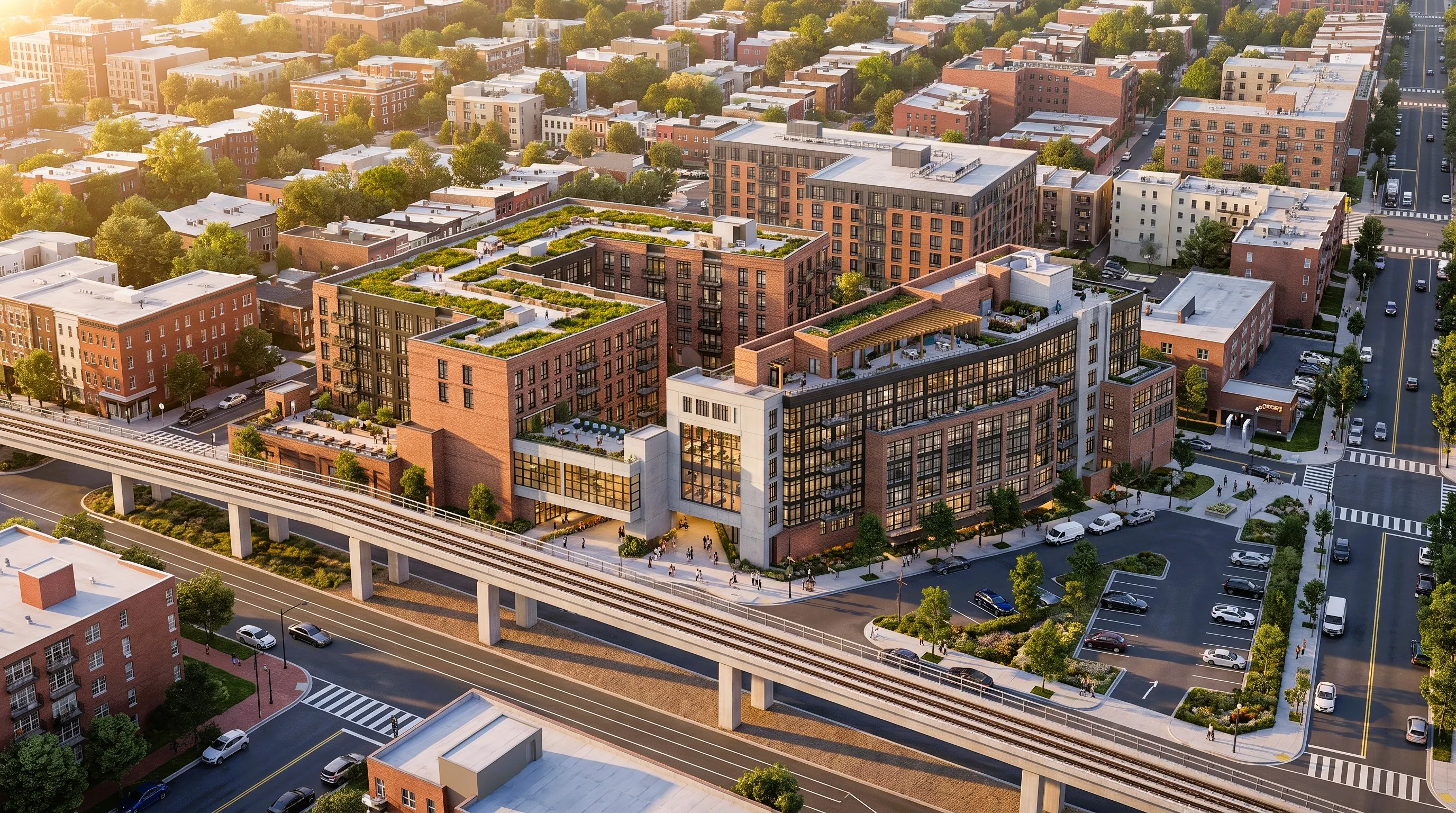
Your professional 3D model, camera, massing, and architectural details already exist.
Why spend more time rebuilding materials, adjusting lighting, testing cameras, waiting for V-Ray renders, and repeating post-production for every new visual direction?
In this new A2Viz AI C2I demo, we begin directly with an existing 3ds Max project model.
A2Viz AI uses the model as the camera and geometry source, validates the project data, locks the selected view, and applies structured material, site, and design references to generate a polished architectural image faster.
The workflow helps preserve:
Camera perspective • Building composition • Scale • Massing • Façade rhythm • Materials • Design intent
Once the image is approved, it can move directly into Image-to-Video for cinematic architectural presentation.
Keep using 3ds Max for professional modeling.
Use A2Viz AI to reduce the time between the model and client-ready visual communication.
From existing project data to images and motion—through one architecture-native workflow.
Built for architects. Designed for workflow.
www.a2viz.com
#A2VizAI #3dsMax #Vray #ArchitectureAI #ConceptToImage #ArchitecturalVisualization #ArchViz #DesignTechnology #ImageToVideo #AEC
Replies
Be the first to reply
Have a question or a thought to share? Add a comment above to start the conversation.