
Welcome to the future
gm legends. It’s the first Sunday of the year.
Don’t tell us your New Year’s resolution is toast already? This week, one last look back at 2025’s best tools, some products you should resolve to put in your personal stack, how to be more productive in 2026, and why your code reviews might be stifling your junior engineers.
So, shake off that lingering hangover, dust off the keyboard, and enjoy the first weekly newsletter of 2026.
P.S. Launching soon? We’d love to hear about it → editorial@producthunt.co 🫶
Build your tookit

Fmerian, who makes a habit of hunting dev tools, got a tad nostalgic and started cataloguing the best developer tools launched on Product Hunt in 2025. His list includes some of the usual suspects, including Cursor 2.0, v0 by Vercel, and Appwrite Sites.
He’s got a dozen more. Are you using them?
Pro hacks
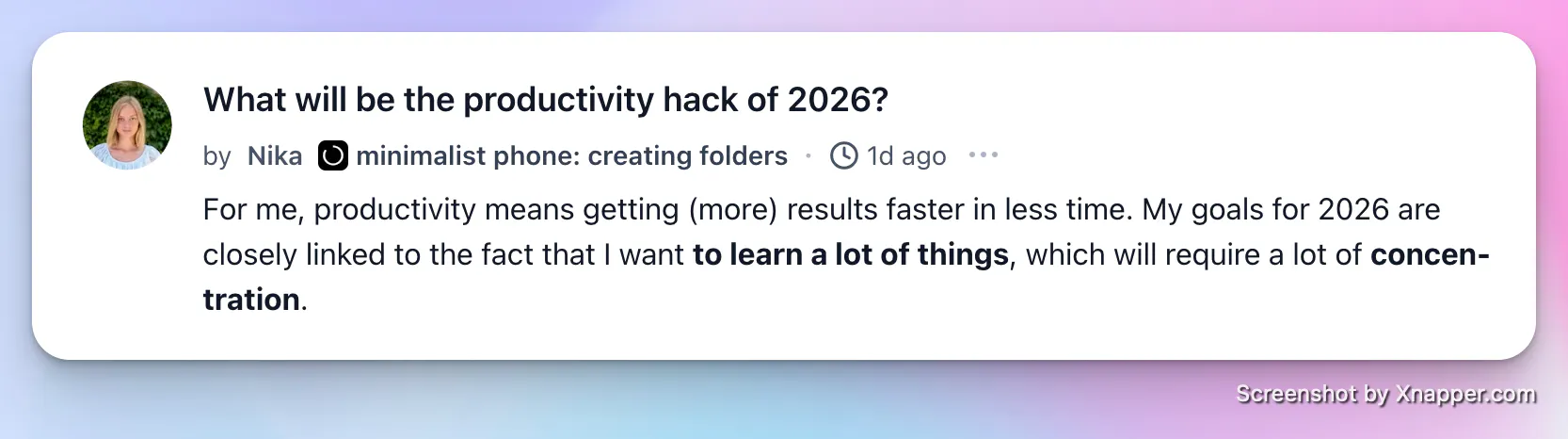
Nika kicked off a new thread for the new year, asking: What will be the productivity hack of 2026?
People are talking about ditching distractions, nixing the noise, and batching their business tasks. Scroll the comments and see what you can take away—or add.
Your agents stopped answering and started doing
Your agents call tools, write to databases and move money, so a wrong answer is now a wrong action, which is a considerably worse meeting. Arcjet runs policy before every LLM call, tool call, query and API request: prompt injection, sensitive data, bots, rate limits, spend quotas, and your own rules in Rego on top. It reads the OpenTelemetry you already emit, so switching it on is one environment variable, no code changes and nothing to deploy. Each check also reads the earlier steps in the same workflow, so an agent's tenth action gets judged against the first nine and not on its own. JavaScript, Python and Go SDKs all at 1.0, agent framework guards included, free tier to start on.
The bad news about code reviews

By Jaid Jashim (core developer, GraphBit)
“I recently noticed a disturbing pattern with one of our most promising Intern/Junior Engineers.
- Month 1: They were shipping features daily. Fast. Hungry.
- Month 2: The velocity slowed down.
- Month 3: Silence began..
“They hadn't opened a Pull Request in 2/3 days, even though their tasks were marked 'In Progress'.
“I assumed the worst: Burnout? Disengagement? Maybe they are overemployed?
I pulled them into a 1:1 to ask what was blocking the work. The answer floored me.”
Leaderboard highlights


