
TapCraft
App demo videos and store screenshots for mobile apps
68 followers
App demo videos and store screenshots for mobile apps
68 followers
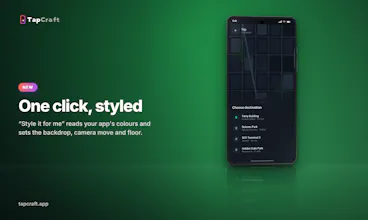
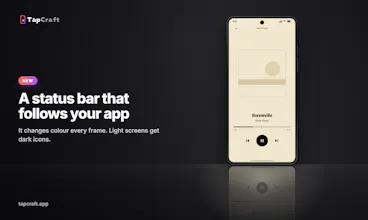
TapCraft turns an Android or iOS screen recording into a polished app demo, right in your browser on any computer. Put it in a real iPhone, Pixel, Galaxy or foldable frame, add tap ripples (click to place, or import exact taps from adb), camera zooms, captions, a magnifier and masks, and present it yourself beside the phone. Export 9:16, 16:9 or 4:5 up to 4K. Make App Store and Google Play screenshot sets too. Free: 3 watermarked exports and 3 screenshot sets.




Free Options
Launch Team / Built With


ShiftAI that works across your Mac.
Promoted

 TapCraft