
Soup CLI
Fine-tune an 8B LLM on a 4 GB laptop GPU
118 followers
Fine-tune an 8B LLM on a 4 GB laptop GPU
118 followers
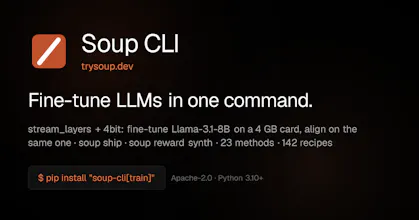
LoRA keeps the base model frozen: read, never written. So Soup keeps it in system RAM and streams it into the GPU one decoder layer at a time. Peak VRAM becomes one layer instead of the whole model. Measured on an RTX 3050 Laptop 4 GB: Llama-3.1-8B trains at 119.6 tok/s in 3.32 GB peak. One YAML, one command. SFT, DPO, GRPO, KTO, plus eval, gating and export. Apache-2.0. Every number is published, including the ones I measured and threw away.



Soup CLI
@makazhanalpamys The layer-streaming idea is neat, but the correctness protocol is the part that won me over — requiring streamed-run logits to exactly match a resident run, because "cut the autograd path and the loss still goes down" is exactly the kind of silent failure most tools never check for.
And publishing the H100-found bug (gradients silently wrong above a layer size while the loss curve looks healthy) with a reproducer, in your own released code, is rarer than the optimization itself. That's how benchmarks earn trust.
119.6 tok/s in 3.32 GB on a 3050 laptop is a genuinely useful floor for people who want to iterate locally before paying for cloud GPUs 👌
Soup CLI
@akbar_b Appreciate it! That was exactly the goal: make the memory optimization useful without sacrificing correctness, and publish the failure cases when we find them.