Launching today

Skim
Free, open-source AI email client for Windows
174 followers
Free, open-source AI email client for Windows
174 followers
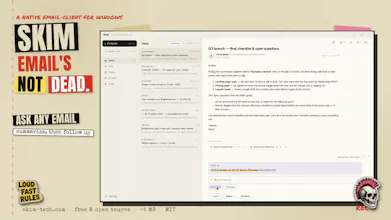
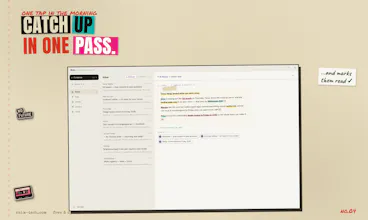
Skim is a free, open-source (MIT) email client for Windows. ✂️ Minimal on purpose: no calendar, no rules engine, no bloat. Fewer buttons, less cognitive load. ⚡ Native Rust core (Tauri 2): ~5 MB installer, sub-second cold start, instant full-text search. 🔒 Local-first, offline-ready, zero telemetry. ✦ AI on your terms: bring your own Anthropic or OpenRouter key and Skim drafts replies in your voice and answers questions across your whole mailbox.




finally an email client that respects my storage and my sanity, the 5mb install is unreal on windows. love that i can just plug in my own api key and skip the data-sucking defaults.
Skim
@asyadizili Enjoy! 🫶