
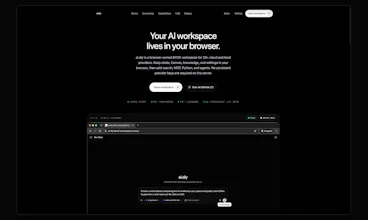
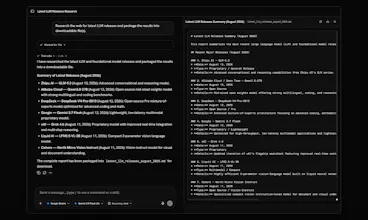
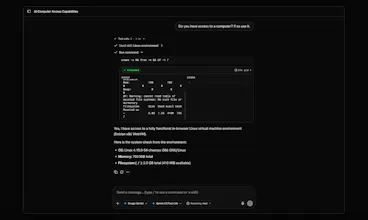
ai.diy is an open-source, local-first AI workspace that works with your own cloud or local models. Beyond chat, it can research the web, run Python, use MCP tools, compare multiple models, remember context, and let agents work inside a browser-based Linux environment. It is BYOK, self-hostable, and built around one idea: your models, tools, data, and AI workspace should stay under your control.


Maker
📌Hey Product Hunt 👋
I built ai.diy because I wanted an AI workspace that wasn’t tied to one model or one hosted service.
I was using different models for different kinds of work, but my chats, context, files and tools were always fragmented across products. And with most AI apps, the workspace itself effectively belongs to the platform.
So the idea behind ai.diy became simple: keep the workspace in the browser and make the model replaceable.
Your chats, memory, Canvas and knowledge stay browser-owned by default. You can connect 20+ cloud and local providers, switch models without moving your workspace, bring your own keys, use tools like search, MCP and Python, or self-host the relay with Node or Docker.
The project evolved quite a bit while building it. It started as a multi-provider chat interface, but the more I worked on it, the more I realised the interesting problem wasn’t adding another model. It was creating a workspace where the data, tools and context remain independent of the model provider.
ai.diy is open source and MIT licensed, and this is still very much an early product.
I’d especially love feedback on three things:
1. Does the browser-owned architecture make sense immediately?
2. What would stop you from using something like this as your everyday AI workspace?
3. Which workflow should I make significantly better next?
Thanks for checking it out. I’ll be around throughout the launch and happy to answer anything about the architecture, privacy model, providers, self-hosting or how it was built.
Report
 ChatGPT by OpenAI
 Claude by Anthropic