

What's New |Automation Pro Release
August 11st, 2026 Changelog:
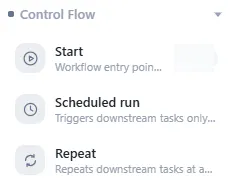
VMOSCloud adds Automation Pro: the automated task orchestration workflow is available now~● Workflow supports execute it automatically at scheduled times or recurring it.
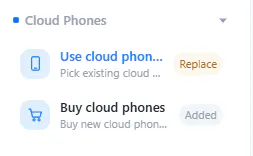
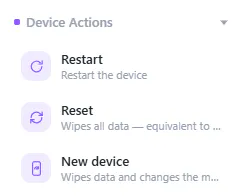
● Workflow supports set tasks to use device like automatic purchase, restart, reboot, one-click new device, etc.
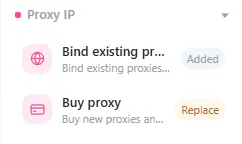
● Workflow supports set tasks to manage proxy like buy and bind proxies.
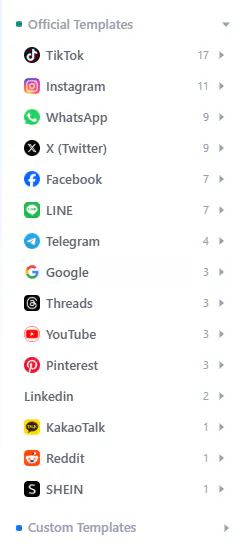
● Workflow supports adding official social media automation templates and custom automation templates in.
Common Q&A for Automation Pro:
Where to find this feature?
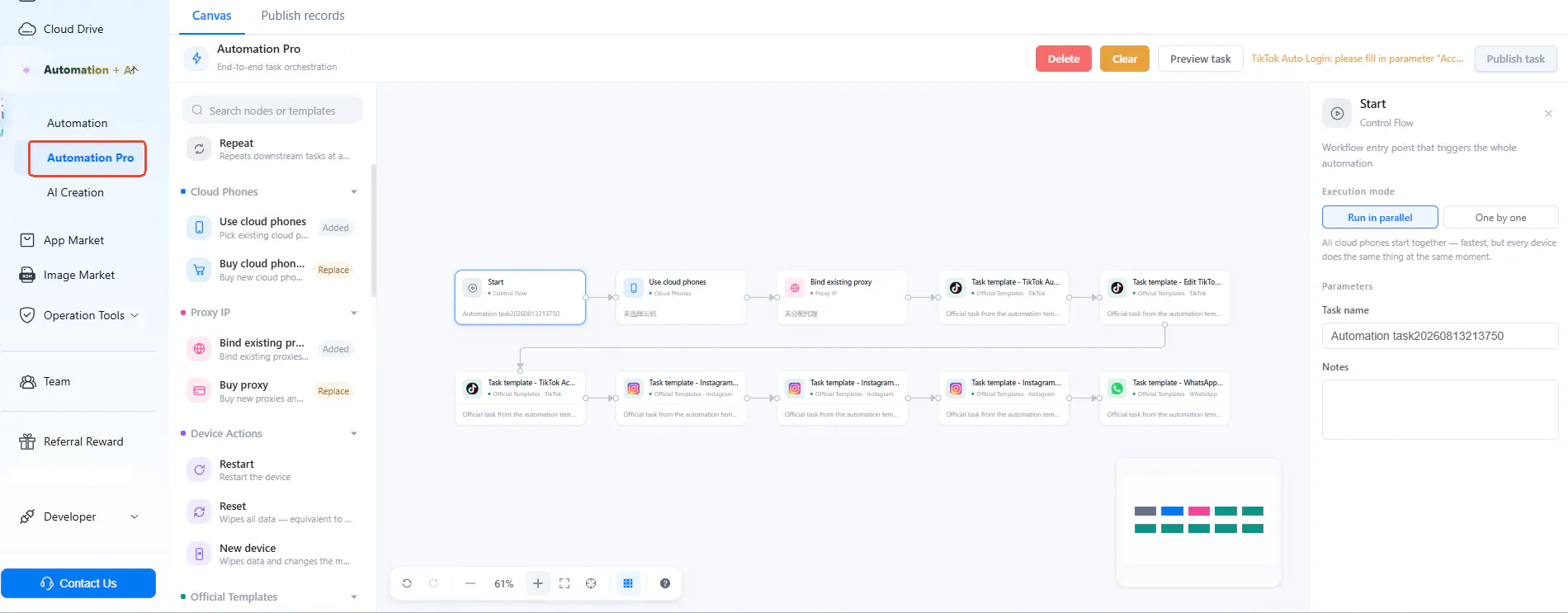
Find Automation-> Automation Pro on left-side bar.
What you can do with this feature?
Users can unify all actions above into a single automated pipeline—from buy devices, bind proxies to log into apps and warm up accounts, reducing manual efforts in.
Supports running multiple app automation tasks on a single device automatically, no human switch required.
You can run a task repeatedly, after that auto reset the device like a new one each time the task is end to lower the risk of detection.
FROM VMOSCloud Team:
Sorry for the wait, folks! ☕️
We’re back with some fresh product updates, and this one is all about supercharging your user experience.
Remember when you had to click around and switch through a dozen tabs just to handle simple tasks?
Say goodbye to that headache! We’re introducing Automated Pro Workflows—now you can just simple drag-and-drop in canvas, and then let VMOSCloud Agents handle all the tedious, repetitive operations on autopilot. You can literally kick back, pour yourself a fresh cup of coffee, and let the automation do the heavy lifting.
Hope you love this release as much as we do!
(Quick check: what time is it in your part of the world?)
Got feedback? Leave a quick note below—we're all ears!
Stay tuned :)
Replies
Be the first to reply
Have a question or a thought to share? Add a comment above to start the conversation.