

Record screen and edit in same app — or let your AI do it: product demos, tutorials and lessons
Hey, I am a solo maker of Screen Records Mac app.
If you need to record your screen often you know the problems: heavy recorders, monthly subscriptions, need to edit everything separately for each social, then generate captions in another app.
Many recorders are just inconvenient. I tried 9 and bought 1, because I thought making own one is not worth it.
But I had to do it anyway, since app I bought just didn't work right.
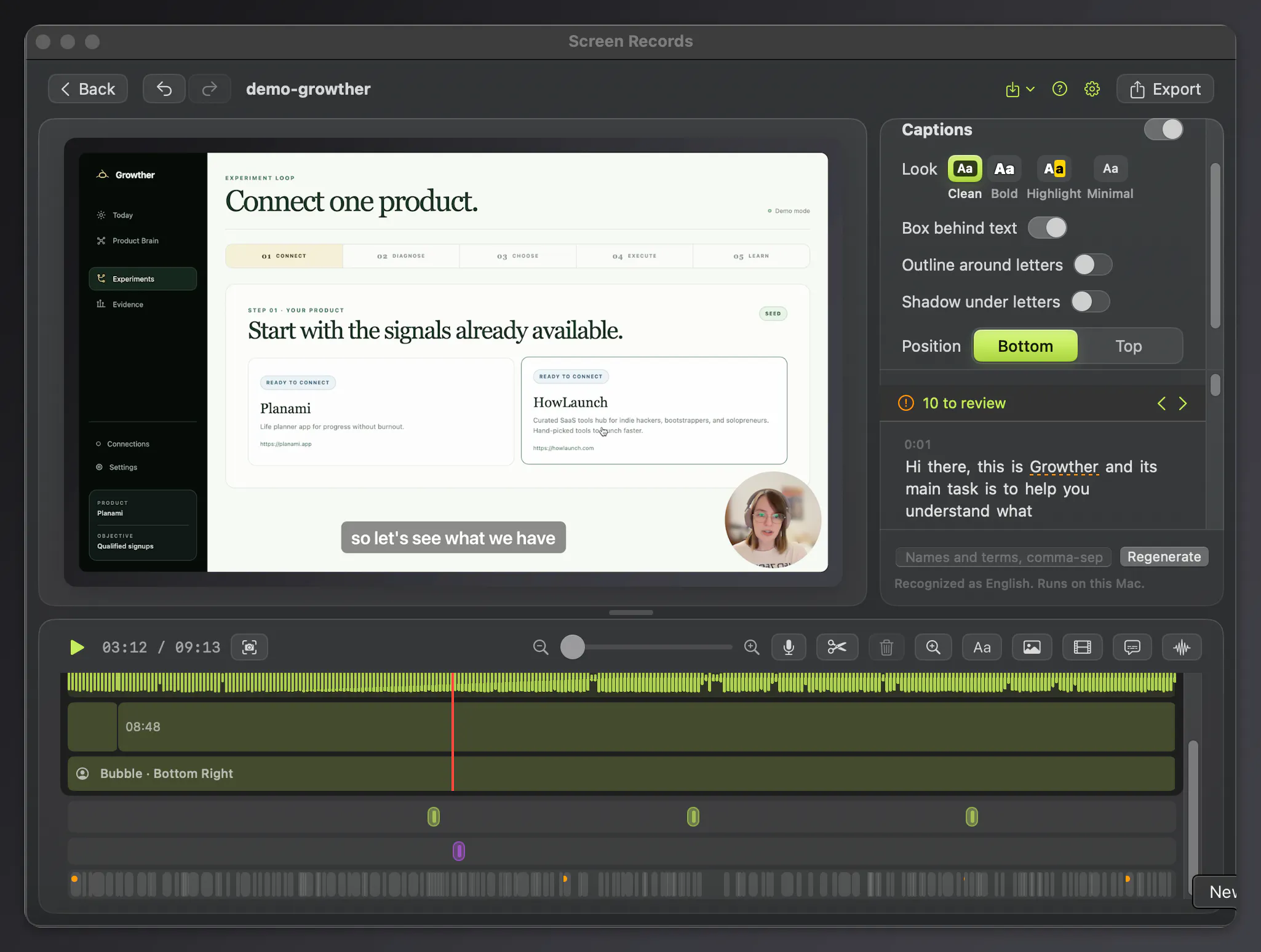
So now I'm building a lightweight native MacOS screen recorder with built in editor. One-time purchase. Nothing extra for captions and MCP for your favorite AI subscription to open projects, edit and export them in front of you. Plus a lot more nice convenient features you may expect from screen recorder.
Every change can be undone, app never spoils original footage. Every track can be edited separately (mic, video, voiceover, system sound, camera).
Zooms and background changes are in too. You can even paste media into recording, change places of video parts.
Give it a try: free version available and lifetime deal now is only $29.
Please share, what would make demo recording effortless for you?
Replies
Be the first to reply
Have a question or a thought to share? Add a comment above to start the conversation.