

I turned the MacBook notch into a Dynamic Island

Every MacBook since 2021 has a notch, and on macOS it does absolutely nothing. On iPhone, the same cutout became the most useful strip on the screen.
That gap bothered me, so I built Pulse Island, a native macOS app that turns the notch into a live, interactive island.
It ranked #10 globally on its Product Hunt launch, and 1.0 shipped yesterday, signed and notarized by Apple. I wanted to bring the story here because the idea was never the hard part. What the notch does to your design assumptions was.
WHAT LIVES UP THERE TODAY
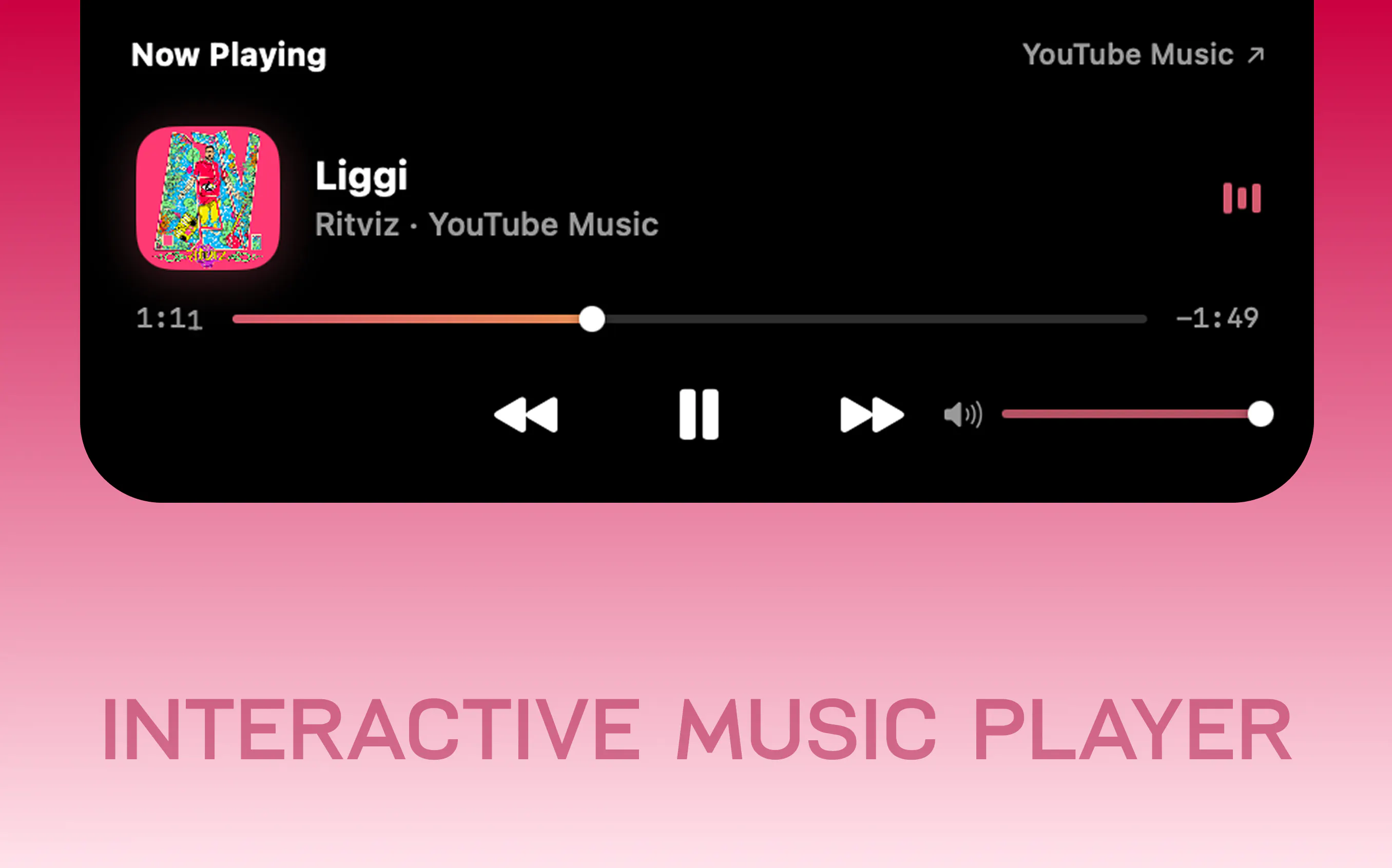
Now playing from Spotify, Apple Music, YouTube, SoundCloud or any browser tab, with artwork, scrubbing and volume
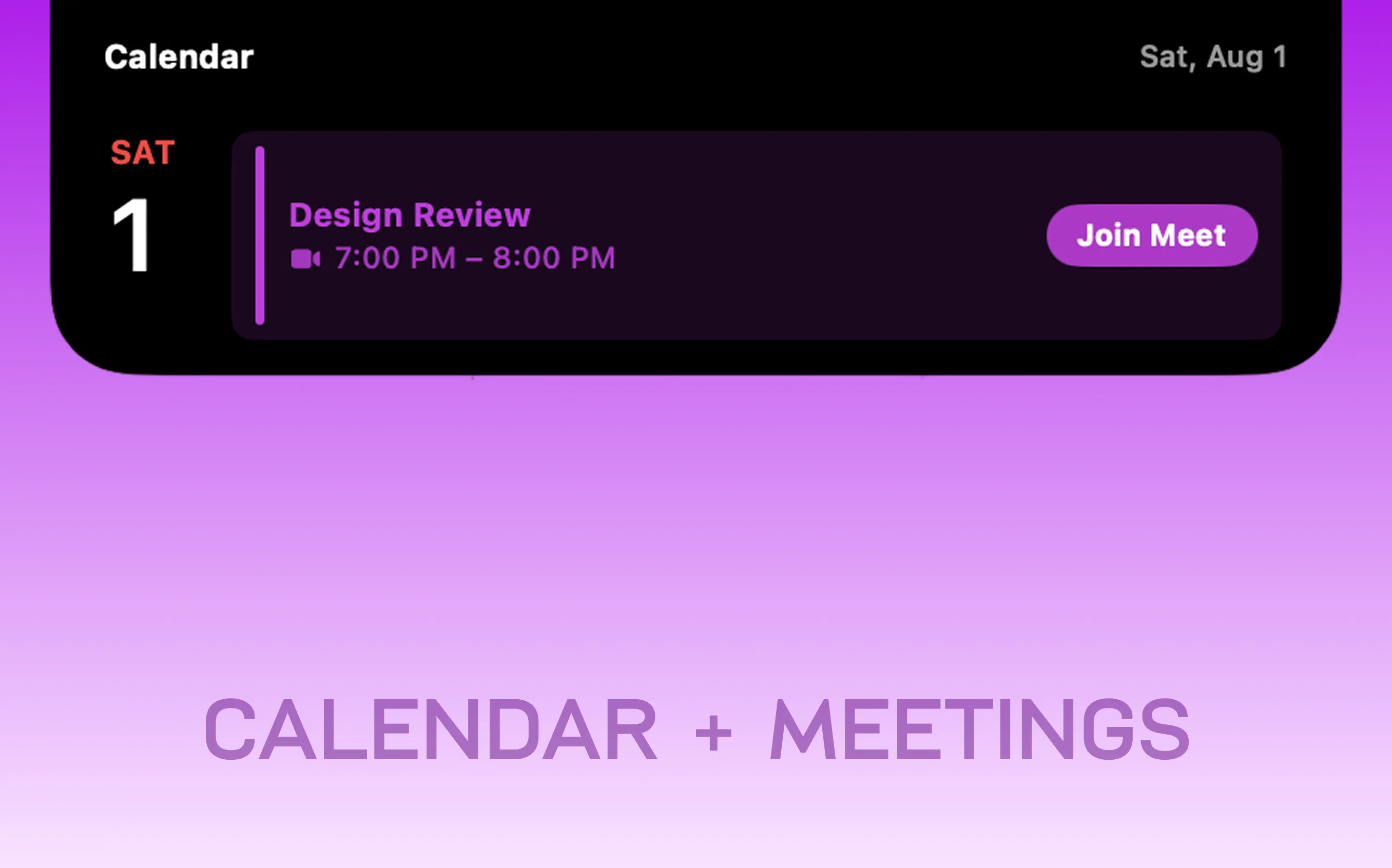
A live countdown to your next meeting, with a Join button that recognises Teams, Zoom, Meet and Webex
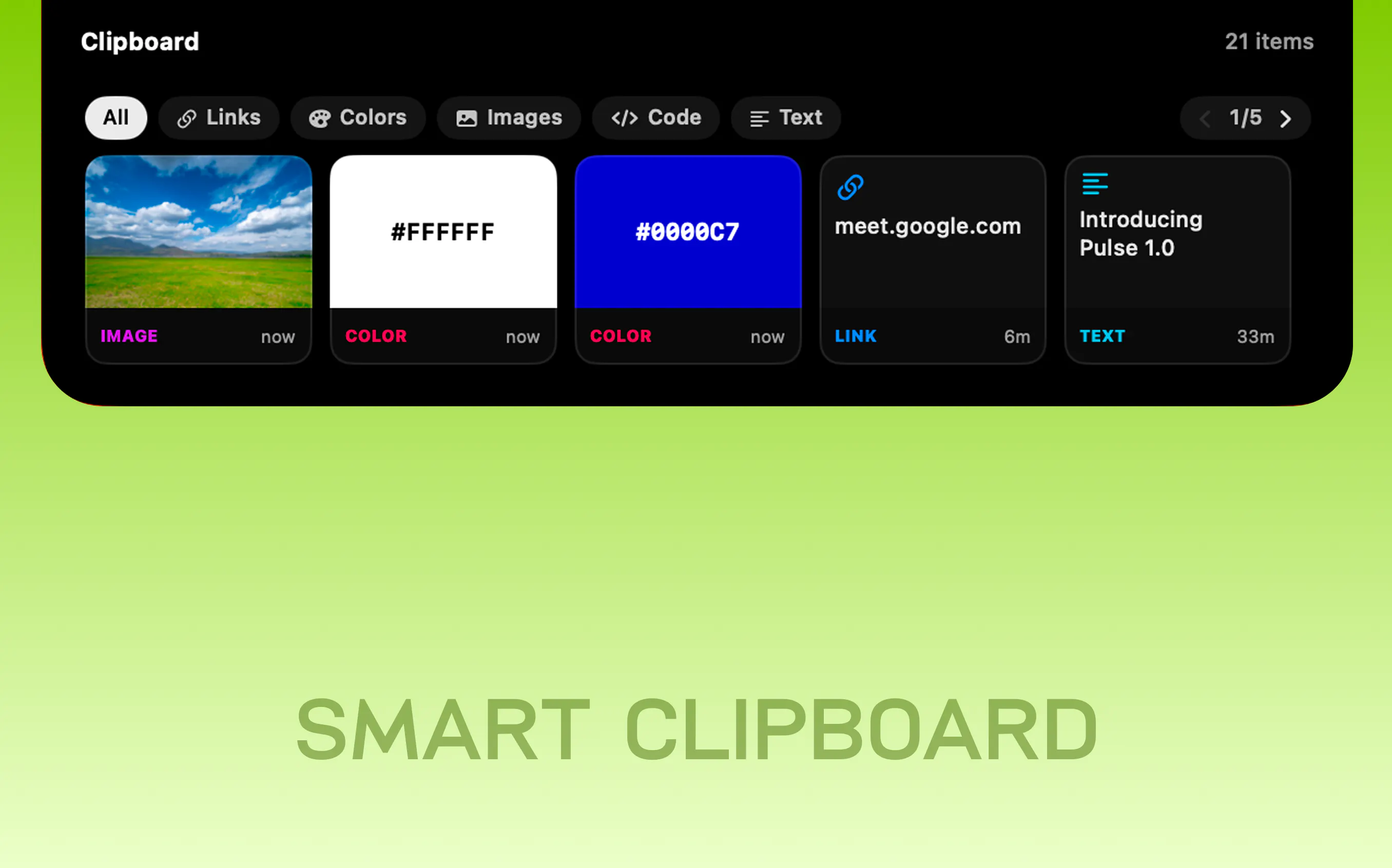
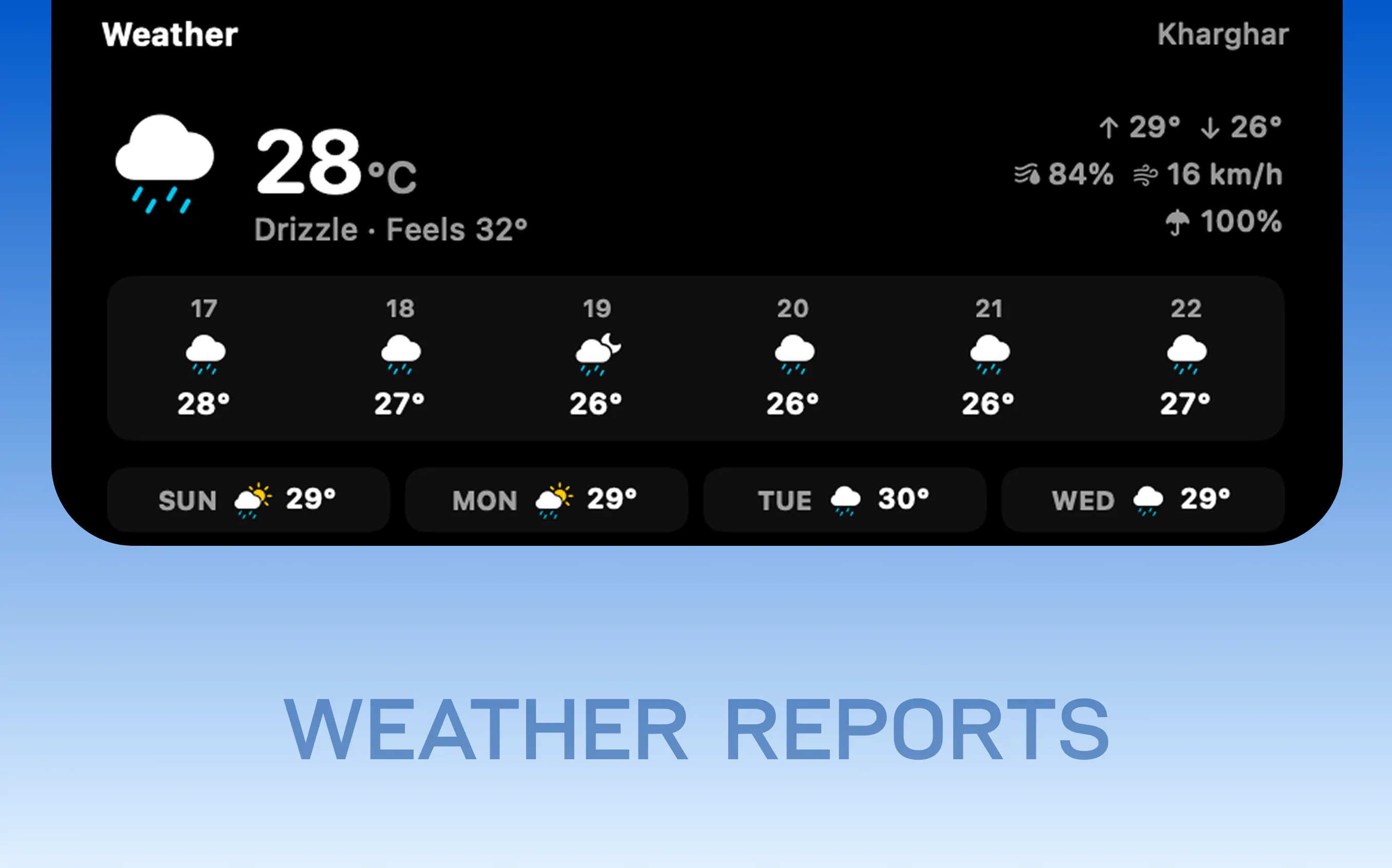
Clipboard history that shows a swatch when you copy a hex, a thumbnail when you copy a screenshot, and the host when you copy a link Weather with no key and no account to create
CPU, GPU, memory, network and disk as tiles you choose
Battery for your iPhone, Watch, AirPods and Magic peripherals
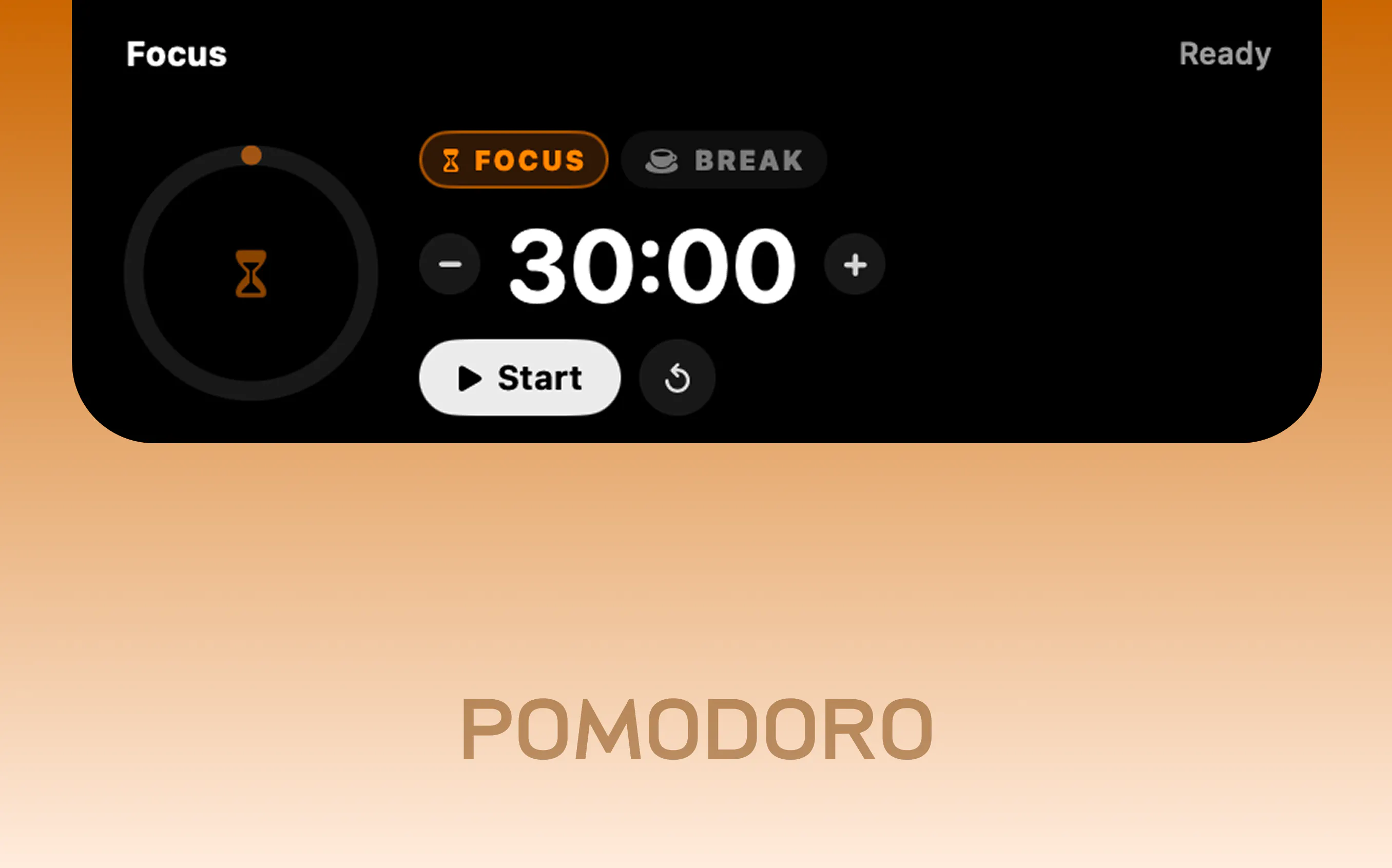
Focus sessions with breaks, on a ring that breathes
TRY HERE → https://www.pulseisland.club
🔥LAUNCH OFFER IS LIVE!
Replies
the clipboard history with swatches and thumbnails is the feature I'd actually use daily, but it's also the one I'd want to understand best before turning on. is that history kept purely local and cleared on a schedule, and does it get excluded automatically during screen shares or recordings? a notch widget quietly showing what you copied ten minutes ago in the background of a Zoom call is exactly the kind of thing nobody thinks about until it happens.
@omri_ben_shoham1 Good questions, and the second one found a real gap. All three answers changed today, in 1.0.2 with some other additions and fixes.
Screen shares and recordings: this was the gap, and it is added. While clipboard content or a one-time code is on screen, the island marks itself non-shareable and drops out of the capture stream. Every other card still records normally, so filming your own setup is unaffected. I checked by capturing the screen with it off and on: off, the copied text is sitting right there in the screenshot; on, the window behind shows through instead.
Clearing on a schedule: yes, and you pick it. Items can expire after five minutes, fifteen, an hour, four hours or a day. There is also a size cap of 10, 30 or 50, a Clear now button, and the whole history clears when you shut down or restart.
Local: it never leaves your Mac. No account, no sync, nothing sent to a server.
One thing that already worked: anything a password manager marks concealed never enters history. 1Password and the others tag copied secrets, Pulse skips them, so they never reach the card or even flash a toast.
Looking forward for you try and share the feedback!
the screen-share/recording auto-hide is the part I didn't expect - most clipboard managers just don't think about that at all until someone screenshots their own OTP by accident. skipping password-manager-tagged secrets entirely is a nice touch too, one less thing to remember to clear manually. going to grab 1.0.2.
@omri_ben_shoham1 hope you enjoy 1.0.2! I'd love to hear your thoughts 🙌🏻