

After iPhone and iPad, Kinship Vault finally feels at home on the Mac
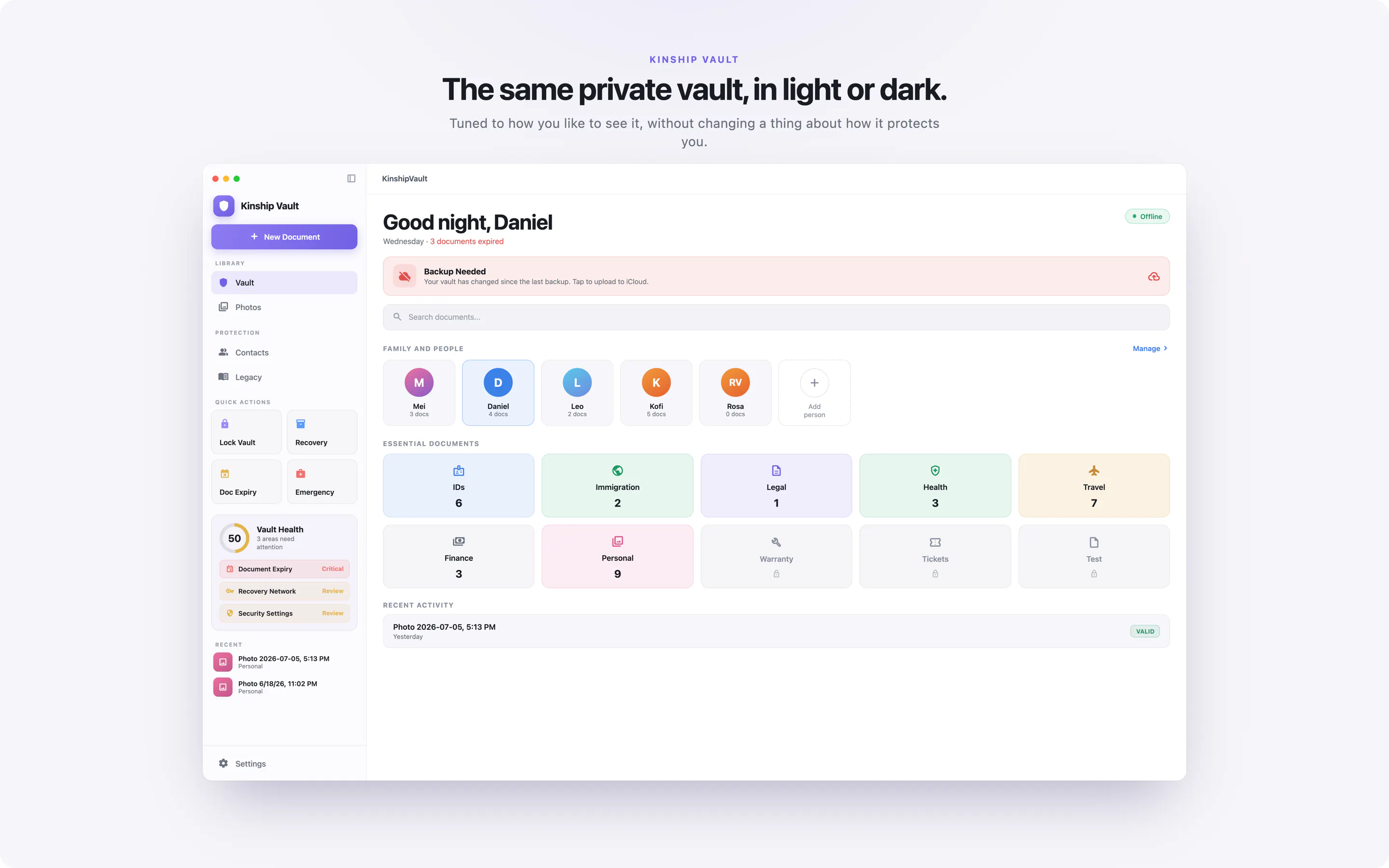
I've been building Kinship Vault for a while now. It started on iPhone, then iPad, and this week it finally became a real native Mac app. Proper Mac layout, light and dark modes, and your vault stays in sync across all three. I'm pretty happy with how it turned out.
Detailed tech write up on implementation : https://medium.com/@amabm18/i-built-a-document-vault-that-genuinely-cant-be-subpoenaed-1610837df625
What it is
A calm, offline home for the documents you'd hate to lose: passports, IDs, health cards, deeds, wills, and the photos that matter. You scan them and they're encrypted right there on your device, categorized by people or categories even you can customize. Nothing leaves unless you choose to turn on backup, and even then it's encrypted and locked to your key first.
Where it comes in handy
You're somewhere remote with no signal and need to pull up an ID or a reservation
You need to dig out a document to send your lawyer for an immigration case
You just want to keep the photo of the restaurant bill from a memorable first date
Your kid's vaccination card, the one daycare always asks for
Or the secret map to the time capsule you buried years ago :)
Why you might like it
Everything is locked with a key that's created and kept on your own device. It never leaves your Mac, and I never see it.
No account, no password, no email reset, because there's nothing on my end to reset
I can't open your vault, so a breach or legal request on my side turns up nothing
Lost your device? You get back in with a recovery phrase you write down once, or with the help of a few people you've chosen to trust
Moving a vault between your own devices is a one time quick QR scan that never passes through a server
Feel free to ask me anything about how it works in the comments. I'd genuinely rather answer the hard questions than dodge them.
You can also get bunch of details on https://kinshipvault.app
Replies
Be the first to reply
Have a question or a thought to share? Add a comment above to start the conversation.