

See your website change before it goes live - Ovren Live Preview, October 22

Hi everyone,
In April we launched Ovren here and finished #4 Product of the Day. The question we heard most since: "The change is ready, but how do I know it looks right before it goes live?"
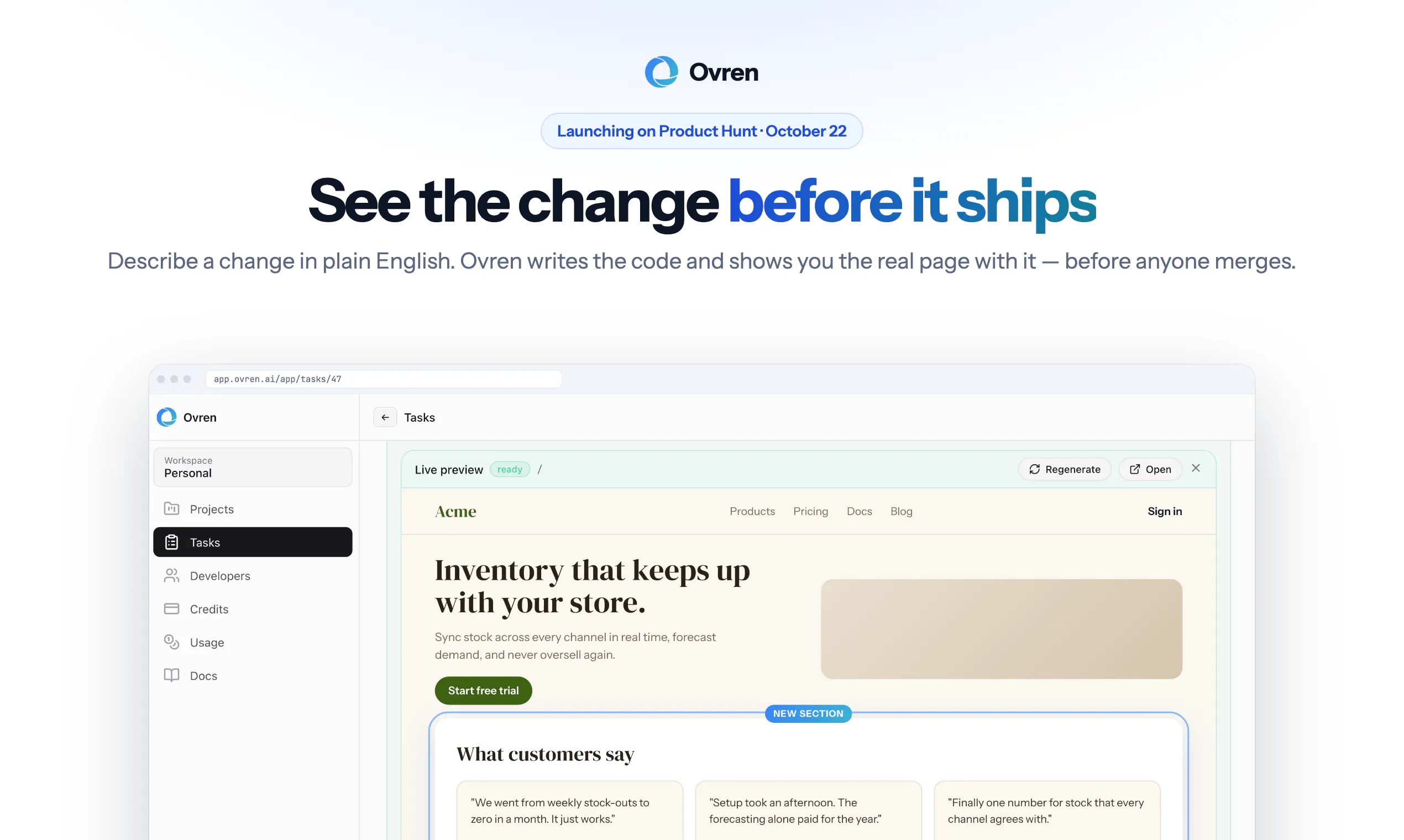
On October 22 we're launching Live Preview.
Describe the change you want in plain words, like "add a customer reviews section under the banner." Ovren makes the change on a safe copy of your website or app and shows you the result: your real page, with the change on it. Click around it like a visitor would. If it looks right, approve it and your team publishes it. If not, send it back with a note.
Nothing to install or set up on your side.
One note: Live Preview works for anything you can see on the page. Changes behind the scenes still come with a plain-language report of what was done.
Two questions before launch day:
- What's the first change you'd want to see on your own site before it goes live?
- What would make you comfortable approving a change without asking a developer to check it?
Thanks,
Mikita
Replies
Good that you wrote down the limit, that behind-the-scenes changes get a report instead of a preview. Makes the rest easier to believe....
@mishaal_rashid @mishaal_rashid Thanks. We learned that one the hard way: an early version of our homepage said "preview of every change," and it wasn't true for backend work, so we changed the sentence rather than the product. Out of curiosity, what's the first change you'd want to see on your own site before it goes live?
@mikita_aliaksandrovich I’d start with the hero banner text. It’s the first thing visitors see, so I’d want to check it looks right before it goes out.. And I like that you fixed the sentence instead of the product. That says a lot!
This sounds useful especially for small chnages where you just want to check how everything looks before publishing. Can you test things like buttons and forms in the preview too or is it mainly for checking the design?
@luke__nick Yes, it's a working copy of the page, not a screenshot, so buttons, links, menus and form fields all behave like the real thing: you can click, type and move through the flow. The one line is what happens after you hit submit. Anything that saves data or sends an email runs behind the scenes, so that part comes with a written report rather than something you watch happen in the preview. In practice: you can check that the form looks right, validates right and goes where it should; your developer confirms where the data lands.