

NotchDodo now keeps your Mac awake while AI agents work 🦾

Hey makers 👋
NotchDodo now keeps your Mac awake while your AI agent works, then puts it to sleep once the job is done and you're away.
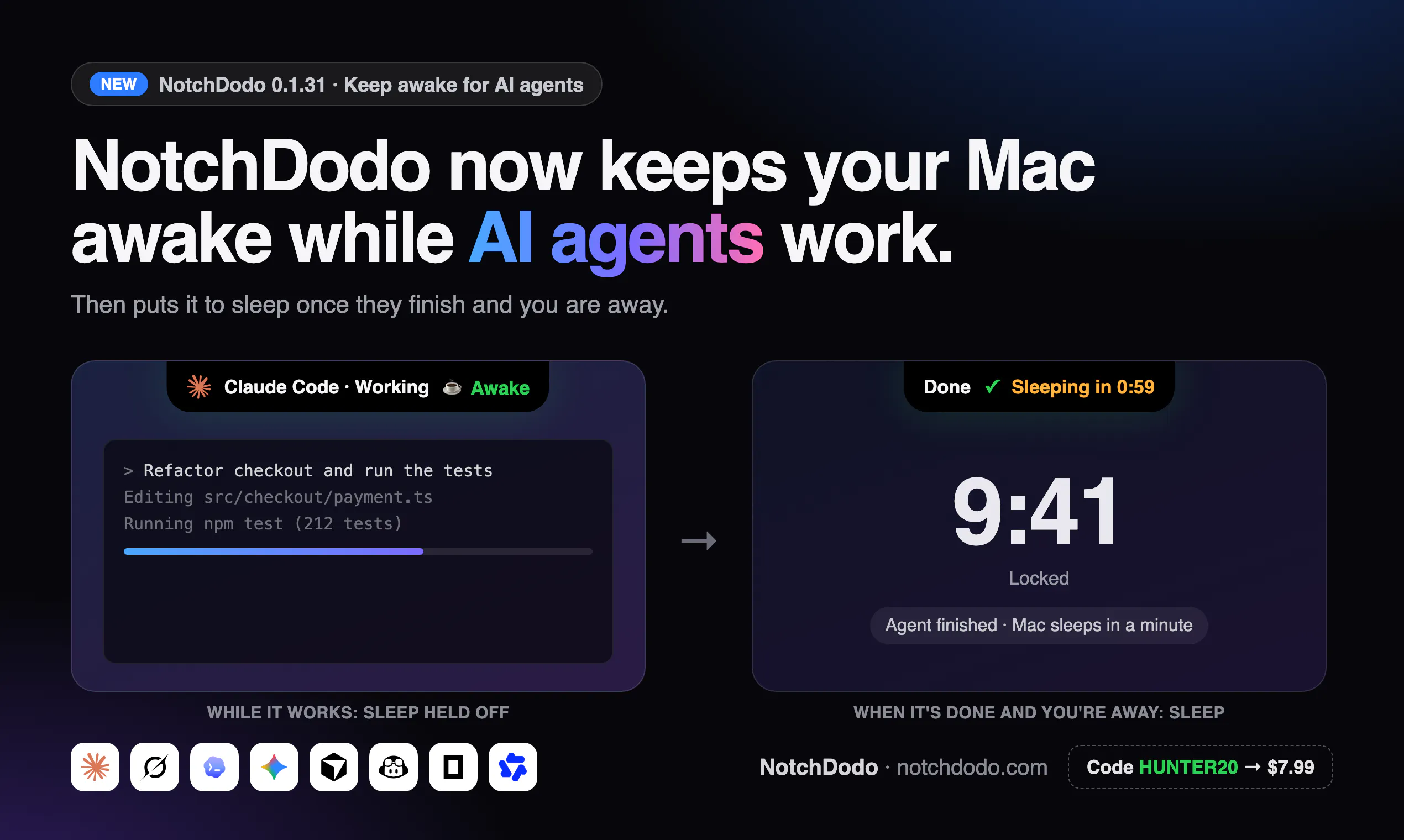
The new feature includes:
☕ Awake only while an agent is working. It recognises Claude Code, Codex, Gemini CLI, Grok, Cursor Agent, Copilot CLI, Aider, OpenCode, Amp, Qwen Code, Goose and more. It also covers the Grok Bot, Claude and Codex desktop apps.
😴 Sleeps when the work is done. If your Mac is locked when the agent finishes, NotchDodo puts it to sleep a minute later. Unlocking or starting a new prompt cancels that.
🖥️ Only system sleep is held off. Your display still turns off and the lock screen still works, so your Mac stays private while the agent works.
🔋 Battery floor. On battery it stops holding the Mac awake below 15%, or a level you pick.
🟢 Always visible. A green cup in the notch shows when your Mac is being kept awake, and why.
You don't need any setup or a terminal command. It looks at real activity (CPU use and session updates), so an idle Claude window or a forgotten terminal won't keep your Mac awake.
You can try it in your browser first. The page has an interactive demo where you lock the Mac mid-task and compare what happens with and without NotchDodo:
👉 https://notchdodo.com/keep-mac-awake-ai-agents
This is one of 18 tools in NotchDodo, along with live Claude Code usage limits, a full clipboard manager, calendar, timers, media controls and more, all in your MacBook notch.
🎁 Hunter deal: code HUNTER20 → $7.99 lifetime (normally $9.99). That's a one-time payment, it works on 2 Macs, and future updates are included.
Replies
Be the first to reply
Have a question or a thought to share? Add a comment above to start the conversation.