

⬅️ Lancetta 0.66.0 — Settings that says where you are
by•

Lancetta 0.66.0 is out ⬅️
Settings now tells you where you are 👇
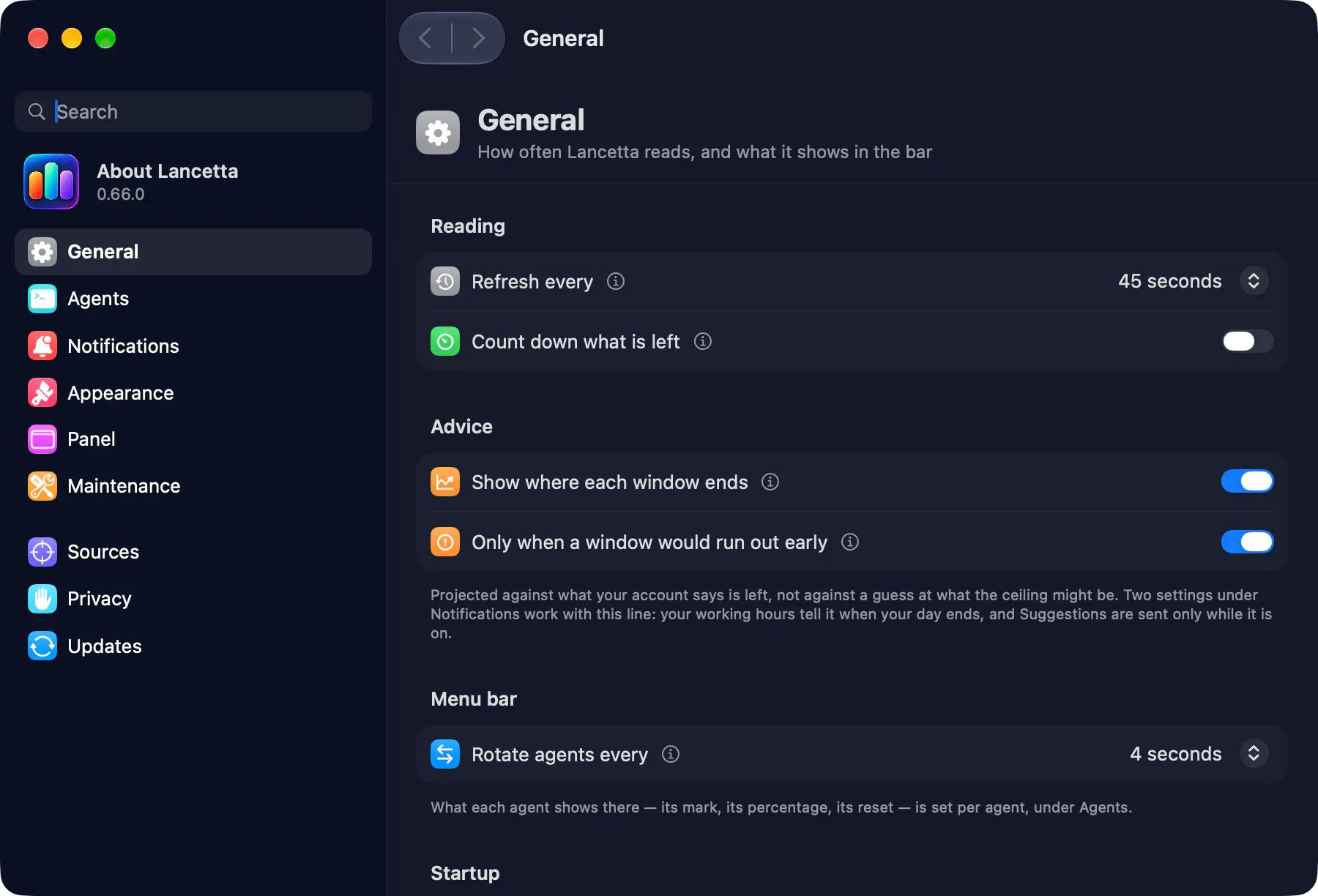
🧭 The pane's name sits beside the back and forward arrows, as in System Settings
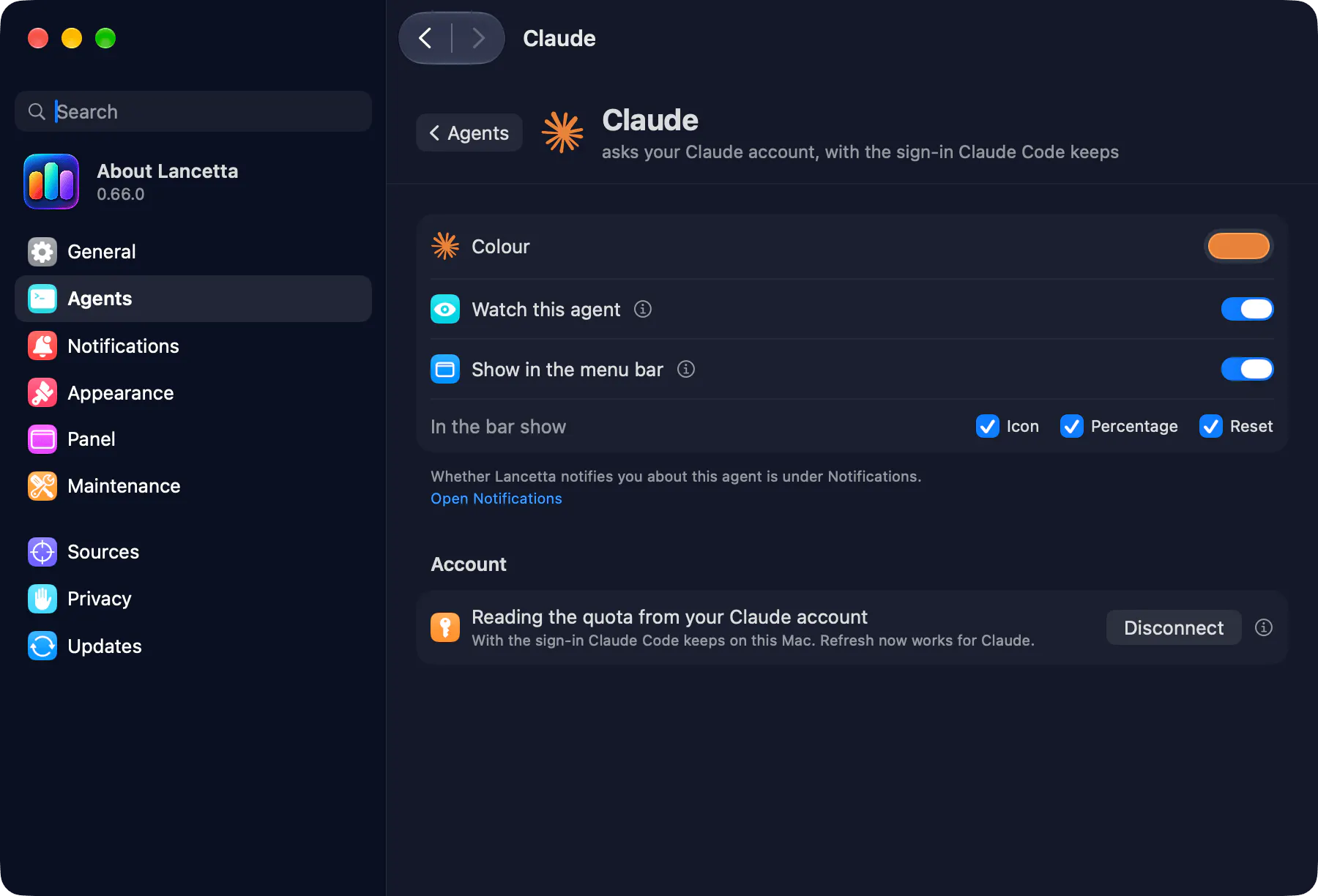
🤖 On an agent's page, it's the agent's name (Claude, Codex)
🪟 It's the window title too, so the Window menu knows where you are
🙈 No more sidebar hide button: the sidebar is how you get around
⌨️ And keys to walk it:
• Go → Back / Forward: ⌘[ ⌘]
• Edit → Search: ⌘F, to find a setting by name
• Shown in your keyboard's own keys (⌘ò on an Italian layout 🇮🇹)
👉 Try it / see what's new: https://lancetta.app
💬 Questions and ideas: https://discord.gg/rdWu5yFCR6
▶️ Videos: https://www.youtube.com/@Lancetta-app
What else should be one keystroke away? 👀
2 views
Replies
Be the first to reply
Have a question or a thought to share? Add a comment above to start the conversation.