

When a number moves, where do you actually go to find out why?

Genie, our AI Analyst, can already tell you what changed in your numbers. It's never been able to tell you why, because the why almost never lives in Databox.
Revenue drops 8%, and the real reason is a stalled deal in HubSpot, a pricing objection buried in a Slack thread, or a support ticket nobody flagged. Right now, finding that out means leaving your dashboard, opening three other tools, and piecing it together yourself. Every time.
Next week, we're launching MCP Connectors. Connect your CRM, Slack, support desk, or any MCP server, and your AI Analyst gets that same context, right inside the conversation. Ask why a number moved, and it points to the actual deal or thread behind it, not just the number.
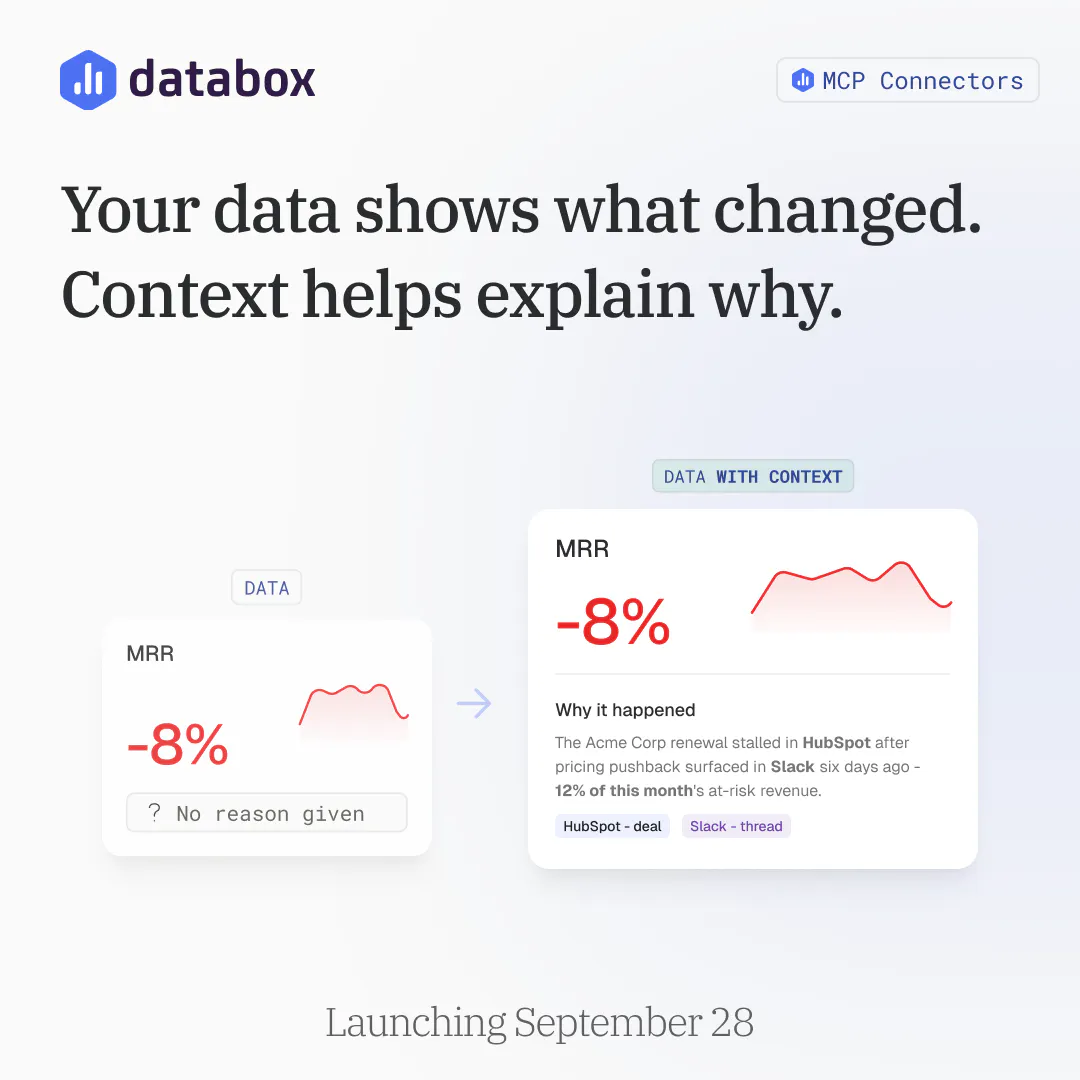
Before we launch, genuinely curious: when a metric needs explaining, where do you go to find the answer? CRM, Slack, a spreadsheet, or just someone's memory?
Replies
This is where AI analytics starts becoming genuinely useful. Connecting the numbers to the deal, conversation, or ticket behind them is a real step forward. Looking forward to the launch!
@aruna_polosofttech Thanks Aruna! That's exactly the gap we built this to close. Once a tool is connected, our AI Analyst doesn't just flag that a number moved, it goes and finds the actual deal, thread, or ticket that explains it. Would love to hear what tool you'd connect first if you gave this a try.
How accurately can AI identify the real reason behind a metric change?
@shivam_kushwaha16 Good question. It's not guessing, it's reading. Once you connect a tool, our AI Analyst looks at the actual deal, thread, or ticket tied to the account or campaign behind the number, so the explanation comes from a real record, not a pattern match. It's only as complete as what you've connected though, if the real reason lives in a tool that isn't hooked up yet, it won't find it. That's actually the thing we're most curious about from early users: how often it lands on the right reason.
for us it's almost never a business tool, it's the deploy log. when call quality or escalation rate moves on the voice side, the first thing anyone checks is whether we shipped something in the last 24 hours, then the carrier status page, then the specific customer's config if it's isolated to one account. the "why" almost always lives closer to infra than to CRM for us. curious whether MCP Connectors is aimed mostly at business-context tools like HubSpot and Slack, or whether something like a deploy/incident log or an infra status feed could also be a connector source, since for some of us that's actually the more common place the real explanation is hiding.
@galdayan Really good question, and honestly not the primary case we designed for, but it should work. Pre-built connectors today are the usual business tools (HubSpot, Slack, Notion, Asana), but custom connectors work with any MCP server, so if your deploy log or incident feed can be exposed as one, you can connect it the same way. If it's not there yet, that's a solid argument for building it. Would love to hear more about your setup, feel free to DM me, curious how infra-heavy teams end up using this.
@zigapotocnik good to know it'd work with any MCP server, that's the part that matters most for us. our deploy/incident logs aren't exposed as one yet but this is a decent nudge to actually do it rather than keep it on the someday list. might take you up on the DM once we've got something worth showing.
Before looking for a business reason I would check whether tracking or the metric definition changed
Then split the drop by account or channel
A Slack message can explain one lost deal without explaining the whole drop