

BrickSolvr v1.2.0 - brick building that feels hands-on


Brick builds are hard to read on a flat screen.
A piece can hide inside a layer. A weak spot can stay invisible until you pick the build up. And one enthusiastic camera move can fling the whole thing off-screen.
v1.2.0 improves all of that. It's about making the build feel like it's already in your hands: pick out any brick, see exactly what your collection can't cover, and glide around the build without losing it.

Lift any brick out of the build
Hover a brick in the step-by-step guide and it floats up out of its layer.
You see its size, its color, and exactly where it sits — without losing your place in the build.
See what your bricks can't cover
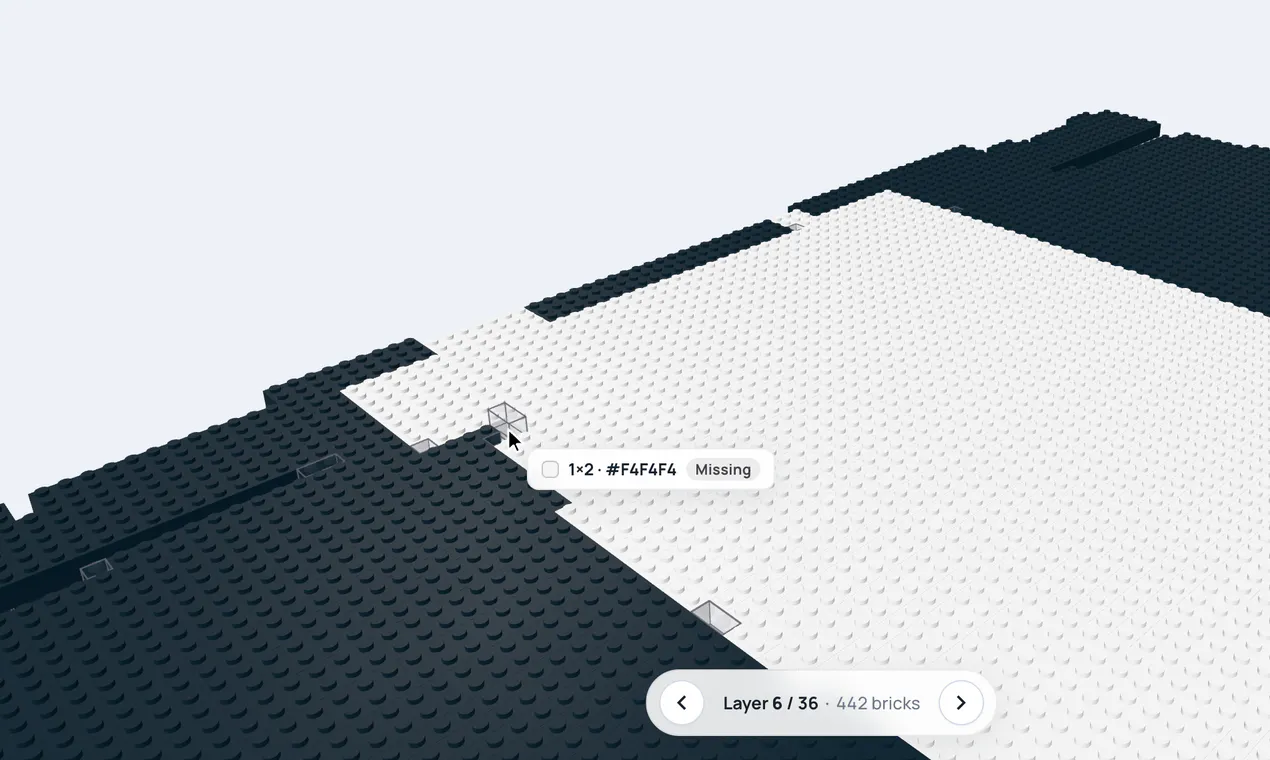
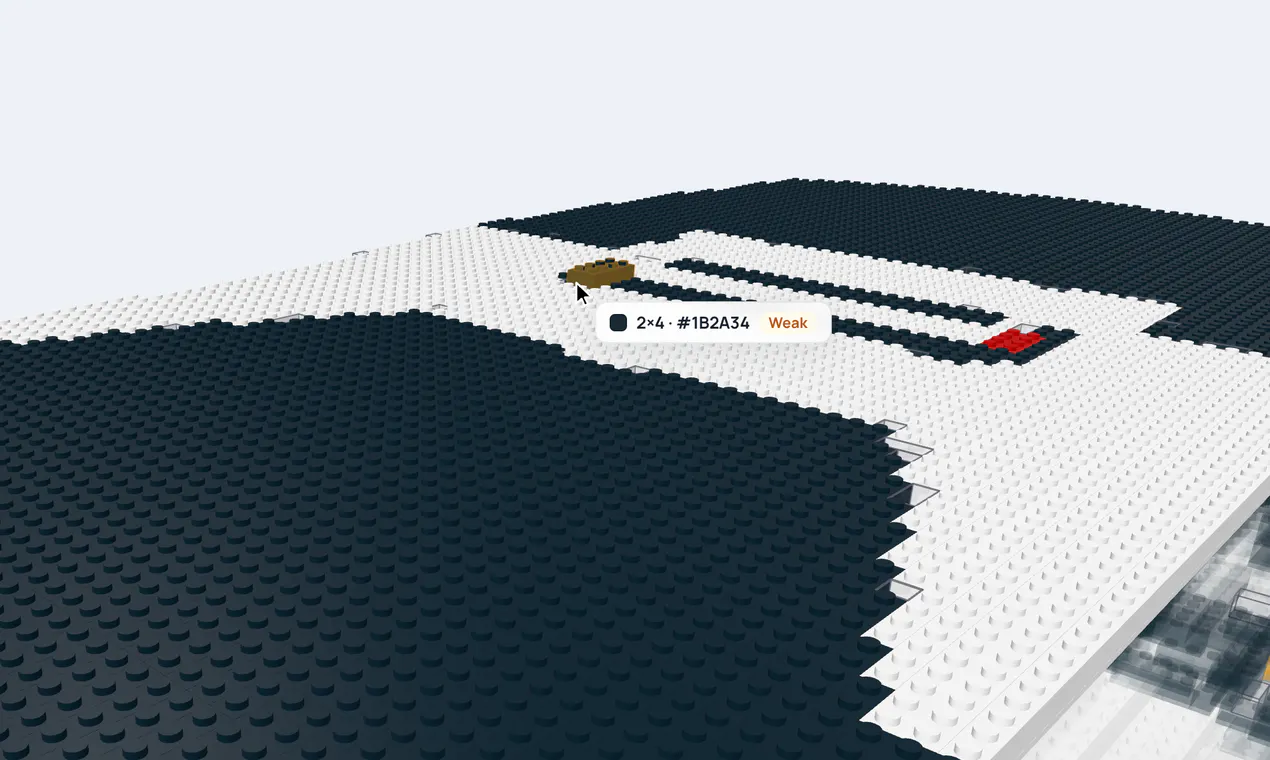
BrickSolvr always aims for a design that holds together. But when you limit the brick sizes to match your own collection, sometimes there's no perfect fit.
Now the guide shows you exactly where:
Pieces you can't place appear as see-through outlines.
Weak spots are shown in amber.
Hover either one and it lifts out with a plain Missing or Weak label.
You know what to add, swap, or reinforce before you snap the first brick on.
A camera that keeps up
Moving the build now feels smooth and direct — it follows your cursor closely while you drag, then glides to a stop when you let go.

And if your exploring gets a little too enthusiastic, Reset view brings everything back home in one click.
Give the build the whole screen
One click on Full screen clears everything else away, and the brick design takes the stage — front and center.
Lovely for reading a dense layer, following the guide, or just admiring the little thing you made.
Help that speaks your device

Trackpad at your desk. Phone on the couch. A headset in the workshop.
The camera guide now shows instructions for the device actually in your hands — mouse, trackpad, phone or tablet, Quest, and Vision Pro. No more translating mouse steps into gestures.
BrickSolvr v1.2.0 is live at https://bricksolvr.com.
Which of these updates are you most excited to try?
And this is just the beginning — more updates are on the way.
Stay curious, stay tuned. 👀
Replies
Be the first to reply
Have a question or a thought to share? Add a comment above to start the conversation.