

Published Arkida - Free Instant Mockups

Hello everyone!
I've just published another product on Ark family. It is Arkida. Browser extension for chromium based web browsers to create mockups.
https://nabeelhashmi.com/products/arkida
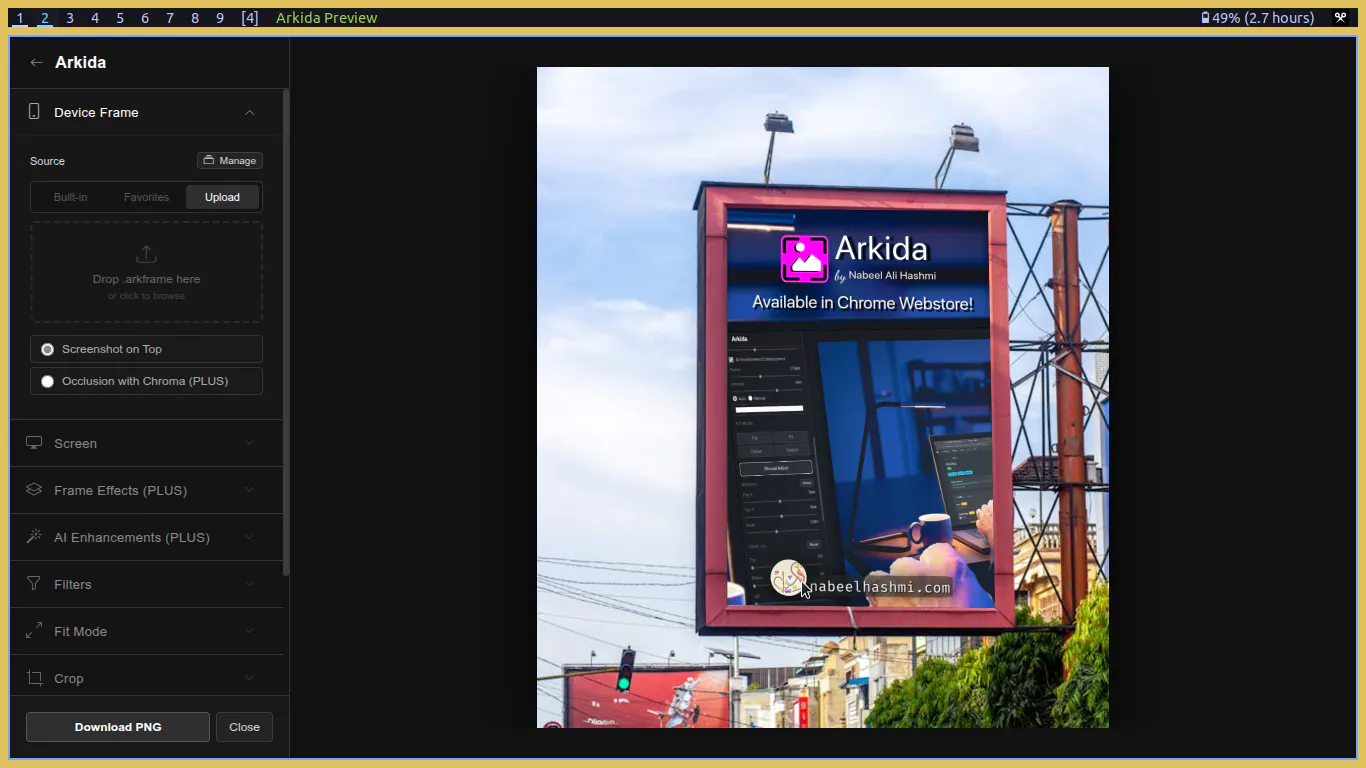
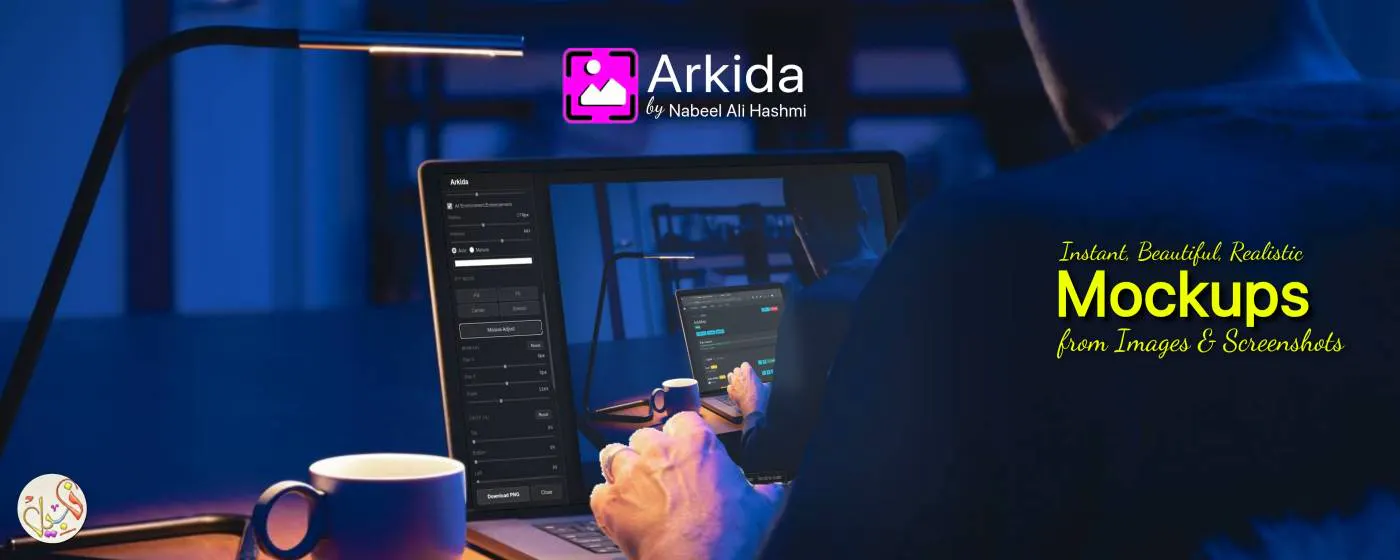
Arkida is a powerful browser extension that transforms your screenshots and images into professional product shots, scene mockups, and presentation-ready visuals right inside Chrome.
With advanced 4-point perspective warping, realistic scene occlusion, AI enhancements, and batch processing, Arkida goes far beyond basic frame overlays. Everything runs locally for complete privacy—no uploads, no accounts, no data leaving your device.
KEY FEATURES
4-Point Perspective Warping: Map your screenshots onto any angled monitor, tilted phone, or real-world surface with a high-performance homography engine. Keeps your content crisp and sharp at any angle with zero artifacts.
3D Rotation: Tilt and rotate your entire mockup in 3D for dynamic viewing angles.
Scene Occlusion: "Scene on Top" technology lets your screenshot sit naturally behind hands, fingers, objects, or other elements in the photo for authentic, photo-realistic results.
Built-in SVG Device Library: High-quality vector frames including modern iPhones, Androids, tablets, laptops, desktop monitors, browser windows, and OS styles. Razor sharp at any resolution.
Precision Controls: Pan, zoom, crop, and position your screenshot inside the frame. Smart fit modes and a precision zoom loupe for pixel-perfect alignment.
AI Enhancements: Add realistic screen glare and environment glow (light spill) that makes mockups look like actual photographs.
Stackable Filters: Layer professional artistic filters for cinematic or branded looks.
Custom Frame Creator: Turn any photo into a reusable mockup with AI screen detection, chroma key removal, and manual eraser tools. Save as .arkframe files.
Online Frame Repositories: Connect to community and official galleries to expand your library instantly. Download, pin, and reuse frames easily.
Instant Scene Sourcing: Search and import royalty-free images directly from Unsplash, Pexels, and Pixabay.
Frame Effect Layers: Add adjustable shadows, blur, and overlays for extra depth and realism.
High-Resolution Export: Save as PNG (lossless), JPG, or WebP with transparent background support.
POWER USER TOOLS (ARKIDA PLUS)
Instant Batch Processing: Apply the same frame to dozens of images at once and export everything in one organized ZIP file.
Capture All Open Tabs: Screenshot every tab with a single click.
Multi-Image Upload: Process multiple files simultaneously.
Save up to 20 favorite frames for instant access.
PRIVACY FIRST
All processing happens locally in your browser. No cloud, no tracking, no sign-up required. Your screenshots never leave your device.
Elevate your screenshots into portfolio-ready visuals in seconds. Install Arkida now and start creating stunning mockups instantly.
Crafted by Nabeel Ali Hashmi
Replies