

Arkida Updates - Frame Repository is Online
by•

Hi everyone!
First repository for Mockups in Online! Here is how to use it in Arkida:
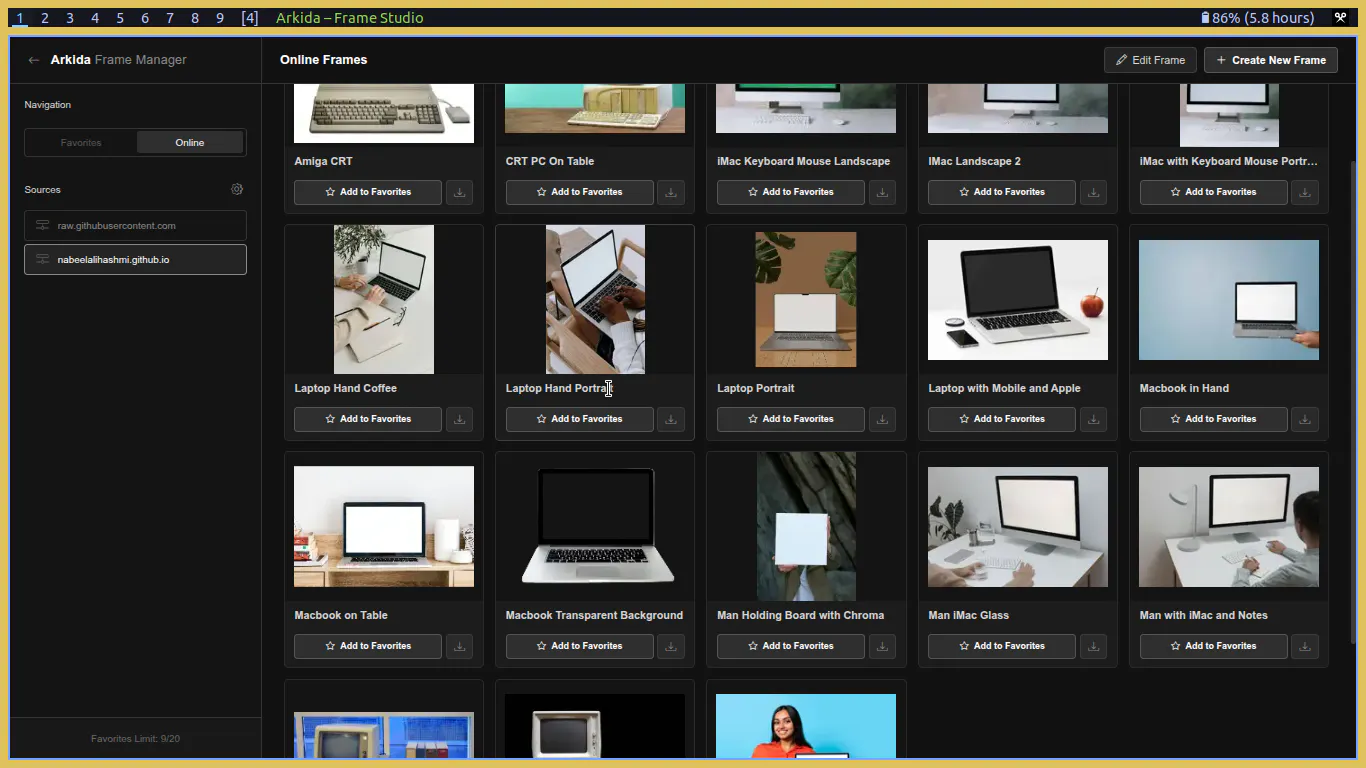
Open Arkida and click Manage Frames. If Arkida is not installed visit https://nabeelhashmi.com/products/arkida and click on Install button. It will open Chrome Webstore link and from there, install it in your browser.
Click on "Online" tab in navigation
Click on gear icon in front of "Sources"
Open https://nabeelhashmi.com/products/arkida/repos/ and copy the repo link from here.
Paste the link in text box in Arkida sources and click on + button to add it.
Now you can add frames to favorites or download them to disk.
Thank you!
34 views
Replies
Be the first to reply
Have a question or a thought to share? Add a comment above to start the conversation.