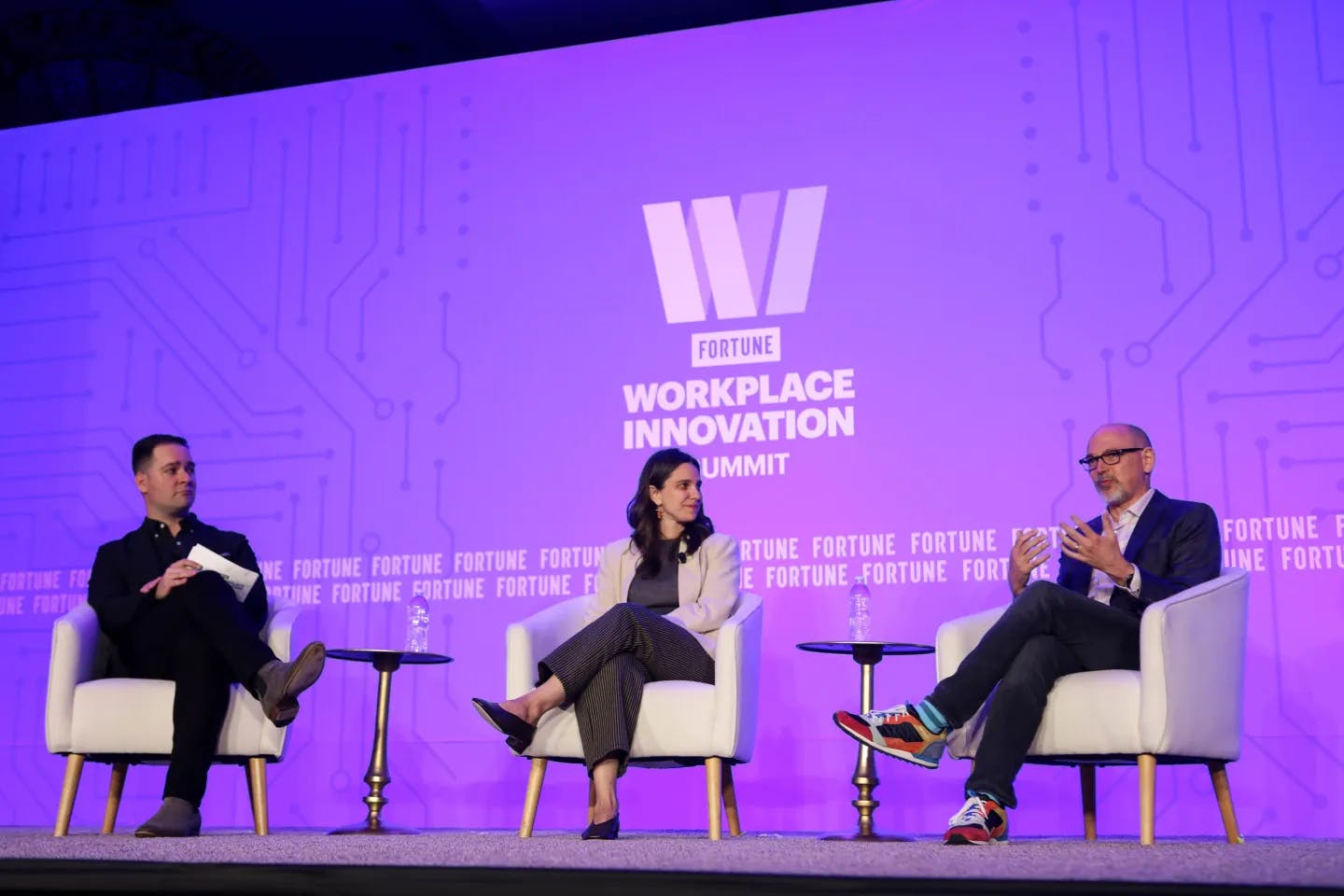
I have been thinking a lot about how AI is quietly transforming the way we work, not replacing jobs entirely, but definitely reshaping them.
At a recent Fortune summit, the CEO of Indeed said AI can now handle over half the tasks in most roles. But no single job can be fully automated. OpenAI s Chief People Officer even called it a reimagination of work.
We're drowning in dashboards. Impressions, click-throughs, followers, reach, saves, shares but not all things are equal. Telling, is there a metric you're meant to be keen on, yet in actuality, you're not? Maybe you: Don't care about likes but are ridiculously fixated on replies Track shares but never take the time to check reach Are concerned about DMs only because that's where the magic happens We're building a social tool on the social web and taking a lot of time deliberating about what's truly important, and what just looks good on a chart. Would be great to hear your own opinion regarding what you're paying attention to (and what you're not).
Now, the trend seems to be growing. As companies focus on cutting labor costs and investing in AI tools, entry-level opportunities are shrinking. There s a concerning rise in unemployment among fresh graduates. It s not just about automation, AI investments may be crowding out budgets that were once reserved for hiring and training new talent.
Prompting is everything in the age of vibe coding. Knowing how to guide AI precisely and efficiently is the key to getting the results you want. Today, I m sharing some of my favorite prompting tips, plus a handy cheatsheet I put together.
Prompting Tips That Actually Work
Be spatially specific. Use keywords like "left", "right", "centered", "aligned to bottom", "spaced evenly" to help the model place elements correctly.
Mention device behavior. If it should behave differently on mobile vs desktop, say so. Ex: "stacks on mobile, grid on desktop".
Use visual vocabulary. Mention familiar UI terms like "modal", "toast", "card", "hero section", or "split view" to tap into known design structures.
Give UX intent. Add the why: "Add white space for readability", "Add a hover effect for feedback", "Use a progress bar to show completion".
Sequence your ideas. For complex prompts, list in steps: "First, add a header. Below that, place a form with two inputs...". AI loves structure.
Say what not to do. If you want to avoid scrollbars, animations, shadows, etc., say so.
Don t forget empty states. Great design considers what happens when nothing is there say "show a placeholder when list is empty".
Test prompt variants. Swap words like "tile" vs "card", "modal" vs "popup" to see which gives cleaner structure.
Use active voice. Start with a verb: "Add", "Place", "Make", "Create", "Animate", "Style". It helps guide generation.
If anyone went through the situation of having lost everything, would love to hear about your story on how you got back on track! If not, would still love to hear about your hypothetical approach.