
Termi Protocol
Watch your AI coding agents build, live in 3D
294 followers
Watch your AI coding agents build, live in 3D
294 followers
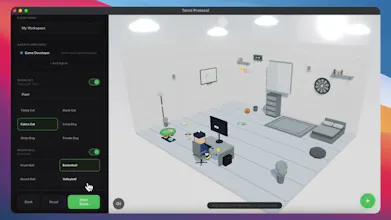
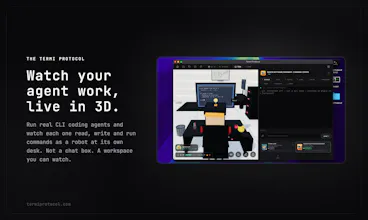
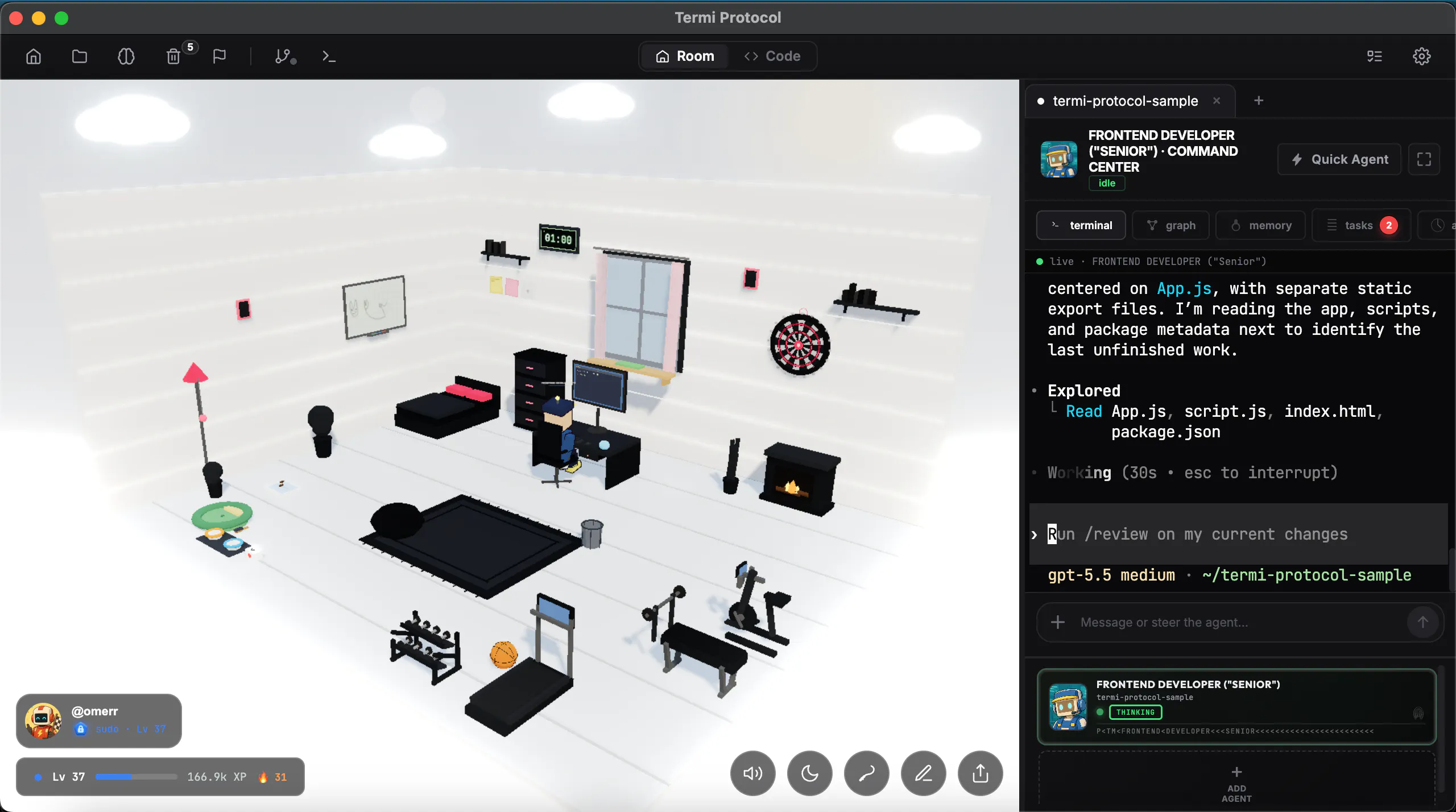
The Termi Protocol is a 3D simulation of AI agent workflows. Give your coding agents a face, a desk and a living room. Watch them read, write and run commands live in 3D, like a game. You run the agents; we visualize the process.


watching agents work in 3d is genuinely fun. i stared at agent logs for years and they never showed intent. does the view hint at why, not just what?
Termi Protocol
@andrewzakonov
Exactly, that is the idea.
When a project grows, managing agents through terminal logs becomes harder. With Termi, I wanted to make the process more fun, but also make real problems easier to see.
For example, if an agent hits a bug or has an issue with the file it is running, the robot can shake, make a small alert sound, and show a red warning above its head. Then the issue is added to the history section, where you can see what happened and why.
So the goal is not only to show what the agent is doing, but to make its state and problems easier to understand.
the little office setup is weirdly charming, watching my agent pace around the room while it ran tests actually made debugging feel less painful. would love a way to peek at the full command output without losing the 3d view though
Termi Protocol
@blahgeputc93775
Thank you for the great feedback, I really appreciate it.
And yes, that exact feature is already in Termi. The Command Center on the right side is built for this. You can keep the 3D project scene in the center, while checking the full command output and agent details without leaving the room view.
The bottom section also lets you inspect your other Termis and follow what each one is doing. I tried to design it so the visual layer stays fun, but the technical details are always one step away when you need them.
The idea is really fun! Now I wonder - how deep it is connected with real activity of agents. Will it help to get visual signal that something is going wrong and can user control agents through those 3D models, or they are working only one side, just visualising the process?
Termi Protocol
@julia_shtogren
Thank you Julia, great question.
Right now, Termi is connected to real agent activity and visualizes things like reading files, writing code, running commands, and permission states.
It is not just decorative. When something goes wrong, the user gets a negative sound alert, a red warning appears above the agent, and the agent shakes. Then the history section explains what happened and why.
At this stage, the 3D layer is mainly for visibility and awareness, but our goal is to turn it step by step into a stronger control layer where users can better pause, review, compare, and guide their agents.
Exactly the answer I was hoping for — attaching to running sessions and keeping the render local is what makes it usable day to day. On the attach mechanism: does Termi tap the session by reading the PTY/terminal output, or hook into the agent process directly? And if I have two or three agents going at once (say Claude Code plus Codex), do they share one room or spawn separate ones?
Termi Protocol
@noctis06
The algorithm hooks into events within the terminal and translates them into animations; the project incorporates a "hive mind" psychology, where every newly assigned agent goes there to gather information, allowing them to stay informed at no cost.
Termi Protocol
@konstant_gk
Everything runs on the local computer; it doesn't connect to Termi servers everything happens right on your machine! I'm following this.
The visualization angle is interesting if it helps debug handoffs, not just make agents look fun. I'd be curious whether command/log events can be replayed later, because that would make it much more useful for reviewing failed runs.
Termi Protocol
@jimmy_lee12
Exactly. That is the main goal, not just making agents look fun.
We are trying to make project and agent management easier to follow, more readable, and easier to review. The visualization is connected to real activity, so users can understand what happened during a run without digging through a wall of logs.
Replay is also a very important direction for us. Being able to review command and log events later, especially after failed runs or broken handoffs, would make the system much more useful for debugging and improving workflows.
Giving agents a desk and a living room is delightfully absurd and weirdly useful at the same time - watching the process beats reading a wall of logs for spotting when an agent gets stuck in a loop. I live in Claude Code all day, so yes, I want to see my agent pacing around its office. Congrats on the launch!
Termi Protocol
@david_marko
Thank you so much, I really appreciate that.
Yes, that is exactly the goal. I wanted to gamify the coding agent workflow without making it less serious. When you live in Claude Code all day, watching a wall of logs can get tiring, and it is easy to miss when an agent gets stuck or loops.
Giving agents a desk, a room, and visible behavior makes the process more enjoyable, but also easier to supervise. The fun part is intentional, but the workflow problem behind it is very real.
Thanks again for the support and for checking out the launch.