
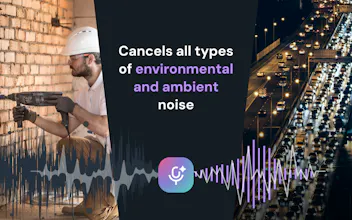
Effects SDK helps developers add production-ready AI video and audio effects to web, desktop, and mobile apps. Add background blur, virtual backgrounds, smart framing, lighting correction, beautification, overlays, avatars, and real-time noise suppression — all running client-side, without sending video or audio to our servers.


Free Options
Launch Team

Framer AI AgentsDesign and publish professional sites with AI
Promoted


The client-side approach is huge for privacy and latency, and the noise suppression actually held up well in a noisy room. Wish I had this a year ago for a browser-based video tool I was building.
The background blur and noise suppression running entirely client-side is a huge win for privacy. It was surprisingly quick to drop into my web app without laggy performance.
background blur and noise suppression running straight in the browser felt surprisingly smooth on my laptop, no server round trips in sight.
@kuzeycoerzcpg Thank you! We did a lot of optimization specifically for the web.
Amazing work, congrats on the release! I'm currently using your previous SDK for virtual backgrounds in my app AlterCam, and it's been a great experience. I'll definitely be checking out and testing the new Effects SDK soon. Best of luck on Product Hunt! 🙌
@max_smirnoff Thank you so much!
We really appreciate your support and would love to hear your feedback once you’ve had a chance to test the new Effects SDK. 🙌
Does the SDK handle all the ML inference on-device, or does it still need to ping a license server to validate usage on first launch?
Background blur just works out of the box and the noise suppression actually cleaned up my messy headset mic, which I was not expecting.
The client-side processing is a smart call, especially for apps where users care about not having their audio and video leave the device. Nice execution on something most people won't notice but definitely appreciate.