
DeskRamp
PDF tools that never upload your files
2 followers
PDF tools that never upload your files
2 followers
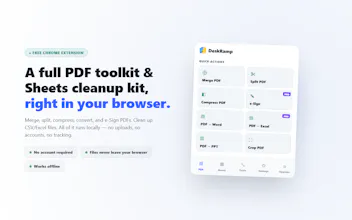
Most PDF tools upload your file to a server to process it. DeskRamp doesn't. Merge, split, compress, convert, and e-Sign PDFs, plus clean up Sheets/CSV files — all processed locally in your browser tab. Free, no account, no data collection, ever.


Free Options
Launch Team / Built With


LightfieldAI-native CRM that builds itself and does work for you
Promoted
