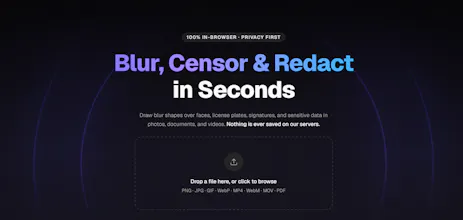
Blurify lets you blur faces, redact sensitive documents, and censor videos — entirely in your browser. Your files never leave your device. What you can do: → Auto-detect and blur faces in photos with one click → Draw blur or solid redact regions on images, videos & PDFs → Supports PNG, JPG, MP4, WebM, MOV and PDF Free to use. Pro removes file size limits for a one-time $14.99 — no subscription ever.
No reviews yetBe the first to leave a review for Blurify
Maker
📌
Hey Product Hunt! Bennet here, maker of Blurify.
A few months ago I was asked at work to blur faces in a video and a couple of photos before they could be shared externally. Simple enough task — except I couldn't find a single tool that actually worked without a catch.
So Blurify does everything in your browser. The file never moves. No account, no upload, no waiting.
Everything I tried was either paywalled, slapped a watermark on the export, or wanted me to upload sensitive work files to a server I knew nothing about. For something as straightforward as blurring a face, none of those felt acceptable. I ended up spending more time looking for a tool than it would have taken to just build one.
So I did. Blurify processes everything in your browser — the file never leaves your device, there are no watermarks, and the core tool is free.
Key Features:
- Auto face detection: One click to blur every face in a photo automatically, using MediaPipe running entirely client-side.
- Adjust your blur intensity.
- Support for Images, videos, and PDFs all in one tool.
- Redact Mode - Instead of blurring, you can completely black out an image; useful for PDFs and legal docs.
- Export in various file formats.
- No account creation required.
- No data uploaded, we don't even have a database.
- All core features are completely free, no watermarks, 5 free files per day.
- One-time $14.99 Pro payment (no subscription) removes all limits.
Thanks for checking it out and supporting this app!