
HtmlDrag
Edit HTML visually, refine with AI, turn files into webpages
126 followers
Edit HTML visually, refine with AI, turn files into webpages
126 followers
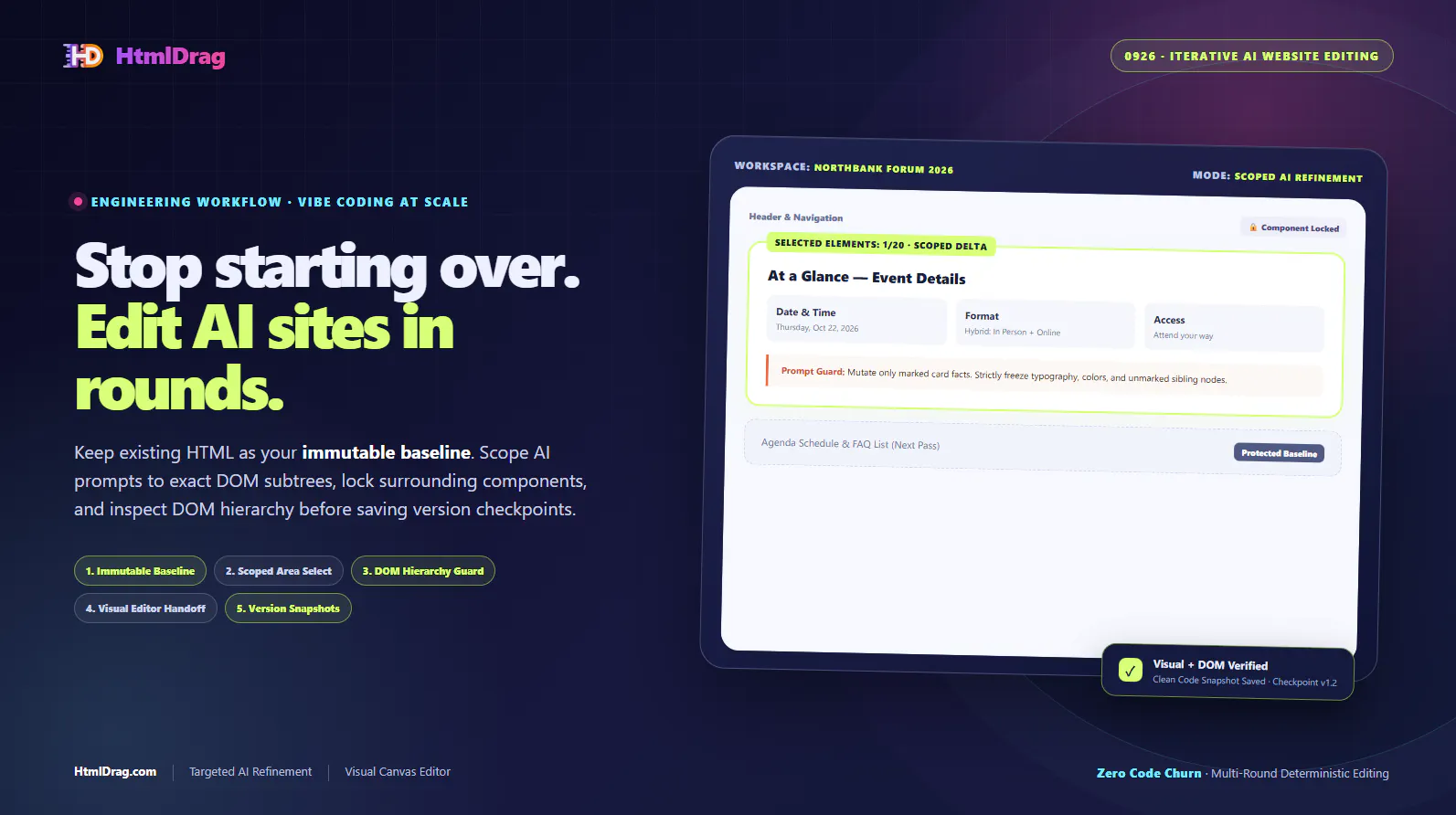
Edit existing and AI-generated HTML in one visual workspace. Upload HTML, paste code, or clone a public webpage. Precisely refine selected elements with AI while preserving the surrounding HTML structure, or edit text, images, tables and layouts directly. Turn documents, spreadsheets and slides into editable HTML. Export standalone HTML, download your designs as images for free, or share a preview link.




HtmlDrag
The ability to import any URL and edit it freeform is a nice workflow for quick mockups or client revisions. I'm curious how it handles JavaScript-heavy pages—does it capture the rendered DOM state, or only the initial HTML? For single-page apps, that distinction could matter quite a bit.
HtmlDrag
@yamamoto7 Hi yama! Great to see such a technical question.
HtmlDrag captures the fully rendered DOM state using a server-side engine, which allows it to handle most modern JS-heavy sites. We’ve implemented logic to wait for dynamic content to stabilize and trigger lazy-loaded elements through automated interactions.
To be fully transparent: for certain complex SPAs with heavy client-side routing or unconventional lazy-loading, the engine may occasionally capture only the "above-the-fold" content or the initial entry state. It’s an area we are constantly optimizing.
However, our core focus isn't just the "fetching"—the real challenge we've solved is the recognition and structural processing after capture. The magic of HtmlDrag lies in converting that complex DOM into a clean, freeform editable canvas while ensuring the exported code remains production-ready and standards-compliant.
Feel free to put it to the test with your most challenging URLs. Looking forward to your feedback!
This is a refreshing take on HTML editing. Removing grid and layout constraints gives creators real visual freedom without forcing them into a framework first. The ability to import a live URL or raw HTML and edit it directly is especially compelling for fast iterations and experiments. How do you handle responsive behavior and layout integrity when elements are freely positioned across different screen sizes?
HtmlDrag
@urvashi_misal Thanks! Responsiveness is indeed a challenge. We currently try to balance freeform edits with the original CSS rules, but it's definitely an area we're still refining. Appreciate the feedback!
How do I change viewport size to custom viewport size? (e.g. 1920 x 900 or 999 x 2999)
I couldn't find this option anywhere; IF there was an option, it is very unintuitive right now to find it.
HtmlDrag
@changhyun_ahn Hi Changhyun! Great point. Currently, you can switch between several preset viewport sizes using the buttons located just above the zoom bar. However, we don't support entering custom dimensions (like 1920x900) yet.
I completely agree that the current discovery is not intuitive enough. I've added "Custom Viewport Input" to our immediate roadmap thanks to your feedback. Thanks for helping us make HtmlDrag better!
This really resonates. That “last 10%” of HTML changes is exactly where most tools fall apart.
As someone who ships a lot of small pages and utilities, I’ve lost more time than I’d like to admit just fixing tiny things—moving an element a few pixels, updating copy, swapping an image—only to spin up a full dev setup or fight rigid builders.
The freeform canvas approach feels refreshing, especially for quick iterations and non-technical teammates. Being able to import existing HTML and tweak it visually without breaking structure is a big win.
Curious how HtmlDrag handles responsiveness once elements are moved freely—do you lock breakpoints or offer guardrails for mobile layouts?
Congrats on the launch, Bowen. This clearly comes from real pain 👏
This really hits a nerve 😄
That “last 10%” problem is painfully real.
I’ve lost count of how many times a “small change” turned into opening a repo, setting up the environment, fixing one line of CSS, and redeploying — or worse, asking a dev for help just to nudge spacing or update a headline.
The freeform canvas approach makes a lot of sense here. Being able to import existing HTML or a live URL and just visually adjust things without fighting grids feels like exactly what most editors are missing.
This seems especially useful for founders, marketers, and content teams who live in existing pages but don’t want to rebuild them from scratch. Curious to try it on real-world messy HTML — that’s usually where tools either shine or break.
Nice work, Bowen 👏@
Wow, HtmlDrag looks amazing! Love the freeform canvas approach. Does it handle complex CSS layouts well, like those using Flexbox or Grid? Super curious!
HtmlDrag
@jaydev13 Hi Jay! Thank you so much for the kind words!
Regarding your question: Yes, HtmlDrag handles Flexbox and Grid layouts quite well. Our core logic is specifically designed to bridge the gap between "freeform" dragging and structured CSS.
When you move elements, we preserve the underlying structural integrity as much as possible while neutralizing rigid constraints. It’s built to export production-ready HTML that maintains modern CSS standards (we even have specific logic for Outlook/EDM compatibility!).
I'd love for you to give it a try at htmldrag.com and let me know your thoughts!