

How to Set Up Instagram Comment Auto-Reply (Step-by-Step 2026)
Instagram comments are one of the highest-intent touchpoints you have with your audience. When someone takes the time to comment a specific word on your post, they are actively raising their hand and saying "I want this." The problem? Manually DMing every commenter is exhausting and impossible at scale.
That is where Instagram comment auto-reply comes in. With a tool built on the official Meta API, you can automatically send a personalized DM to anyone who comments a keyword on your post — within seconds, while you sleep.
This step-by-step guide walks you through setting up comment auto-reply using Zaprep, from connecting your Instagram account to writing DM copy that converts.
What Is Instagram Comment Auto-Reply?
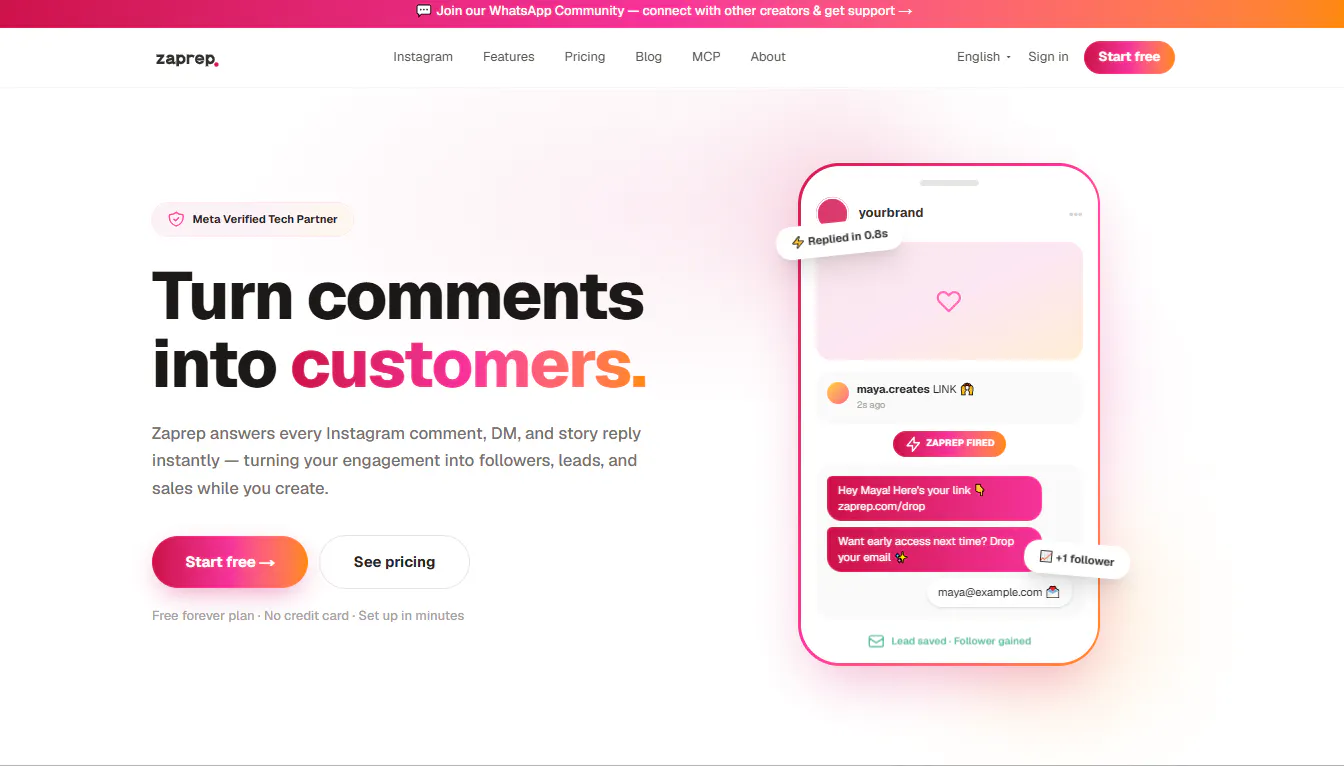
Comment auto-reply is an automation that watches your Instagram posts for specific keywords in comments. When someone comments that keyword, the system automatically sends them a direct message — instantly, without any manual action on your part.
For example:
You post a Reel about your free email marketing checklist
Your caption says: "Comment CHECKLIST and I'll DM you the free download"
A follower comments "CHECKLIST"
They receive a DM from you with the link — automatically
This works because Zaprep is built on the official Instagram Graph API, which means your account stays fully compliant with Meta's terms of service. No scraping, no unofficial bots — just the same infrastructure Instagram itself uses.
Before You Start: What You Need
An Instagram Business or Creator account (personal accounts cannot use the API)
A Facebook Page connected to your Instagram account
A Zaprep account — sign up free at zaprep.com
A post you want to add a CTA to
Replies
Be the first to reply
Have a question or a thought to share? Add a comment above to start the conversation.