

Who are facing the problem of the android lowest brightness being bright even in the night;
Why I Built This App
A few nights ago, I was lying in bed, doom scrolling on my phone, when I noticed something that had been bothering me for a while — even at the lowest brightness, my screen was still way too bright.
So I started looking for an app that could dim the screen a little more.
There are already apps that do this, but a lot of them come with ads.
And honestly, the last thing I want to see while using my phone at night is an ad.
So I thought, why not just build one myself?
The idea was pretty simple: make the screen darker than Android normally allows, without making the app complicated or annoying to use.
Its features ( link at end - will be available by 2:30 PM UTC ---- IMAGES OF APP ATTACHED AT END )
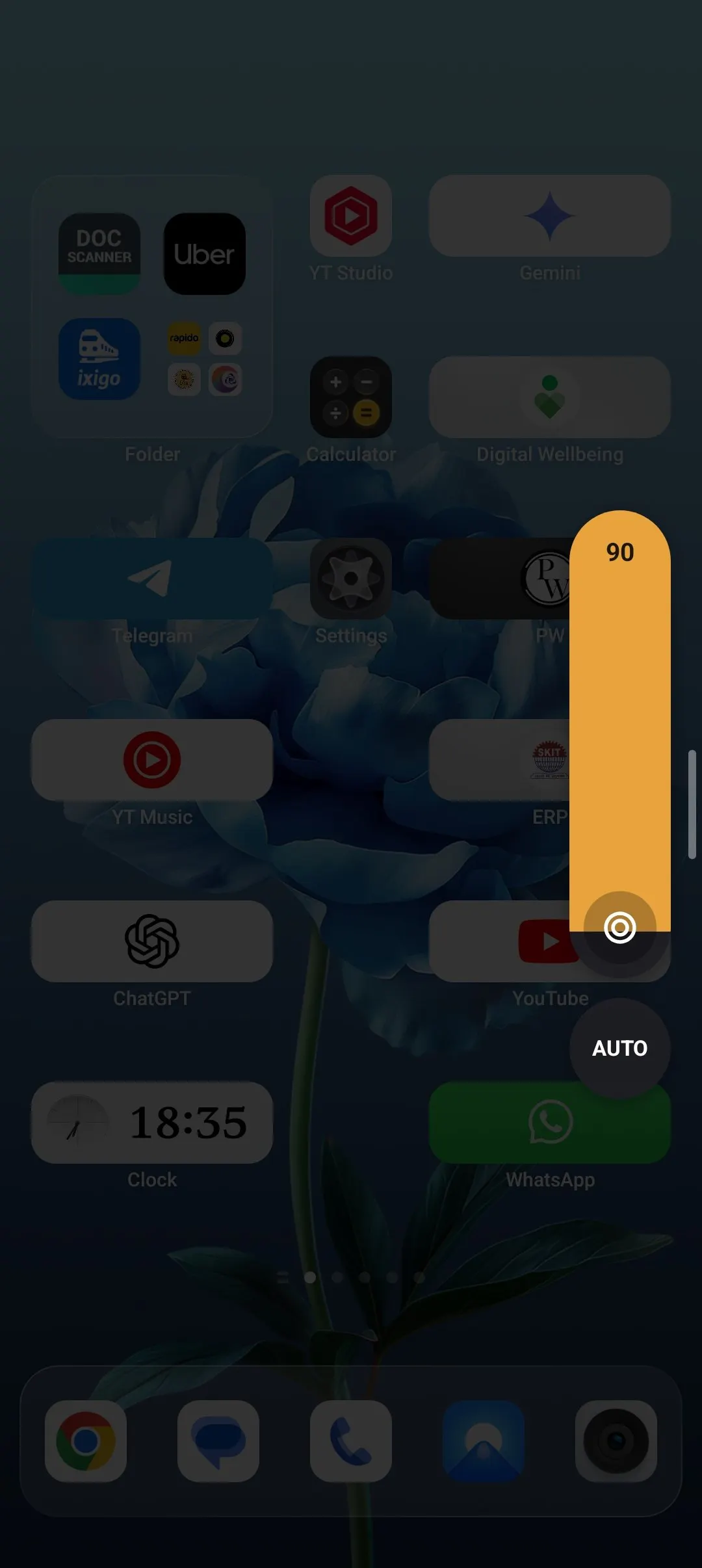
Control the brightness without opening the app (the best feature)
You can adjust the dimming level while you're using another app. No need to keep switching back and forth.
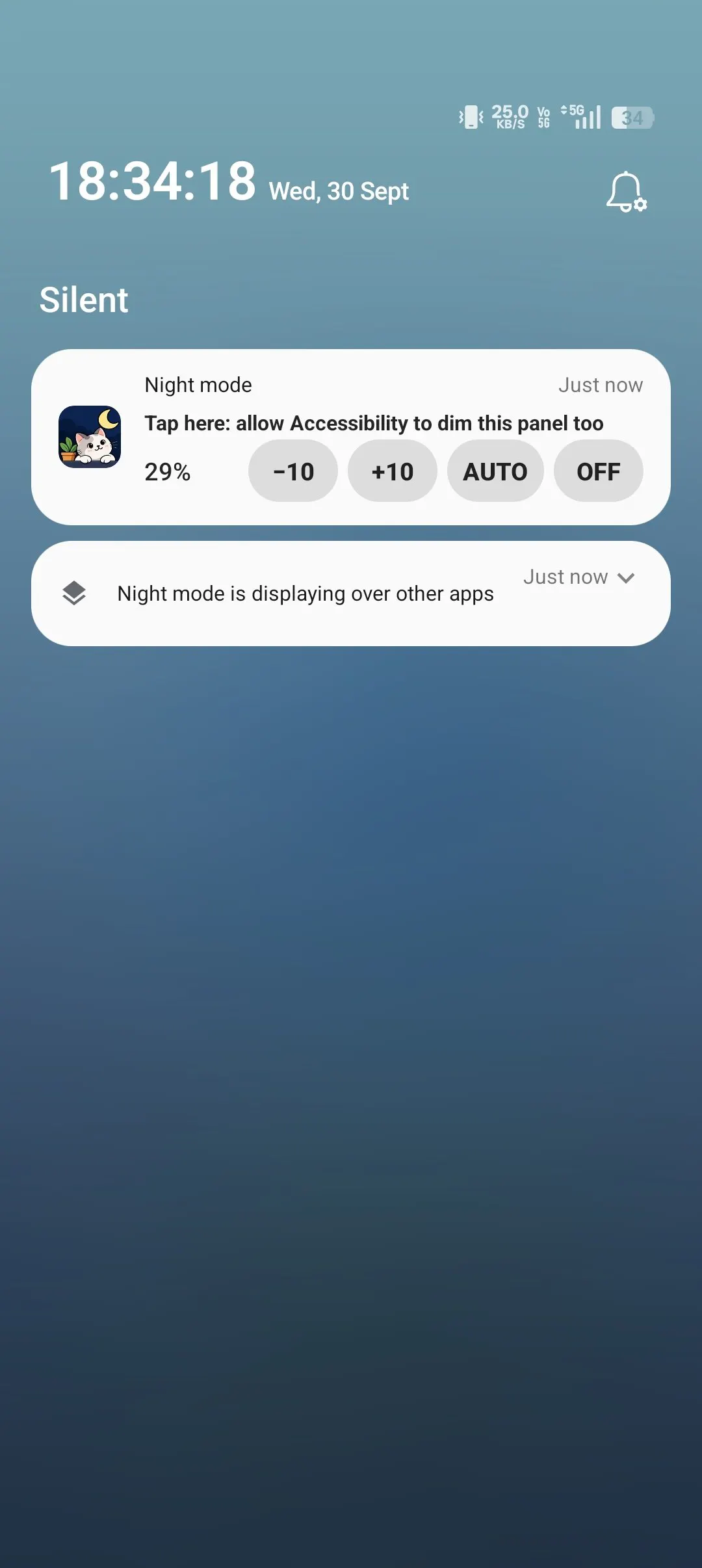
Control it from the notification (one of best feature)
Need to make a quick adjustment? You can do it straight from the notification without opening the app.Made it too dark? You can get out quickly.(EMERGENCY ESCAPE)
Just shake your phone or press the volume-up and volume-down buttons together to bring the brightness back.Auto-Dim ( will help avoid the flashbang reels )
The app can automatically adjust the dimming level depending on what's on your screen - like if it is darker - increase brightness
if it lighter - reduce brightness.schedule (automatic dimming according to time set )
Choose when you want the screen to dim automatically. For example, you can have it turn on around bedtime and turn off in the morning. The app automatically asks the user to turn off it in morning if it has been left on .Quick Settings Shade Tile
You can also control the app directly from Android's Quick Settings panel, alongside things like Wi-Fi and Bluetooth.Easy to use with either hand
The brightness control ( earlier talked about ) is designed to be easy to reach whether you're using your phone with your left hand or your right.
Built for One Simple Reason
I didn't want to make another complicated utility app with a bunch of things you never use.
I just wanted a simple way to make my phone less bright at night.
So that's what I built — a darker screen, fewer distractions, and no ads getting and no data being collected.
LINK - https://play.google.com/store/apps/details?id=com.bunkwise.nightmode
SORRY I CANT ATTACH MORE PICTURES - HERE ONLY 2 ARE GETTING ATTACHED -
Replies