

Building a zero-setup retro emulator in the browser.
Hey all, I'm launching Opal Emu here on Saturday and wanted to open things up before that.
Short version: it's a retro game emulator that runs 100% client-side in your browser. Drag a ROM in, it auto-detects the console and starts playing. No install, no account, nothing uploaded anywhere. 18 systems supported (NES through PS1, Saturn, PSP, and more).
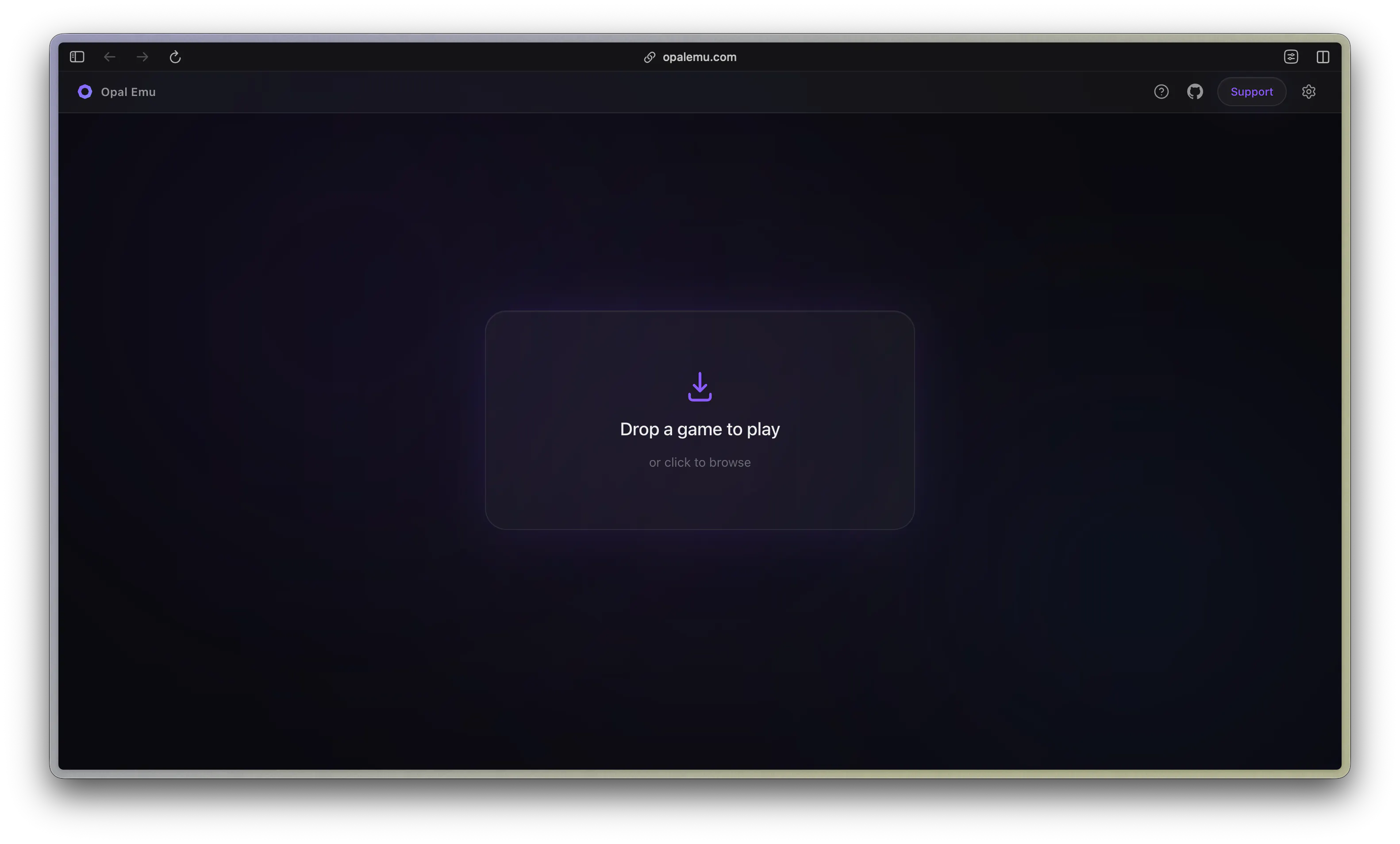
A few things that make it different from "just another web emulator":
Auto-detection: no console picker, it reads the file and knows what to run
Fully offline-capable: installable as a PWA, works on a plane after first load
Self-hostable: Docker image if you'd rather run it on your own NAS/server and point it at your own ROM library
An MCP server on top: a separate project that lets AI agents (Claude, GPT, etc.) actually see and play the games, for anyone experimenting with agent evaluation or RL-style loops
It started as a solo side project and grew from feedback on r/emulation (huge shoutout to that thread, Docker support and CHD/ZIP loading both came directly from requests there).
Genuinely curious before launch day:
If you've used browser-based emulators before (RetroArch web builds, EmulatorJS demos, etc.), what's usually missing for you?
Anyone here run something similar self-hosted? What broke first?
Will be around all week to answer anything. Thanks for reading this far 🙏
(Link: opalemu.com - try it out if you're curious, happy to hear what's rough)
Replies
Be the first to reply
Have a question or a thought to share? Add a comment above to start the conversation.