

Finding forgotten API keys inside project files with Room Service 🤝

Hey Product Hunt,
Room Service 2.2.0 is now available.
This update focuses on a problem that is easy to miss during development: secrets accidentally left inside project files.
API keys, tokens, private credentials, and temporary test values often start as “just for local development” and then quietly stay in config or source files longer than they should.
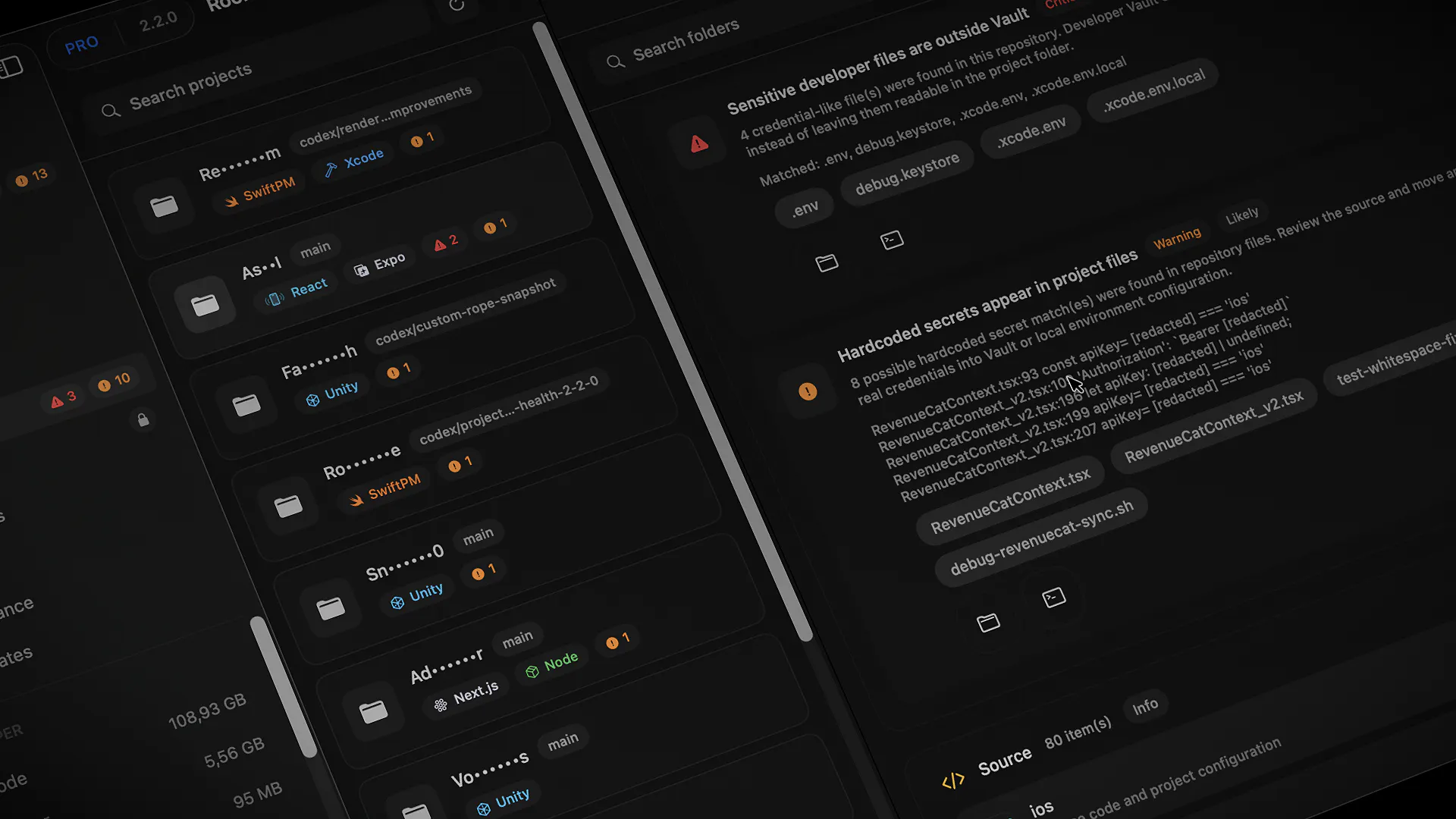
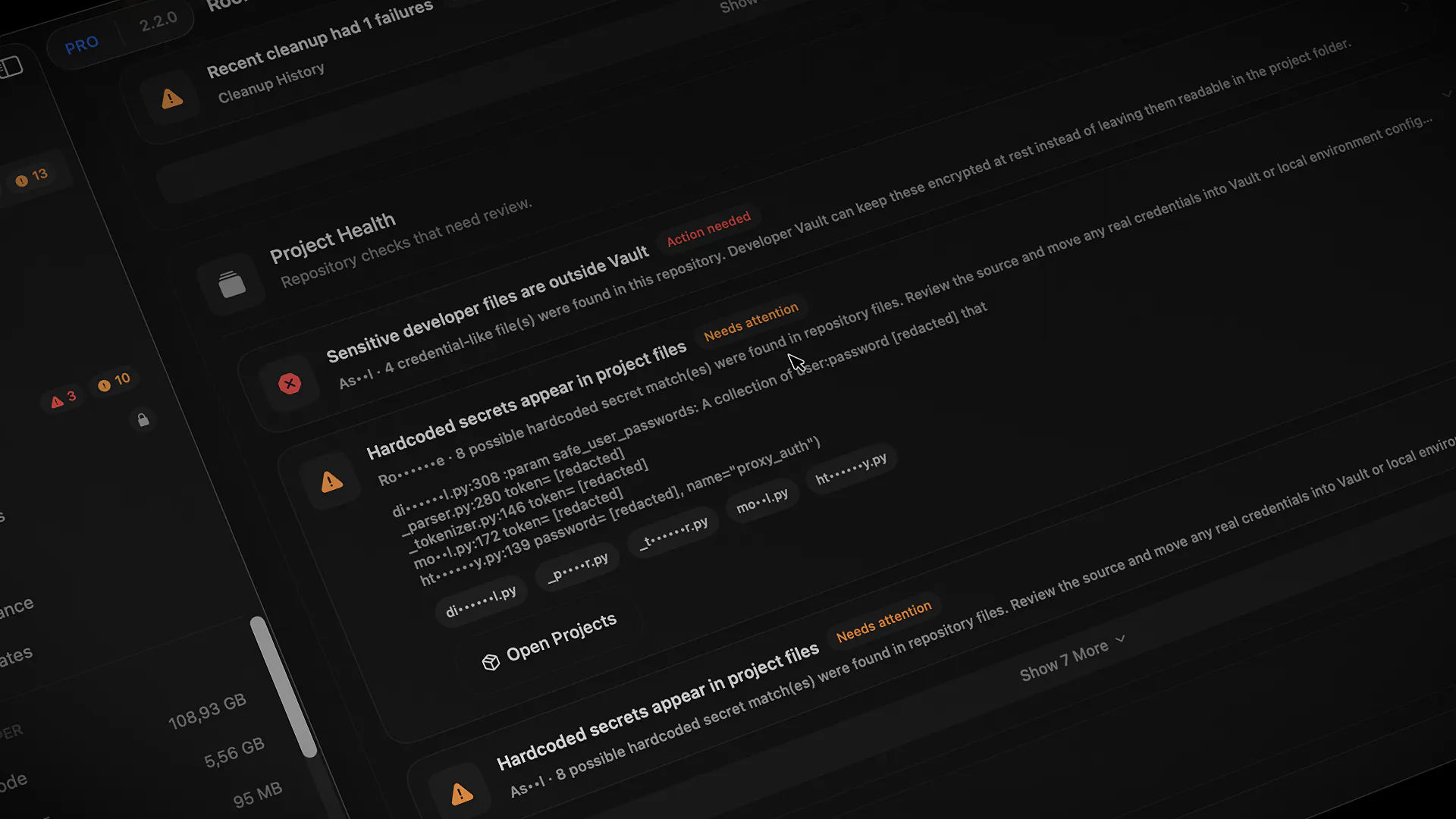
Project Health can now detect likely hardcoded secrets inside small Git-tracked source and config files, then surface those warnings in both Projects and Health Check.
A few important details:
• matched values are masked in the UI
• the scan is limited to small Git-tracked files
• local scratch/untracked files are ignored
• findings appear alongside existing Project Health warnings
• Hide Sensitive Content now also covers more Projects and Health Check details
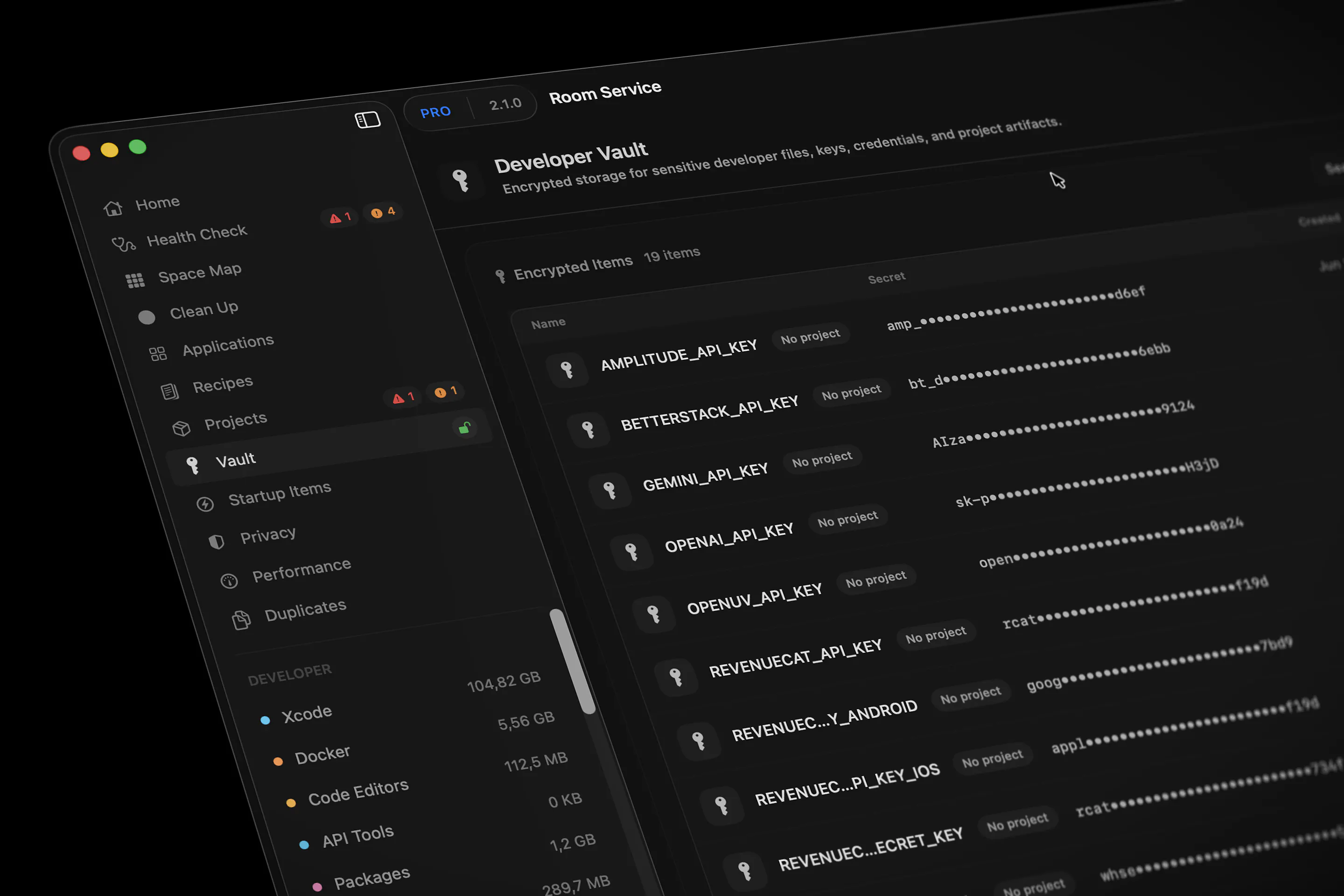
This pairs with Developer Vault from the previous release: Vault gives you a local encrypted place to store secrets, while Project Health helps catch the opposite case: secret-like values that may still be sitting inside project files.
The goal is not to replace dedicated secret scanning in CI or security workflows.
It is a local, developer-facing reminder inside the Mac app: “this project may have something sensitive worth checking.”
Would love feedback from developers who work with a lot of `.env`, config, local API keys, or multiple repos.
Replies