

I turned the MacBook notch into a Dynamic Island

Every MacBook since 2021 has a notch, and on macOS it does absolutely nothing. On iPhone, the same cutout became the most useful strip on the screen.
That gap bothered me, so I built Pulse Island, a native macOS app that turns the notch into a live, interactive island.
It ranked #10 globally on its Product Hunt launch, and 1.0 shipped yesterday, signed and notarized by Apple. I wanted to bring the story here because the idea was never the hard part. What the notch does to your design & space utilisation assumptions was.
WHAT LIVES UP THERE TODAY
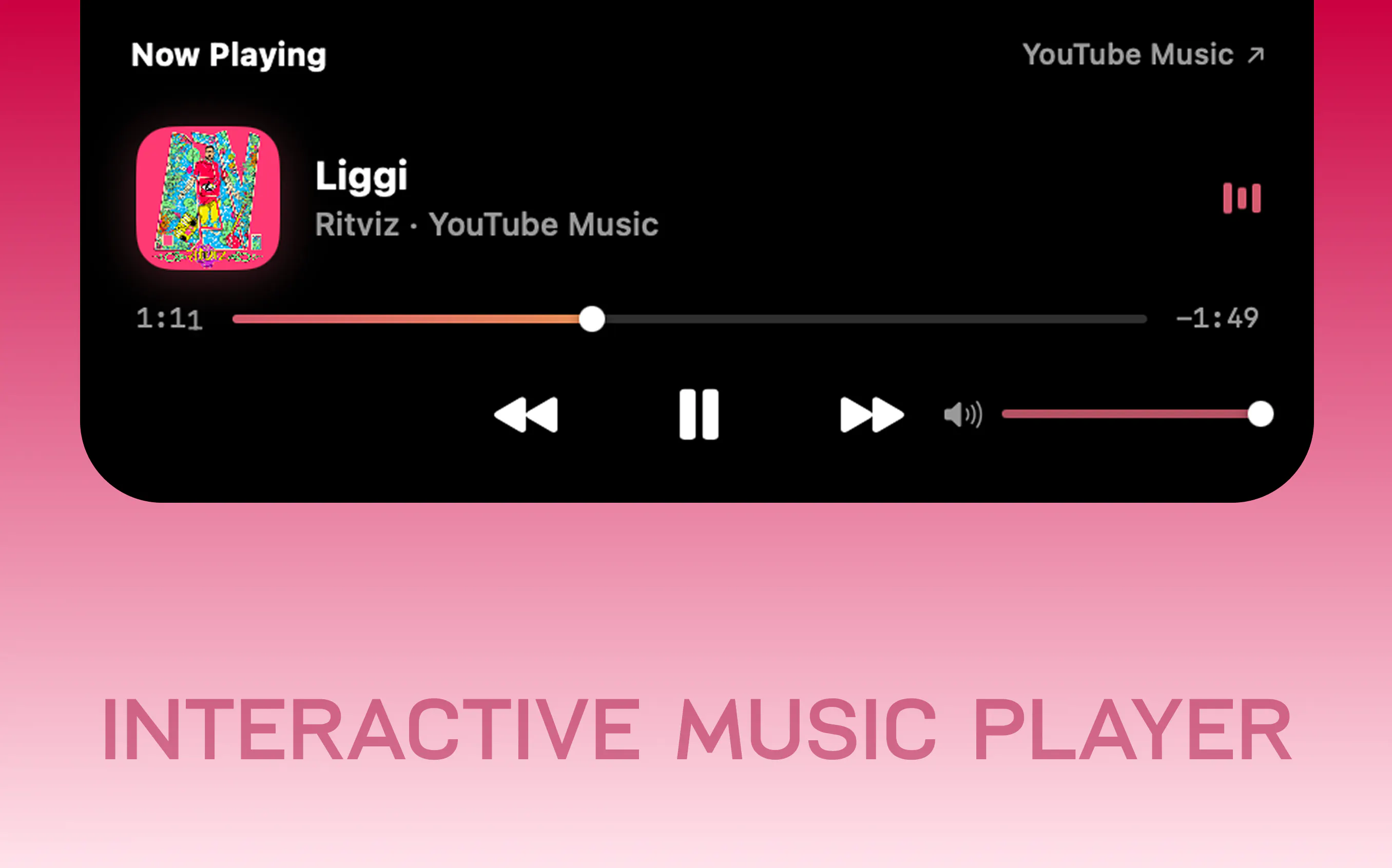
Now playing from Spotify, Apple Music, YouTube, SoundCloud or any browser tab, with artwork, scrubbing and volume
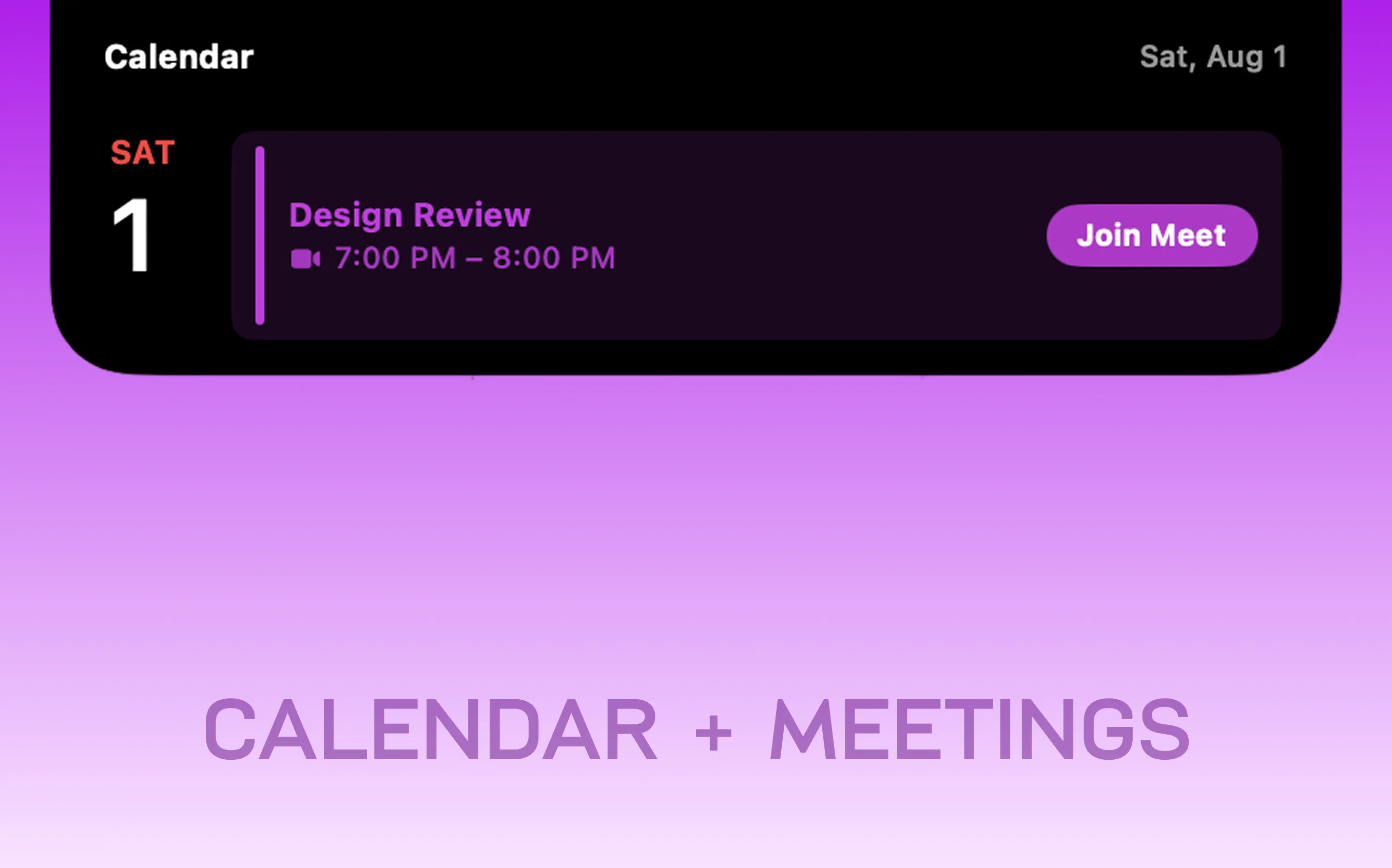
A live countdown to your next meeting, with a Join button that recognises Teams, Zoom, Meet and Webex
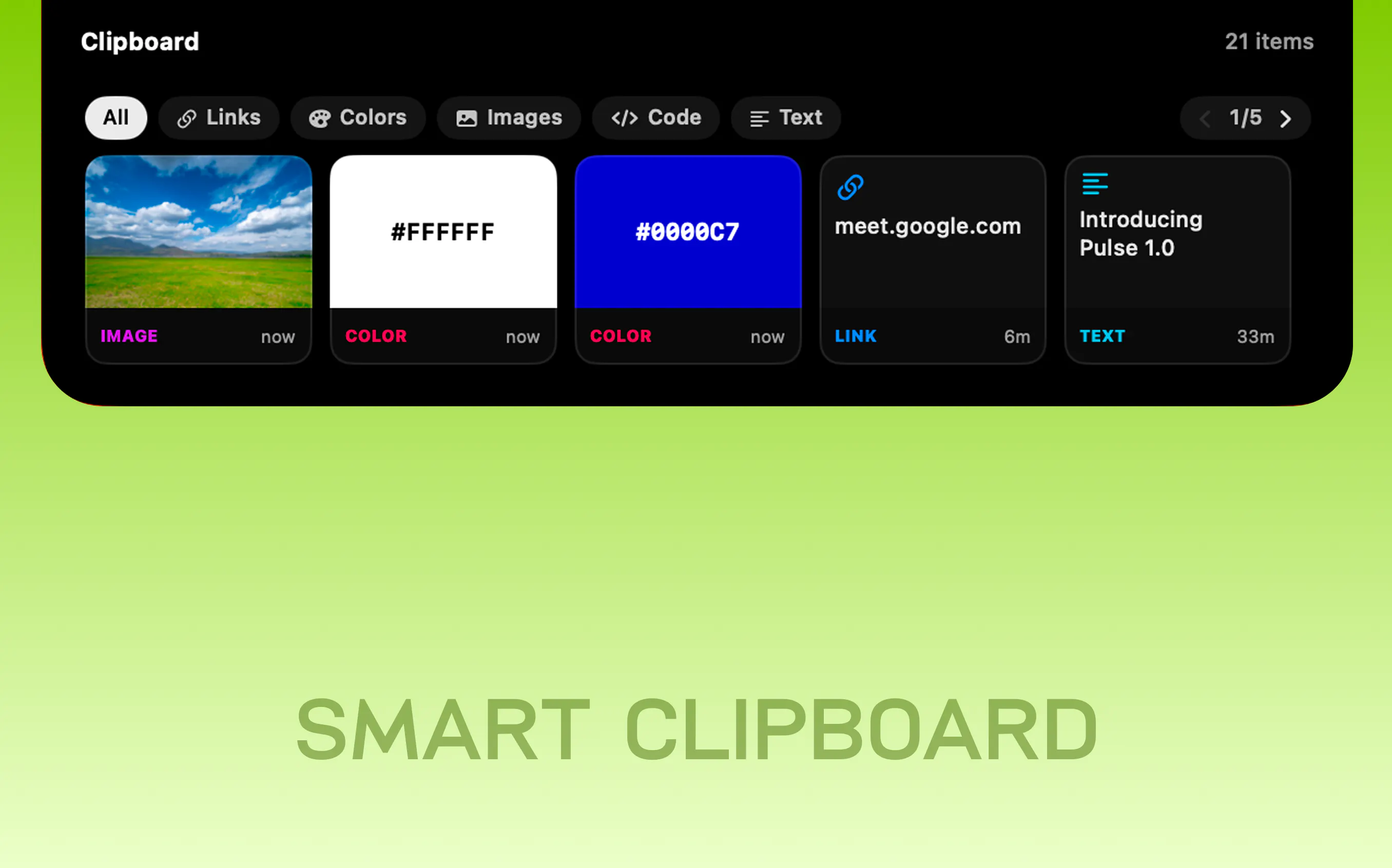
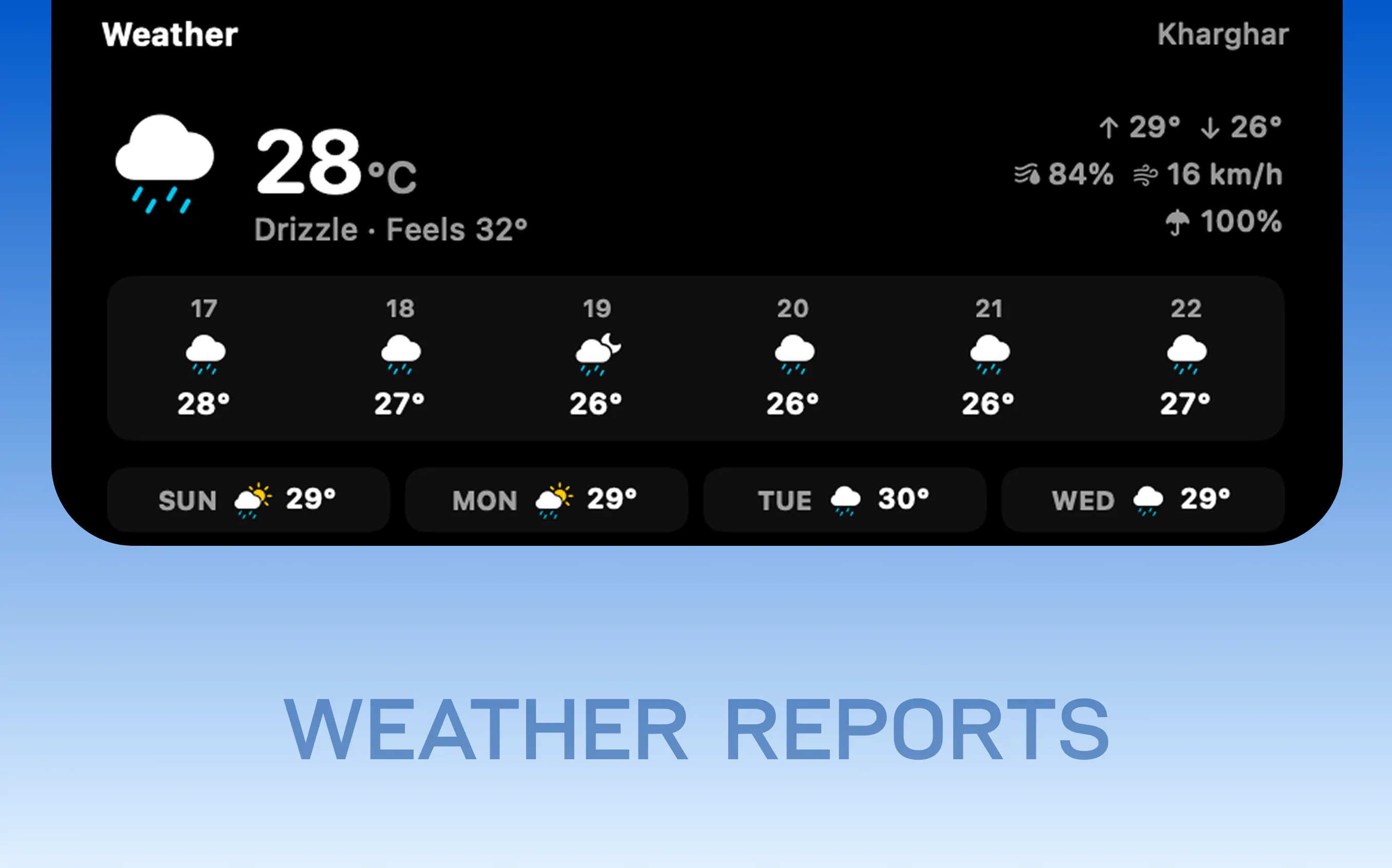
Clipboard history that shows a swatch when you copy a hex, a thumbnail when you copy a screenshot, and the host when you copy a link Weather with no key and no account to create
CPU, GPU, memory, network and disk as tiles you choose
Battery for your iPhone, Watch, AirPods and Magic peripherals
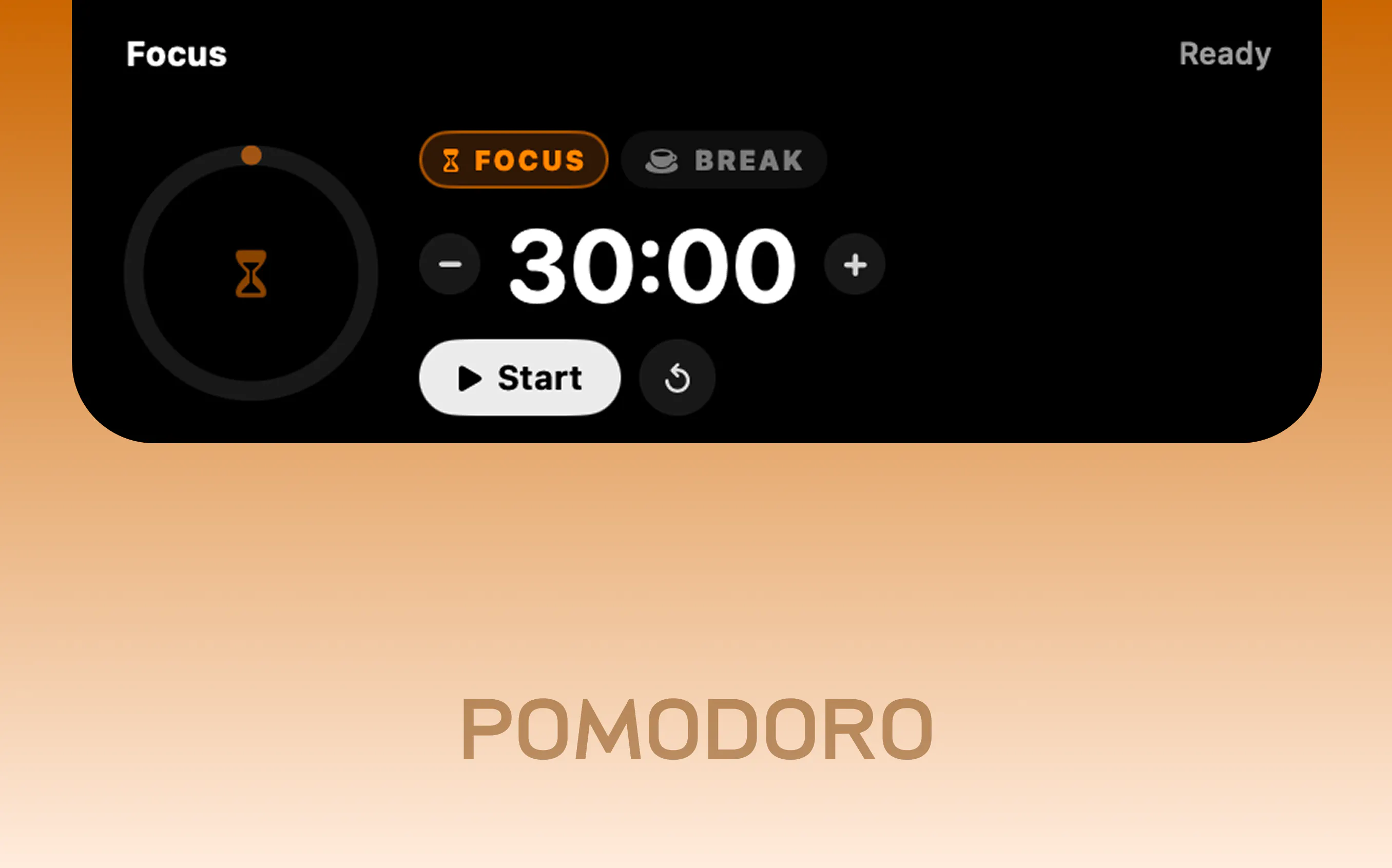
Focus sessions with breaks, on a ring that breathes
THE ASK
If you have a notch: what is the one thing you keep opening an app to check that should just be up there instead?
TRY HERE → https://www.pulseisland.club
🔥LAUNCH OFFER IS LIVE!
Replies
This is a really clever use of space that normally just gets ignored.
I'd probably put quick system stats or upcoming calendar events up there. Having those available without opening another app feels genuinely useful. Nice work!
@hosseinyazdi Appreciate that!
Do try it out and share the feedback; I'm all ears.
I mostly run a Mac mini day-to-day so no notch to play with, but on my MacBook the thing I actually alt-tab for constantly is CI/build status - did the pipeline pass, is a deploy still running. that's the one that'd save me the most context switches if it just lived up there with a color state and a link to the failing job. question for you: is the tile system open enough that someone could wire up a custom source like that themselves, or is it locked to the built-in integrations for now?
Hey @galdayan,
Built-in only for now, no public API yet. CI status is on the roadmap though, and colour state plus click through to the failing job is exactly the shape I want it in. Plugin API comes after so people can add their own sources. I'll analyse the user requirement here initially as well so that I can craft an immersive experience for everyone.
And it does run notchless, it draws its own pill in the menu bar, so the Mac mini is covered.
Give it a try on your mac mini and let me know how was the experience there!🙈
@aayu5hgit CI status with a color state and click-through would genuinely change my alt-tab habits, will grab it and try it on the mini once that ships. plugin API coming after the built-ins makes sense too, better to nail the common case first than ship a half-open extension point nobody can rely on.
@galdayan appreciate that! I'd rather nail a few high-value workflows than ship a generic extension system too early.
When I have a first version ready for this, I'd love to get your feedback!
@galdayan it's live!
Pulse 1.2 just shipped with the Builds card, and it's shaped exactly the way you described: GitHub Actions and GitLab CI with a colour state up in the wings, a toast the moment something fails, and a click lands you on the failing job itself.
One thing you didn't ask for but I think you'll like: your local dev servers get their own lane in the same card. Anything listening on a port shows up with its project name, one click opens it in the browser.
It's off by default, and tokens stay in your Keychain and go to GitHub or GitLab directly, nowhere else.
Check here --> https://www.pulseisland.club/releases#v1-2