

📶 Netfox 0.29.0 — join Wi-Fi from where you read it

Netfox 0.29.0 is out 📶
Until now the Wi-Fi tool could tell you your channel was busy or your signal weak… and then send you off to the menu bar to do something about it. Not anymore:
🔗 Join from Netfox: select a network and choose Join…, or right-click it. A sheet says which network you'll leave, warns you when one is open, asks for the password and never keeps it.
💡 A better network, when there is one: if your Wi-Fi has a problem and a network your Mac already knows is clearly stronger where you are, the verdict card says so, with both readings and a Switch… button.
✅ Known networks are marked in the list.
🔎 The list works like Devices: a filter (your band, known, no password), a search by name, address, maker or security, arrow keys, and a width you can drag.
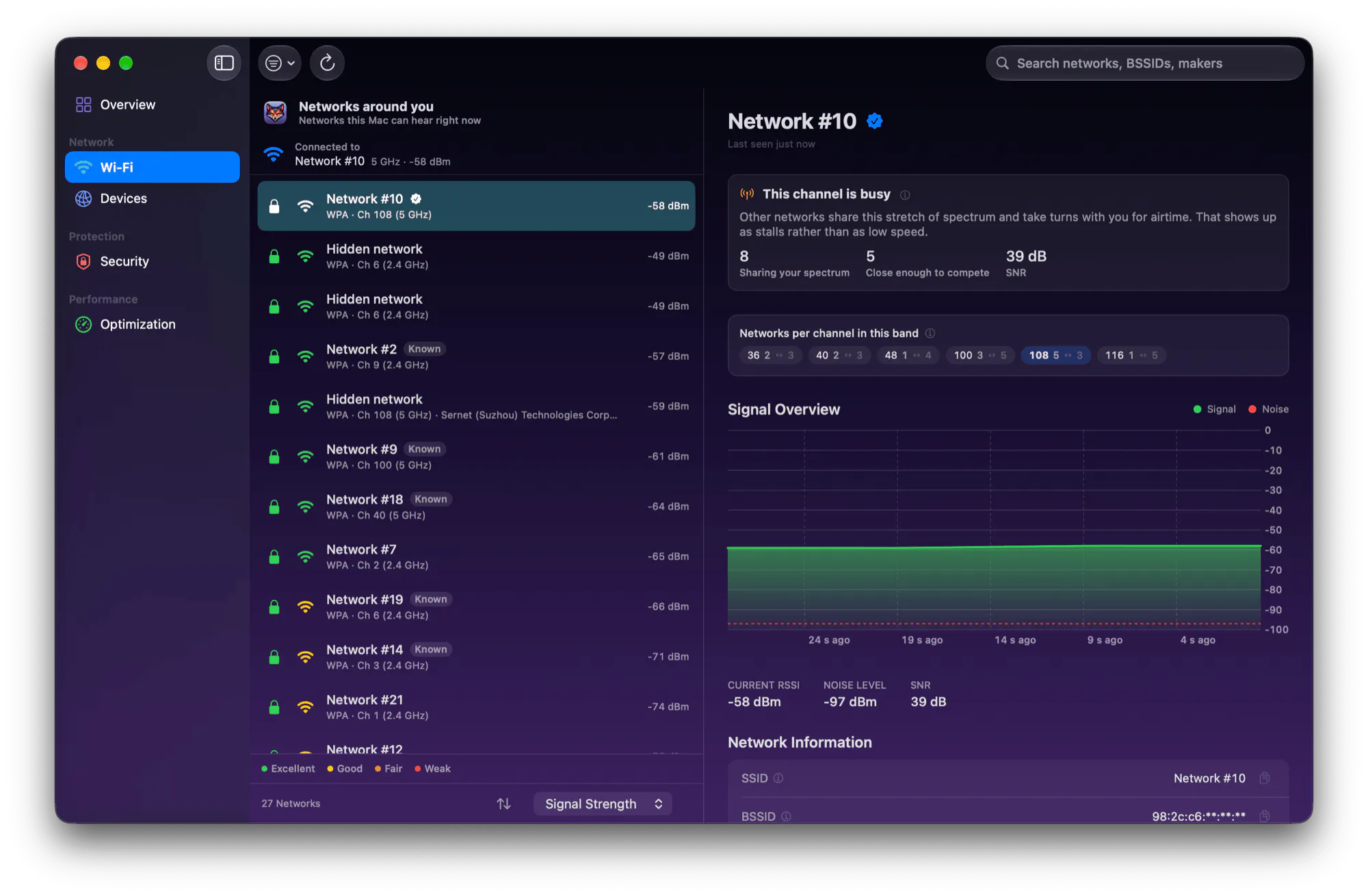
The Wi-Fi tool in Netfox 0.29.0: the network you're on above the list, Known marks, filter and search in the toolbar.
Free, native, and nothing leaves your Mac 🦊
👉 Try it / see what's new: https://netfox.app
Which Wi-Fi annoyance should Netfox explain next? 👀
Replies
The join sheet telling you which network you are about to leave is a nice touch. I have dropped off a call before by tapping the wrong one lol
@marina_gomel5 ha, that's exactly the case it was built for. nothing changes until you hit Join in the sheet, so there's a beat to spot the wrong name before the call drops 🙂