

Meta-Architect v0.14.0 update: What it does for your AI coding workflow
Quick update on Meta-Architect 👋
Meta-Architect helps you use AI coding tools with more structure.
Instead of letting an AI jump from an idea straight into code, it moves through a simple checklist:
🧱 What are you building?
🔎 Are the tools and claims verified?
🧠 Does the logic make sense?
🔒 Is it safe?
🙂 Will people understand and use it?
🛠️ Is it ready to build?
If something is missing, Meta-Architect shows the blocker instead of pretending the work is finished.
What changed in v0.14.0
✅ Better workflow checks for AI coding projects
✅ Clearer proof for technical choices
✅ Improved security and release checks
✅ Support for 55 AI agent hosts
✅ Install options through npm, Bash, and native Linux packages
✅ Better project notes support through Obsidian
✅ A manager called $maestro that helps choose the next safe step
🤖 Workflow manager (maestro)
🧱 Architecture planning (arch)
🔎 Evidence checks (sage)
🧠 Logic review (flow)
🔒 Security review (vet)
🙂 User and developer experience checks (vibe)
🛠️ Build readiness (build)
🧩 Helper tools (align, diagnose, tdd, cleanup)
🧠 Project memory and notes (Obsidian notes work as project context)
📚 Learning Loop (Records useful project learnings)
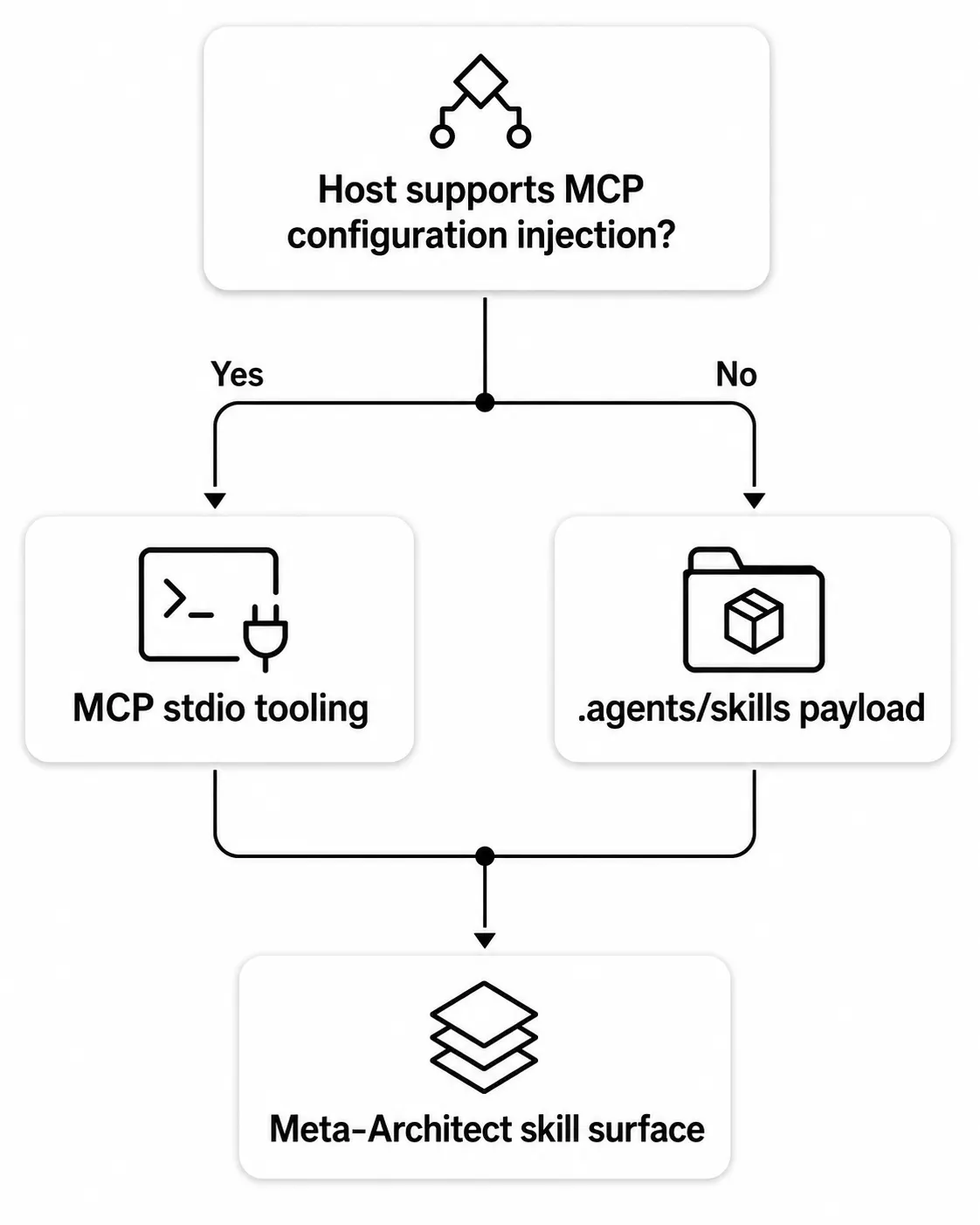
🔌 Compatibility and plugins (Supports 55 AI-agent hosts)
📦 Install and package support (npm, Native Linux packages, bash, AI prompt)
You do not need to be an expert in software architecture to use the idea.
Think of it like a checklist for AI-assisted projects. Your AI can still help you build fast. Meta-Architect helps you slow down at the points where mistakes cost time later.
I’m still improving the onboarding, docs, and host support.
What part of AI-assisted coding feels hardest to trust for you: planning, security, testing, or knowing when something is truly ready?
Replies
Be the first to reply
Have a question or a thought to share? Add a comment above to start the conversation.