

Kora Desktop 1.5.0 — Goal Mode, native toolbar, and safer execution
Version 1.5.0 is out! Many updates out there:
Native title-bar toolbar. The master toolbar is integrated into the desktop title bar, leaving the workspace surface available for the task itself.
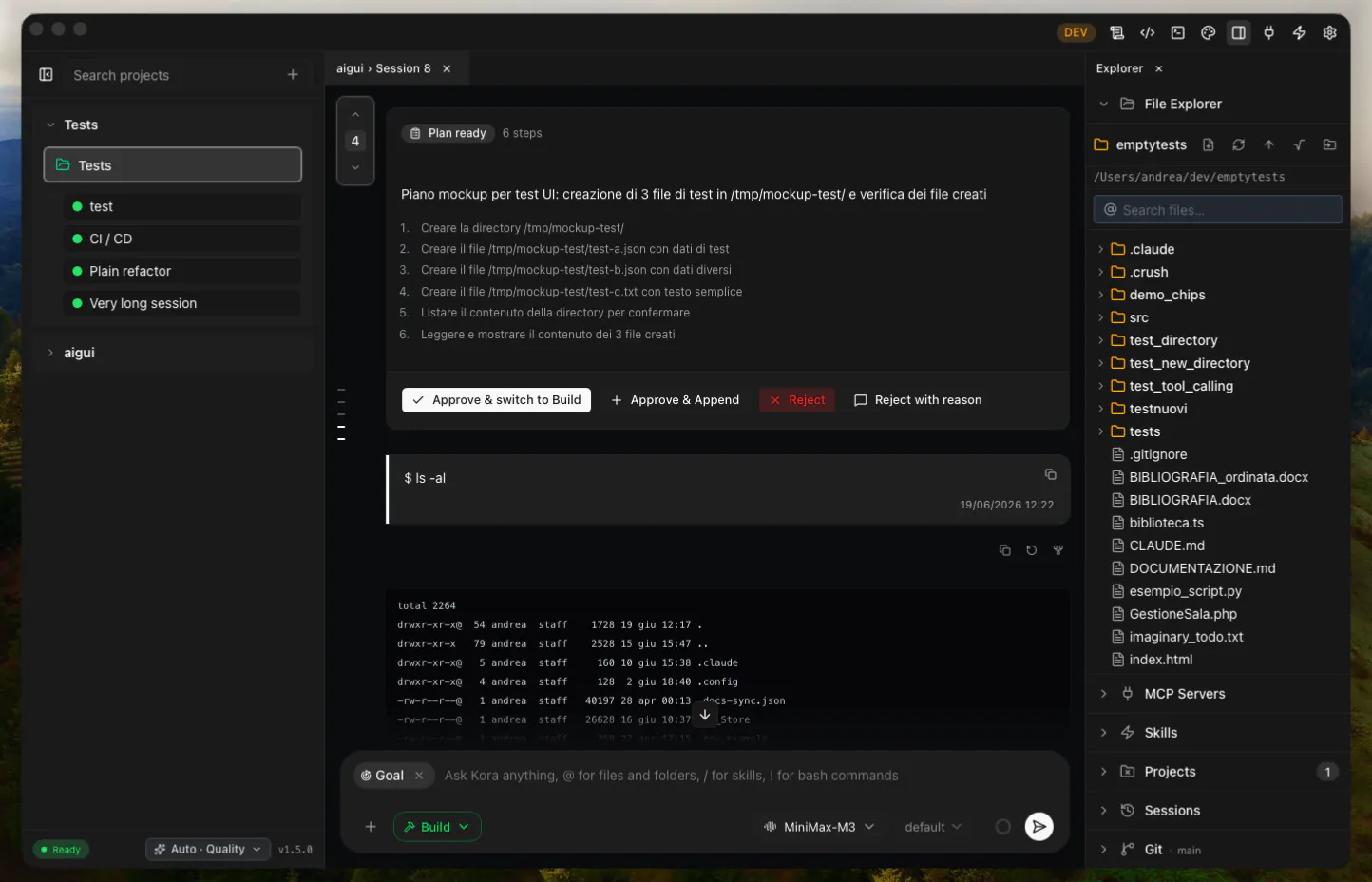
Goal Mode. Set /goal <condition> to keep one session working until a tool-free evaluator confirms the condition, with visible progress, safe continuation, explicit stop, and terminal failure states. See Goal Mode.
Inline mode commands. Start the composer with /ask, /plan, /debug, or /build to switch execution mode immediately while keeping the rest of the text as your prompt.
Removable Goal chip. Selecting /goal in the composer turns it into a visible chip; type the condition beside it, remove the chip to cancel before sending, or submit to reconstruct the Goal command safely.
Context composition breakdown. Open the context usage indicator to see how the latest request is distributed across messages, system tools, skills, system prompt, MCP tools, and metadata.
Weighted cache visibility. The context details show the aggregate cache hit rate for completed requests instead of exposing only the latest request’s raw cache value.
Local-first tool routing. Shell, scripts, Git, system tools, and relative paths use the selected local folder by default; remote execution requires an explicit remote project directory.
Working-directory boundaries. Local and SSH command directories are checked against their allowed project roots before execution.
Good work with Kora!
Replies