

Studio redirect rules: one page, the right destination for every visitor
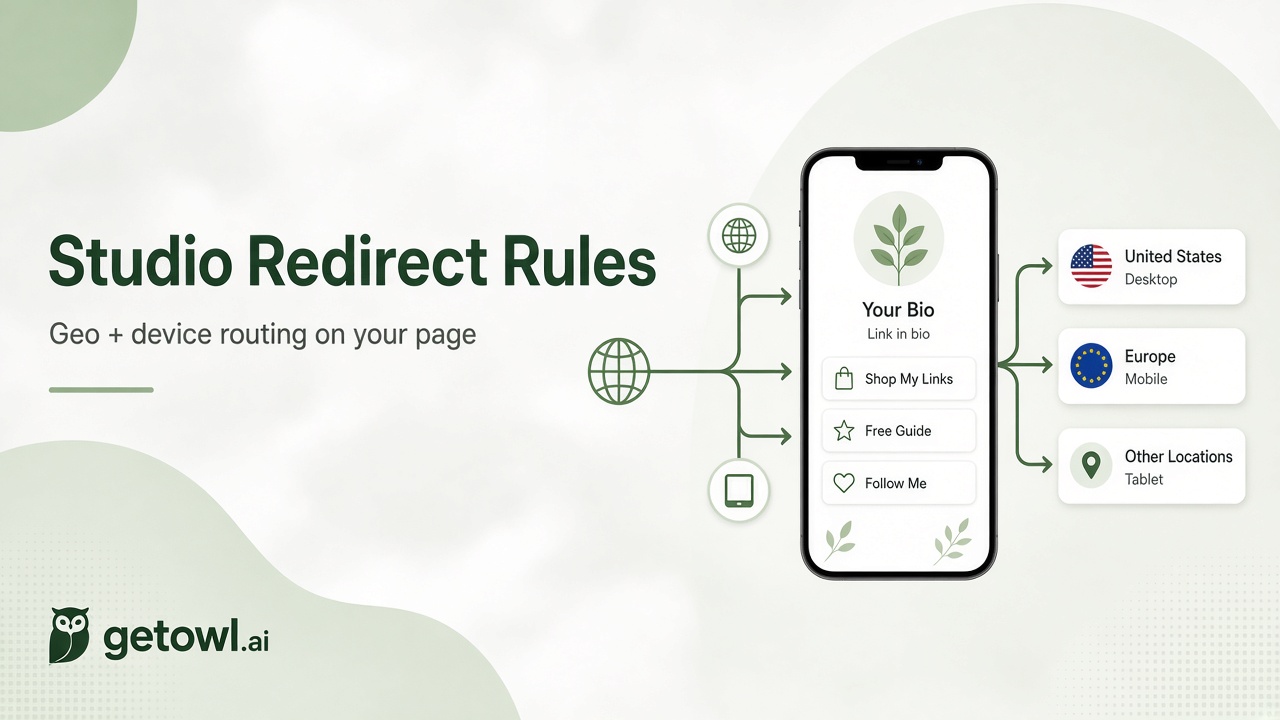
getowl Studio already gave you a clean page for everything you share. Now each link on that page can behave like a smart short link: send people to different URLs by country or device, while everyone else still hits your default destination.
Same Studio URL. Smarter click.
What's new
On any Studio link card, open Redirect rules:
Geo location — route by country (e.g. US → one store, India → another)
Device — route mobile, tablet, or desktop to different URLs
Unused countries/devices stay out of the picker so you don't duplicate rules
Save, then Publish — live pages pick up rules from the published snapshot
Routing runs at request time using the same edge intelligence behind getowl short links.
Use case 1 — Creators: one "Watch / Follow" button, local apps
You promote a show, newsletter, or community on Instagram and YouTube. Followers sit in a dozen countries.
Setup
Default → global YouTube / Link hub
United States → US storefront or Tip jar
India → regional WhatsApp community or INR checkout
Mobile → deep link into your app or Instagram profile
Visitors tap one Studio button; they land where conversion is highest for them.
Use case 2 — Educators: cohort pages without twelve campaign links
Edtech and cohort brands already use geo routing on short links. Studio brings that to the bio page itself.
Setup
Default → English overview
India → Hindi / INR enrollment page
UAE / Saudi → Arabic page with local pricing
Desktop → long-form syllabus; Mobile → short apply form
One Studio page in the email footer. Markets stay localized without managing a forest of URLs.
Use case 3 — Founders: demo that matches the device
Your homepage CTA says "Try the product." Phones shouldn't open a dense desktop dashboard.
Setup
Default → product marketing site
Mobile / Tablet → lightweight demo or App Store / Play Store
Desktop → interactive web app or Calendly for a sales demo
Optional geo rule for EU → GDPR-friendly signup
Your Studio page becomes the single link in pitch decks and LinkedIn — still personalized at the click.
Use case 4 — Consultants & freelancers: local trust, global presence
You sell the same offer worldwide but want local proof and currency.
Setup
Default → portfolio + USD booking
United Kingdom → GBP page with UK testimonials
Australia → AUD page
Mobile → WhatsApp "Message me" for quick leads
Prospects feel like you built the page for their market — because the destination did.
Use case 5 — Performance marketers: creative tests without new creatives
Paid social hates URL chaos. Keep one Studio (or one link on it) in the ad, vary destinations with rules.
Setup
Default → control landing page
Geo splits for top spend countries
Device splits when mobile CVR diverges from desktop
Pair with getowl analytics on the page and per-link clicks to see which rule paths actually convert.
How to turn it on
Open Studio → edit your page
Expand a link → Redirect rules
Add geo and/or device rows with full https:// destinations
Save, then Publish
Unpublished drafts don't change what visitors see. After publish, open your page from a phone VPN'd to another country (or ask a teammate abroad) to sanity-check.
Tips that keep rules useful
Put the most specific intent first in how you think about the journey: geo for market, device for experience.
Don't reuse the same country or device twice on one link — the editor prevents duplicates.
Keep a strong default URL; rules only cover the cases you list.
Destinations still go through getowl's Safe Browsing checks — don't point rules at untrusted URLs.
Why we built this
Studio pages are where people put everything: product, social proof, booking, content. Those audiences aren't uniform. Redirect rules let one public page behave like a lightweight personalization layer — without a CMS rebuild or separate Linktree clones per market.
If you already use geo and device rules on short links, this is the same mental model on the page your audience already bookmarks.
Try it
Open Studio, add a geo or device rule on one busy link, publish, and watch the click paths in analytics. One page. The right destination for each visitor.
Replies
Be the first to reply
Have a question or a thought to share? Add a comment above to start the conversation.