

How to set up your free Space, start to launch
A few people asked what setup actually looks like, so here's the path from zero to a live Space. It's free to start and you can do it in one sitting.
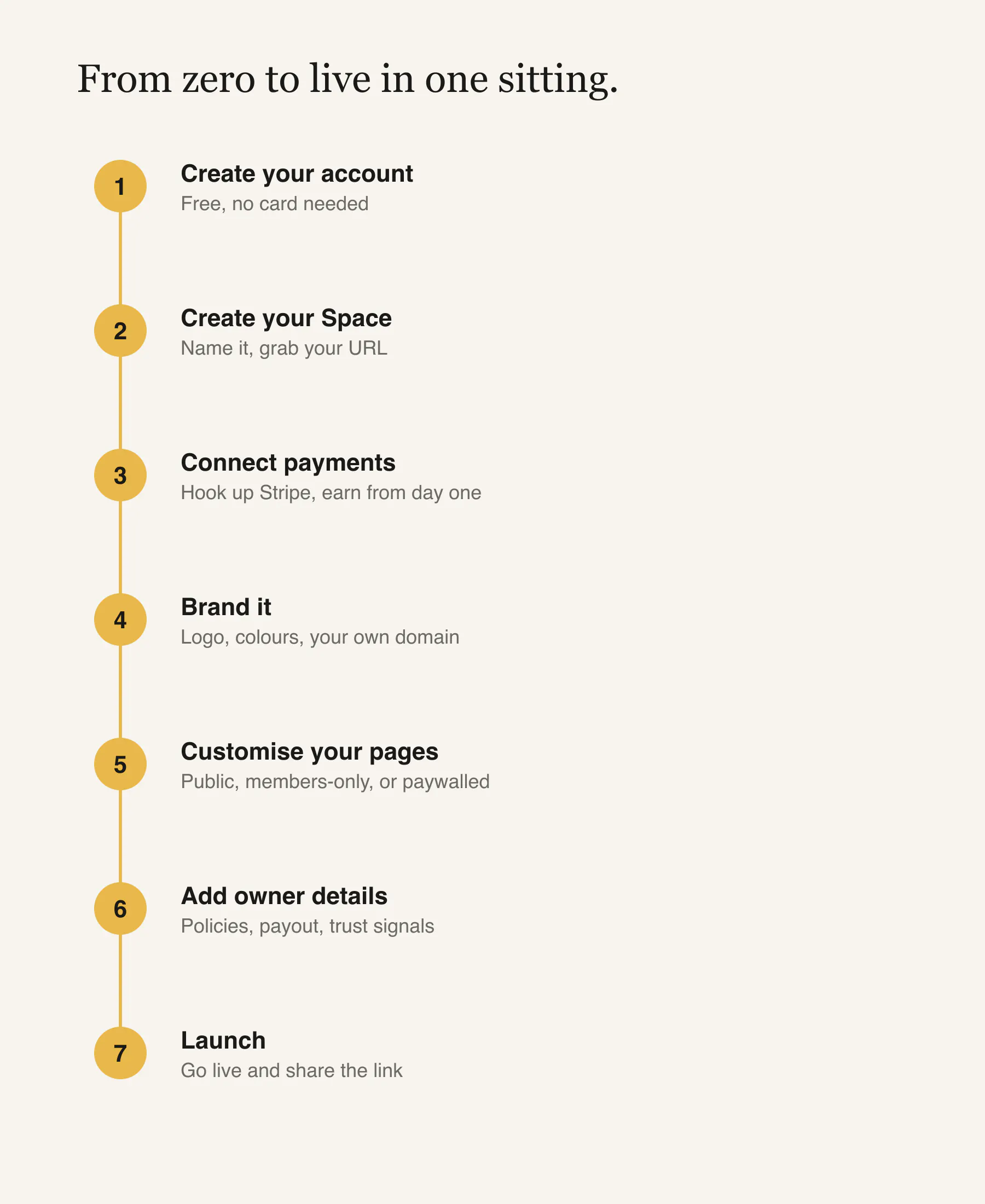
Create your account. Sign up, no card needed. You're on the Free plan straight away.
Create your Space. Name it, grab your URL, and you've got the shell of your branded home: community, shop, memberships, and content modules ready to switch on.
Connect payments. Hook up Stripe so you can take money from day one. Memberships, products, and paid content all run through the same checkout and pay out to you.
Brand it. Logo, colours, and layout so it feels like yours, not a generic template. On paid plans you can put it on your own custom domain.
Customise your pages. Set up your homepage and the pages people land on. Decide what's public, what's members-only, and what sits behind a paywall.
Add your owner details. The bits that make it a real business: who you are, your policies, payout details, the trust signals buyers look for.
Launch. Flip it live and share the link. You're running content, community, products, and memberships from one place you own.
The point is that none of these steps send you to a different tool. One setup, one login, one payout.
If you were setting this up, which step would you want walked through in more detail?
Replies
Be the first to reply
Have a question or a thought to share? Add a comment above to start the conversation.