

Launch is over, heartbeats haven't slowed: DOFOTT for Teams
The launch is behind us, and we are keeping the excitement. Before our heartbeats had a chance to slow down, we started the next thing: DOFOTT for Teams (https://dofott.com/teams). For teams to actually use DOFOTT, we need your opinions.
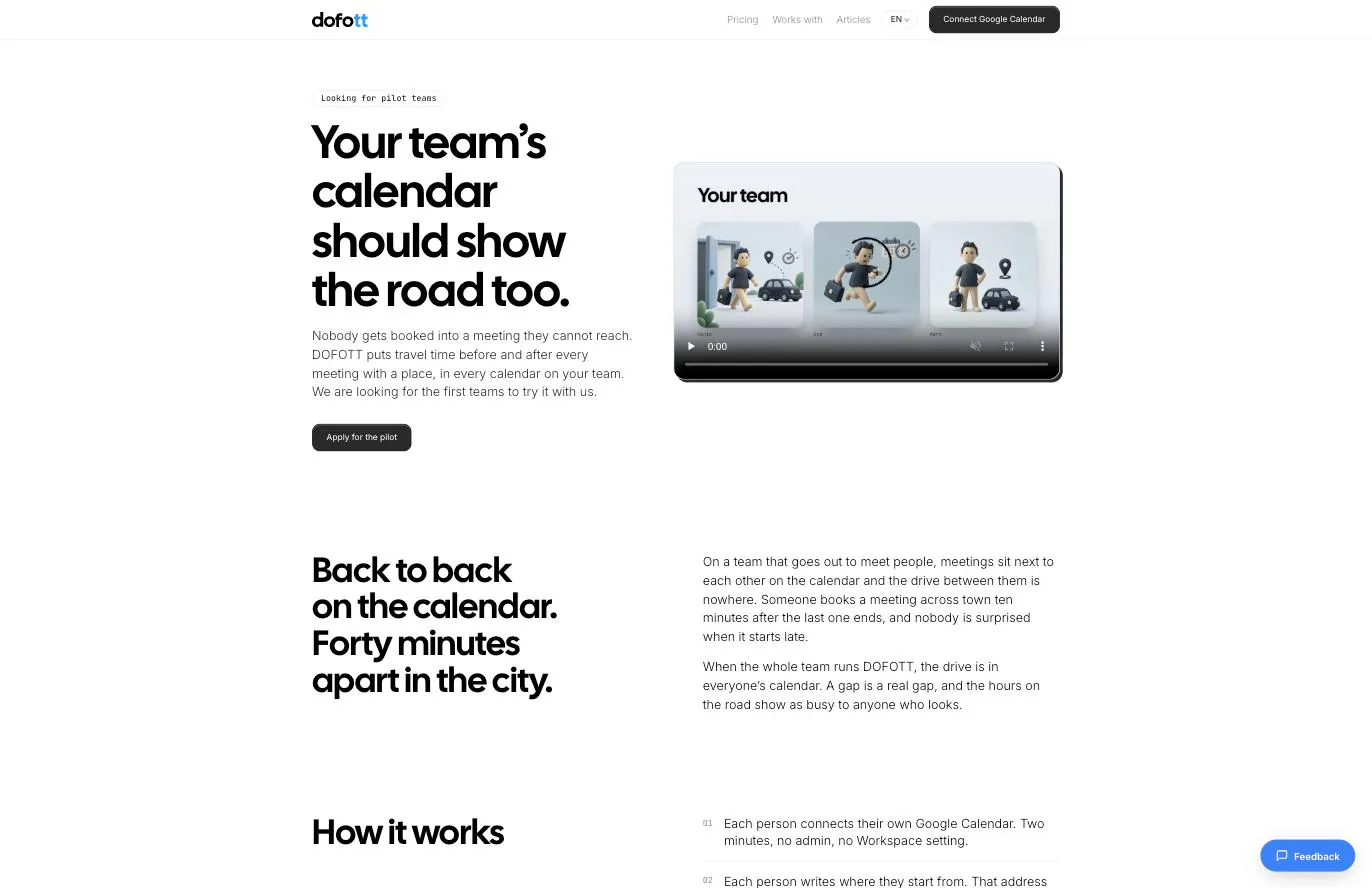
So what is it? DOFOTT already puts travel time into your Google Calendar. For Teams does it for everyone on the team, so nobody gets booked into a meeting they cannot reach.
The problem is an old one. On a team that goes out to meet people, meetings sit back to back on the calendar while the city puts forty minutes between them. Someone books a meeting across town ten minutes after the last one ends, and nobody is surprised when it starts late. When the whole team runs DOFOTT, the drive is in everyone's calendar. A gap is a real gap, and the hours on the road show as busy to anyone who looks.
How it works: each person connects their own Google Calendar (two minutes, no admin, no Workspace setting) and writes where they start from. From then on, every meeting with a place gets its trip before and after, and the trip follows the meeting when it moves.
What your colleagues see is your travel time as busy, even if you share your calendar as free/busy only. What they don't see is where you set out from, anyone's home or work address, or how many hours the team spent on the road. We don't make that report. Every travel block is written as a private event.
We are looking for pilot teams. It is free while we try it together, and all we ask in return is that you tell us plainly what works and what doesn't. After the pilot it is $3/month + tax a year (paid annually) per person using it; if it isn't for you, you walk away and pay nothing.
A few things we would love to hear from you: does your team have this problem, and how do you handle it today? Which part would make you hesitate to connect your calendar? What would you need to see before rolling it out to a whole team?
I read and answer every comment myself. Thank you for staying with us.
Yakup
Replies