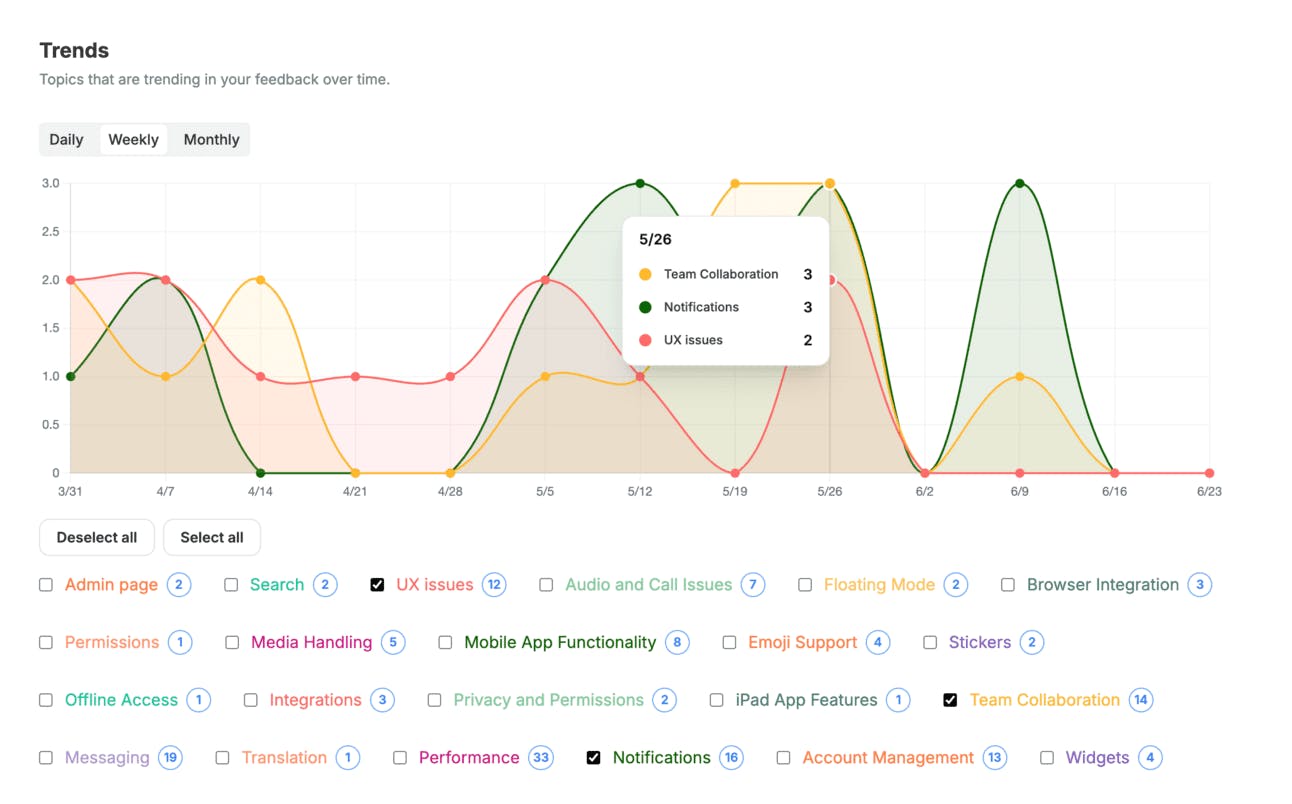
CSV cells are now plotted on the chart based on date: When you upload a CSV file, just map a date column, and your feedback will show up on the Trends chart exactly like feedback from our integrations.
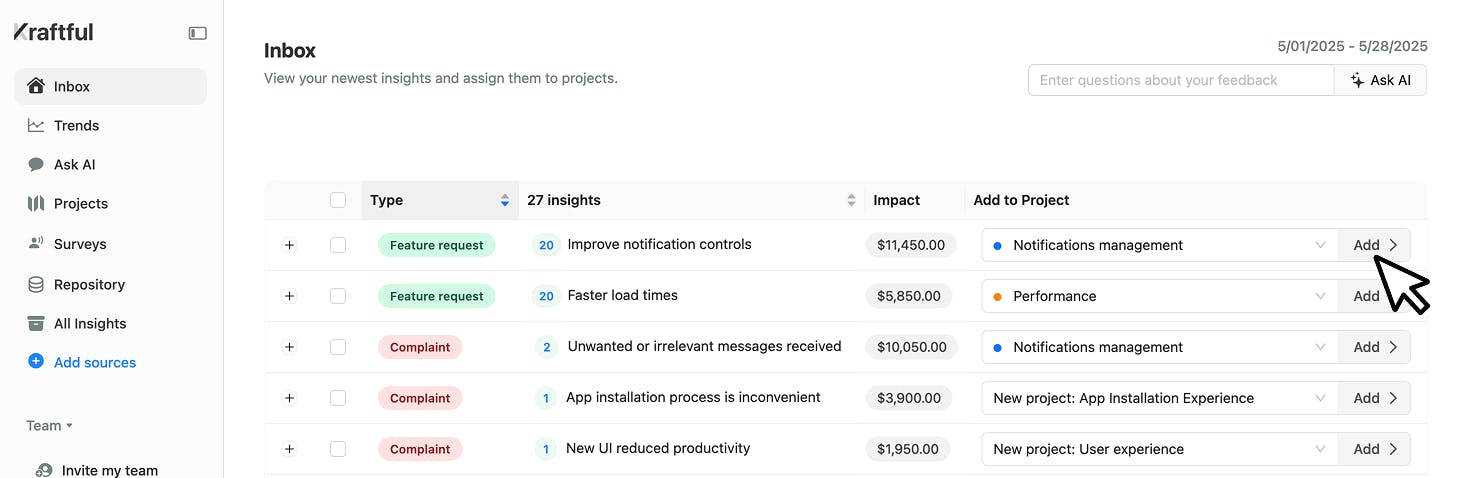
Insights now show deal size tied to each customer request, syncing directly from your Hubspot integration. Sort your backlog by revenue impact, focus on the biggest upside, and watch the money roll in
We've redesigned our Google Meet integration to make it even easier to learn what users need from your customer calls!
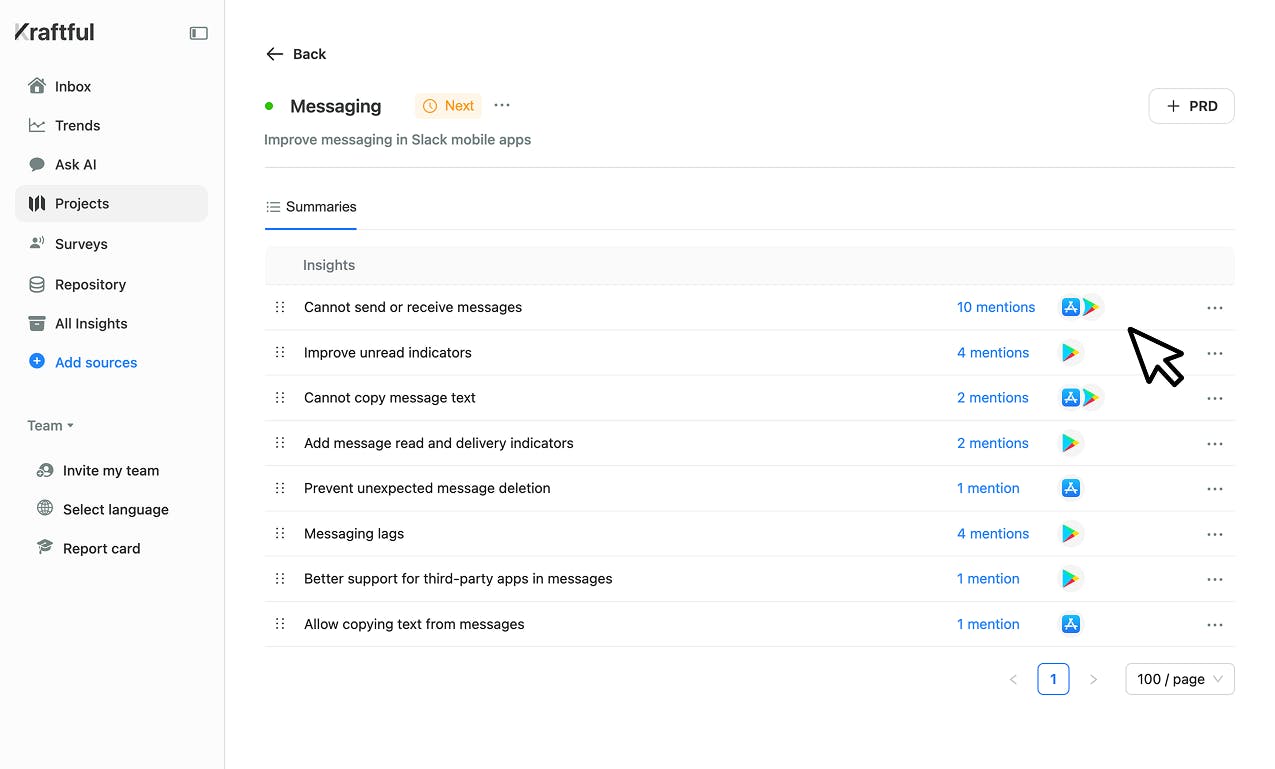
Now you can automatically group feature requests, pain points, and product insights across all your call transcripts. Click any mention to see relevant snippets from multiple calls, then dive deeper by viewing each snippet within the full transcript context.
You can now hash PII (like names and emails) before importing data into Kraftful from Gong, Slack, Salesforce, Hubspot, Zendesk, Intercom, and other support ticket sources. Perfect if your IT team requires extra security. Hashing is available on Enterprise plans. If you re not on one yet and want to check it out, just give us a shout!
This week, we made Kraftful s analysis faster and more accurate. Here s what's new:
Aligned mention counts in Deep Dives: Previously, the total mentions in an insight could be larger than the sum of mentions across Deep Dive topics, since Deep Dives showed only the most frequent sub-topics. You told us that was confusing, so we've updated the analysis to make sure all mentions are accounted for.
The Deep Dives will now include each mention at least once. Note: sometimes, a mention may still cover more than one Deed Dive topic.
Sharper insights across all feedback categories: We ve updated our analysis so you get even more actionable insights going forward.
Faster initial analysis for Zendesk & Hubspot: When connecting Zendesk or Hubspot, you ll now see your initial daily, weekly, and monthly analysis much sooner because we've optimized historical data syncing. Similar speed-ups are coming soon for Gong, Intercom, Freshdesk, and Salesforce Service.
All your original user mentions now automatically translate to English or your preferred language!
From day one, we ve prioritized supporting teams with global user bases. You ve long been able to set your org language in Kraftful to get feature requests and product insights translated seamlessly. Our surveys and user interviews already generate questions in your chosen language and translate the insights back for your team. This week s update levels up our multi-language support: every original mention is now translated into your org s language (or defaults to English if you haven t picked one yet). Recent updates:


 Kraftful