About

Indie dev & coffee shop owner ☕️ - Planelo (idea-first PM) - DevCleaner (DevCleaner finds all dev junk, tells you what’s safe to delete, and frees the space in one click) - Synapse (macOS file manager) - DailyPitch (for indie devs). Coffee-powered barista turned maker ☕

Badges

Gemologist
Gemologist
Thought Leader
Thought Leader
Tastemaker
Tastemaker
Tastemaker 10
Tastemaker 10
View all badges

Maker History

Forums

•

1d ago

Are your coding agents quietly eating your disk?

Since I started running Claude Code and Codex in parallel worktrees, my disk fills up much faster. Every worktree gets its own node_modules and build output, session logs pile up in ~/.claude and ~/.codex, and Xcode DerivedData does the rest.

I've seen people find 100GB+ of this stuff. How do you deal with it? Do you clean worktrees manually, script it, or just buy a bigger SSD?

DevCleaner 1.15.0: clean build output in your live projects

A customer with ~50 active Swift, Rust and Node projects on a 256GB Mac told me the archive feature was useless for him. His projects aren't old, they're just huge.

So 1.15.0 adds Project Artifacts: DevCleaner now finds target/, .build/ and node_modules inside projects you're actively working on, shows the size per project, and lets you clean just the regenerable output. Your source never gets touched.

Also new:

  • Auto Clean (opt-in) that keeps build output in check on a schedule

  • Archive now moves to Trash instead of deleting

  • Fixed the excluded-folder dialog

  • An explanation for why free space sometimes lags after a clean (Time Machine local snapshots)

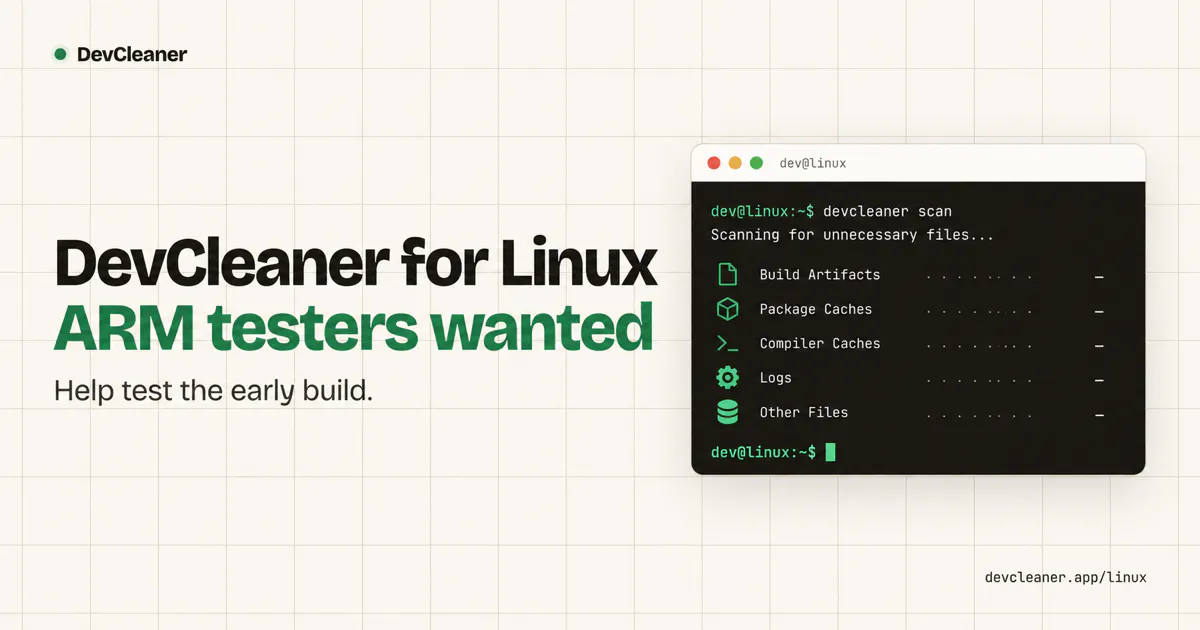
DevCleaner is coming to Linux - help shape the first release 🐧

Image

DevCleaner started as a macOS app with a simple goal: help developers understand where their disk space is going and safely clean up files left behind by development tools.

Build artifacts, caches, dependencies, simulators, package managers and other development data can quietly grow to tens or even hundreds of gigabytes.

View more