
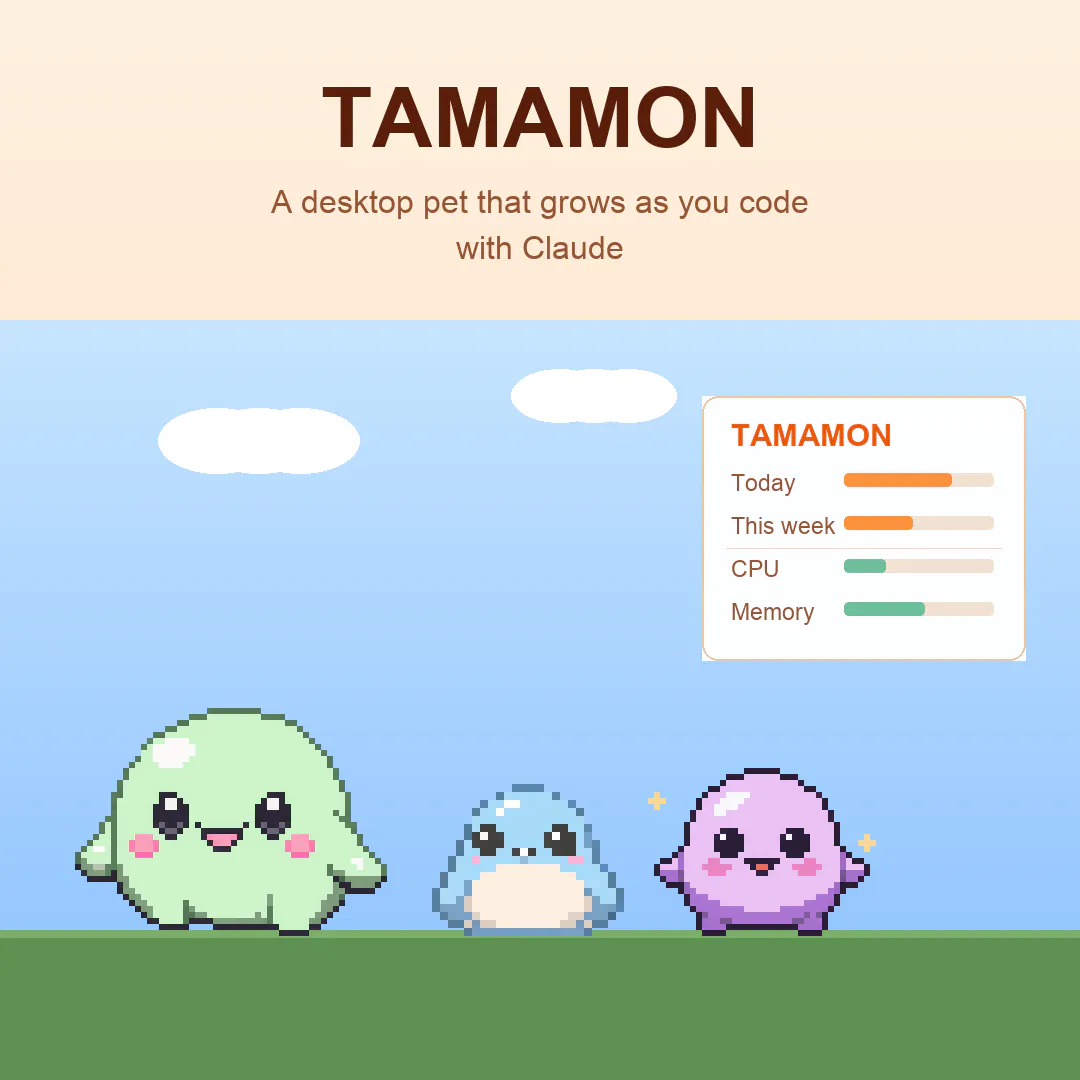
Tamamon is a macOS desktop pet that lives on top of your screen and grows the more you build with Claude Code. What it does: - 20 species to collect through a weekly gacha, each with its own evolved forms and quirks - Feed it, play (ball, bubbles), and decorate its habitat - Reacts to real time and weather — when it rains or night falls, your pet heads home to rest - Nothing leaves your Mac. No account, no sign-in, no tracking, nothing uploaded.


Free
Launch Team / Built With


Tines The single, secure environment for agents, apps, and automations.
Promoted


Shipping export/import mid-launch because a commenter asked for it beats any launch video. Well done! I was wondering if token volume used to mean a human at the keyboard (but a growing share of Claude Code usage is agents grinding unattended overnight), then does an egg hatched by a background run feel earned?
Tamamon
@artstavenka1 Really good question, and one I'm genuinely sitting with. Today it counts token activity flat, so an overnight agent run grows the pet the same as hands-on-keyboard time — which does dilute the "earned" feeling you're pointing at. Distinguishing attended vs unattended, and weighting the hard human runs more, is exactly the direction the top feedback is pushing me. Thanks for the thoughtful one!
Love that this grows from my actual Claude Code activity instead of being one more dashboard to check. The fully local, no sign in part is a nice bonus. Does it react in the moment during a long build, or is it more of a daily and weekly thing? congrats on shipping
Tamamon
@i_sanjay_gautam Thanks Sanjay! A bit of both. In the moment, a little heads-up panel shows today’s and this week’s coding activity plus live CPU/memory, and your pet perks up and waves when a Claude Code session is waiting on your input — so during a long build you can glance over and see it’s along for the ride. Over time it hatches, grows, and evolves from your accumulated activity, with a new species to collect each week. All from local activity, nothing leaving the Mac.
Congrats on the launch! 🚀
This is such a fun idea. I like that Tamamon makes coding feel a little more playful without turning into another productivity dashboard or streak-pressure tool.
The local-only approach is also a big plus. Curious if you plan to support backup/export later so people can keep their pets and evolved species when switching Macs.
Tamamon
@prashant_patil14 Thank you. And good timing — it just shipped: v0.4.8 adds one-click Export / Import of your whole collection, so your pets and evolved species come with you when you switch Macs. Fully local, no account, with an automatic backup before every import.
how does the growth actually tie into claude code usage—does it watch what i build or do i have to log sessions somewhere?
Tamamon
@nuriyehosan No logging or setup on your side — it just reads your local Claude Code activity as you work. Nothing to configure, nothing uploaded. The more you code, the more it grows through its stages. You just code; it does the rest, all on your Mac.
Tamamon
@thys_beesman Thanks. Your coding activity over the week sets its stage — it hatches from an egg, grows into a baby, then an adult, then evolves. How it evolves depends on how you care for it along the way: look after it and it grows into a radiant form; neglect or overfeed it and it takes a darker turn.
I spend half my day inside Claude Code so this is dangerously relevant. Genuinely clever gamification - the pet growing with actual work beats every streak counter I've ignored. Does it react to failed runs too, or only progress? Might need to protect my pet from my debugging sessions. Congrats on the launch!
Tamamon
@david_marko Ha — "protect my pet from my debugging sessions" got me. Honest answer: right now it grows from total local token activity, so it doesn't tell a failed run from a shipped one yet. Making growth feel earned through the hard runs, not just volume, is the single most-requested idea from this launch and the next thing I'm exploring. Thanks David!
@besslframework This is super cute. Dolloproof just hatched. I get a feeling this is going to be fun
One question, does it track session limits or can it suggest optimal coding period, eg clubbing two sessions?
Also, one pain point on claude code is to remember putting a querry to start a session so i optimize the day better, can it do that for me?
Tamamon
@roopesh_donde Congrats on Dolloproof hatching 🥚 Honest answer: it's deliberately not a scheduler or a dashboard — it won't track your session limits, suggest clubbing sessions, or kick off queries for you. It just grows quietly from your local activity and stays out of the way. Those planning features are a different tool than the one I wanted this to be, but I hear the pain point. Glad you're having fun!