
SlideSieve
Auto-Capture Course Slides to PDF, No Upload
4 followers
Auto-Capture Course Slides to PDF, No Upload
4 followers
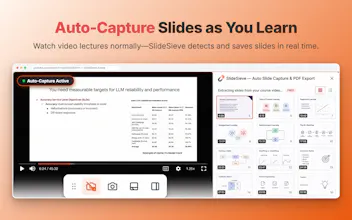
If you've ever taken a course online, you know the drill: pause → screenshot → repeat 60 times. SlideSieve automates this. Open your course video, hit Auto-Capture, press play — it captures slides, skips the instructor on camera, filters duplicates, and exports a clean PDF. No pausing. No screenshotting. Just focus on learning. 🔒 Runs 100% in your browser. No uploads. Works on Coursera · Udemy · YouTube · DeepLearning.AI




Hey PH! Lee here — I built SlideSieve 👋
I often take online courses — DeepLearning.AI, Coursera, YouTube, Udemy etc. A lot of them don't offer downloadable slides, so every time there's a slide I want to keep, I have to pause the video, take a screenshot, and repeat. If the captions were on, they'd show up in the shot. If I missed the frame, I'd have to rewind. After a lecture I'd have 50+ screenshots that were all different sizes and crops.
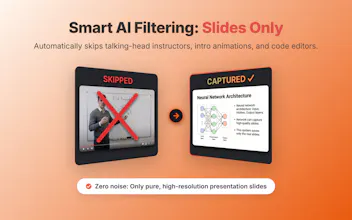
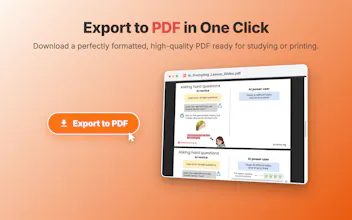
SlideSieve is a Chrome extension that handles this automatically. It watches the video as it plays, detects when a real presentation slide is on screen, and automatically skips the noise—like talking-head frames, dark transitions, and code editors. When you're done, you export everything as a clean PDF. All processing happens locally in your browser — nothing is uploaded.
I'd love to hear from you:
- Which platform do you study on most?
- Is there anything you'd want it to do that it doesn't yet?
Thanks for checking it out 🙏