
SlAcknowledge
The little bar that won't let you forget a Slack alert
9 followers
The little bar that won't let you forget a Slack alert
9 followers
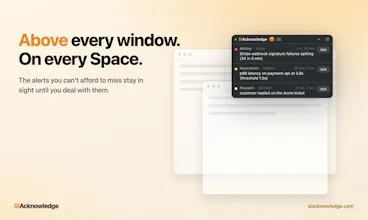
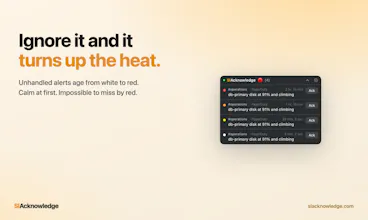
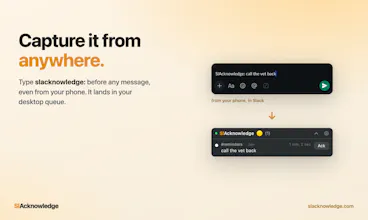
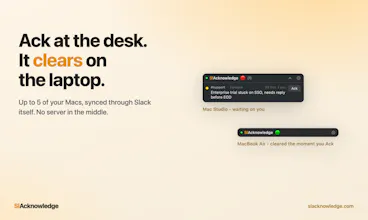
A floating macOS queue for the Slack alerts you can't afford to miss. Every alert ages white to red until you hit Ack. 14-day free trial, no credit card.


Free Options
Launch Team / Built With


ArticosTest your messaging on your audience, right inside Claude or ChatGPT
Promoted
This looks genuinely useful for anyone drowning in Slack noise. One thing that would make it a no-brainer for me is letting me set per-channel rules, like maybe mute the aging color shift for channels I only check once a day, while keeping it aggressive for on-call or critical ones. That way the visual pressure actually matches how urgently I need to respond instead of treating every alert the same.
@constance_wheatley Right now the urgency is global, but I like your idea. I'll add it to the roadmap. Need to think about a nice UI for specifying that.
Thank you for checking it out and thank you for the feedback!
The aging gradient from white to red is such a clever way to surface urgency without a single notification badge. feels like a tiny piece of ambient design that actually respects how you work.
@leelaturanga The core idea: urgency is a gradient, not a badge. A "1" looks the same whether it's 30 seconds or 3 hours old.
The thresholds are adjustable too - defaults are 15 min to yellow, 1 hr to orange, 2 hrs to red.
Thank you for checking it out!