ScreenSnipper
Always-on-top widgets from any Mac window
2 followers
Always-on-top widgets from any Mac window
2 followers
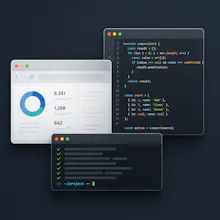
ScreenSnipper is a buy-once Mac app that crops a live slice of a web page or another app window into an always-on-top widget. Keep a todo list, timer, chart, or doc visible while you work in Chrome, your editor, or anything else. - Crop a browser page or another Mac app window - Stay on top, with opacity and click-through - Boss Key (Cmd+Shift+H) hides every widget at once - 7-day trial of all features, then Basic $7.99 or Premium $14.99. Not a subscription.