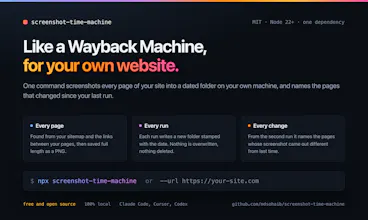
Like a Wayback Machine for your own website. One command screenshots every page of your local site into a dated folder, building a visual history you can scroll back through. From the second run on, it shows which pages came out different since last time, so you know exactly where to look instead of clicking through all of them. Full-page PNGs, plain files on your own machine. Works with Claude Code, Cursor and Codex so your agent can check what it built. Free, MIT, 100% local, No account.
ElevenAgents by ElevenLabsScale conversations without scaling your team
Promoted
Maker
📌
Hi Product Hunt, Mohammed Sohaib here.
Here's a problem every web dev knows: you change one shared component and have no idea how many other pages you just broke. When your site has 40 pages, checking them all by hand is impossible, so you check the one you were working on and hope. Users find the rest.
It's worse with AI agents. You ask for one change, the agent touches something shared, half a dozen pages shift, and it can't even see them. It edited code, not pixels. So it says "done."
So I built screenshot-time-machine. You type stm, and it screenshots every page of your site into a dated folder in seconds. Run it again after your next change and it tells you exactly which pages came out different, so you know where to look instead of clicking through all 40.
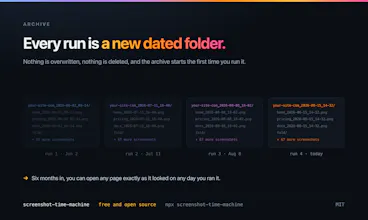
And because every run is saved, you get a visual history of your whole project on your own machine. Scroll back and see how any page looked last week or 10 versions ago. Like a Wayback Machine for your own site.
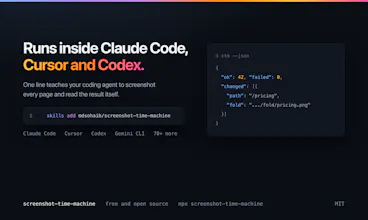
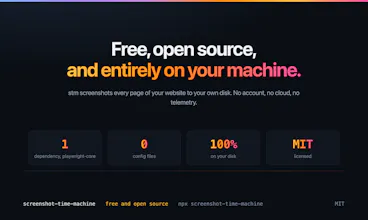
Free, MIT, 100% local. No account, no cloud, no telemetry. One line installs it into Claude Code, Cursor, Codex and 70+ agents, so your agent can check every page it built before saying "done."
Honest limits: no visual diff images yet (that's stm diff, on the roadmap), and it can't capture pages behind a login.
The question I keep asking: when your agent says a UI change is done, what do you actually check before you believe it?