Launched this week

RunEvr
Agentic project management environment for creatives
279 followers
Agentic project management environment for creatives
279 followers
One AI-powered workspace where your projects, conversations, reviews, and creative work stay connected. Every tool switch interrupts creative thinking, scatters context, and adds unnecessary cognitive load. RunEvr is built to keep your entire creative workflow in one place, helping teams stay focused, collaborate naturally, and create without losing momentum.


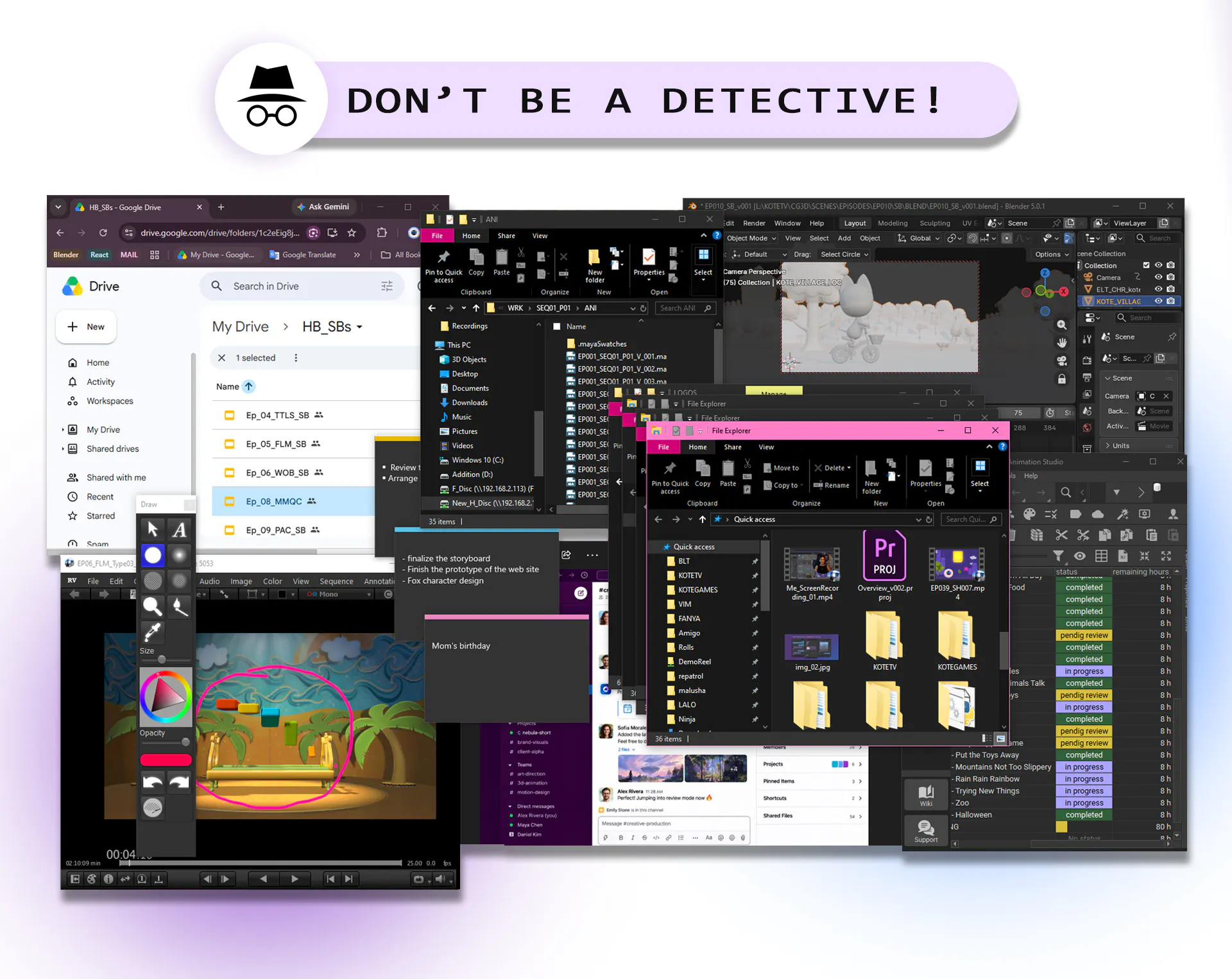
This feels like a thoughtful approach to a problem most creative teams deal with every day. How does RunEvr handle feedback and version history when multiple people are collaborating on the same project?
RunEvr
@gurpreet_singh89 RunEvr keeps feedback and version history connected to the project itself, so teams don’t have to search through scattered chats, emails, or tools.
Each project has a dedicated review flow where collaborators can compare versions, leave feedback, discuss changes, and keep the full creative context in one place. This helps teams understand not just what changed, but why it changed.
@adana That's a thoughtful approach. Keeping the reasoning behind changes alongside the feedback seems just as valuable as tracking the versions themselves. Wishing the team a successful launch.
RunEvr
@gurpreet_singh89 Thank you very much !
the tab fatigue thing below is so real. half our pain was just remembering which tool had the latest client note buried in it.
RunEvr
@dustin_warren Exactly! This was one of the biggest pains we experienced ourselves.
ProdShort
This feels like one of those products built from a problem the team actually lived through. Really curious to see how the AI agents work alongside the team in real projects. Congrats on the launch! 🚀 @adana
RunEvr
@amraniyasser Thank you for your feedback! 🙌
That’s exactly how RunEvr was born - from our own daily struggles managing creative projects.
We’ve been using it internally for months, and AI agents became a natural part of our workflow.
Excited to see how others use them too!
minimalist phone: reduce your screentime
It is like Slack for creative teams <3 Looks cool :)
RunEvr
@busmark_w_nika Thanks Nika! ❤️ Really happy you like it!
It has a bit of the Slack feeling, but our idea was to go beyond chat.
With one click on a project, everything flows to your screen - tasks, media and materials, chats, calls, reviews, and all the context your team needs to keep creating.