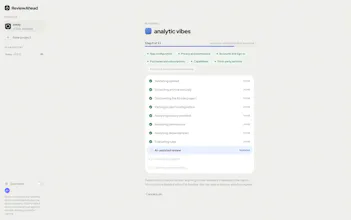
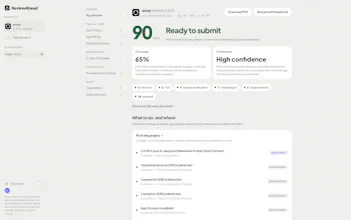
ReviewAhead goes beyond generic checklists and AI advice by scanning the actual Xcode project against 38 deterministic App Store readiness rules. It covers privacy, permissions, entitlements, StoreKit, dependencies and App Store Connect. Every finding includes file-level evidence and a concrete fix. No plugin, CI setup or account is required; code is never run and uploaded source is deleted after scanning.
Which Vercel product did you use? What new capability did it give your team, and how did that shape the product you launched?
Maker
We use Vercel’s Next.js deployment platform to deliver ReviewAhead’s web experience. It gave our small team fast, reliable production deployments and global delivery without having to manage web infrastructure ourselves.
That shaped ReviewAhead into a zero-setup service: developers can open the browser, upload an Xcode project, ZIP, or IPA, receive an evidence-backed App Store readiness report, and rescan after making fixes—without installing an Xcode plugin or configuring CI. Vercel lets us focus on the 38-rule scanning engine, actionable findings, and privacy-first workflow instead of deployment operations.
Report
Maker
📌
Hey Product Hunt 👋
ReviewAhead started as a checklist for everything I needed to verify before submitting an iOS app. That checklist kept growing: privacy manifests, permissions, entitlements, StoreKit, dependencies, App Store Connect, and more. So I turned it into a scanner.
Upload an Xcode project, ZIP, or IPA and ReviewAhead checks it against 38 deterministic App Store readiness rules. Every finding includes the evidence, severity, relevant file, and a concrete fix. No plugin, CI setup, or account is required. Your code is never executed, and uploaded source is deleted when the scan finishes.
It can’t guarantee approval, only Apple can. But it can catch preventable issues before they cost you another review cycle!
I’d love to hear which checks you find most useful and what you’d like ReviewAhead to catch next.