
Retina
Screen recorder w/ auto-zoom, smooth cursors, + AI graphics
220 followers
Screen recorder w/ auto-zoom, smooth cursors, + AI graphics
220 followers
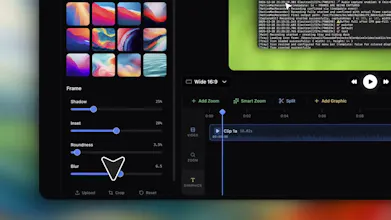
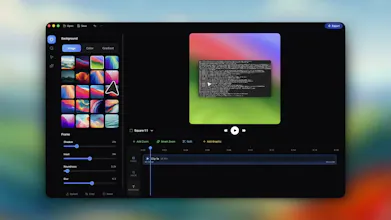
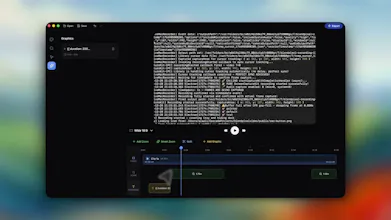
Retina is a Mac screen recorder built for polished demos. Auto-zoom into the action. Cursor paths cleaned into smooth arcs. 4K export, optimized file sizes. Recordings look cinematic out of the box — no post-production needed. Built for product demos, tutorials, and feature walkthroughs that need to look professional without hours in editing. Currently in beta. Free. No watermark. Made by BlendPixel.





Any consideration for making some of this functionality for non-recorded sessions? As a GTM professional you might find this valuable even for live demos too
curious what the AI graphics piece actually does because that's the vaguest part of the description. auto-zoom and cursor smoothing are clear mechanical features. AI graphics could mean anything from background removal to generative overlays to automatic callout annotations. what's actually in that feature and how much control do you have over what it produces
Curious how Retina handles icon rendering in recordings — specifically whether the auto-zoom logic works cleanly with icon-heavy interfaces where small glyphs at 16–24px are the main UI element. That's often where screen recorders struggle with aliasing and the zoom overshoots past the icon into surrounding whitespace.
The product looks great until I saw that it was only available in a Mac. Yes, please put that on your roadmap and best of luck!
With Retina,
I can showcase the screenshots of my terminals with more fluidity now!
congrats!
Mailwarm
Congrats on your launch! Will defo be trying it