
Plectica
Concept Mapping. Collaboration. Metacognition.
17 followers
Concept Mapping. Collaboration. Metacognition.
17 followers
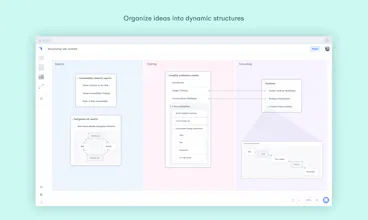
We make several types of free-to-try, in-the-browser productivity software: (1) video meeting software (team.video); (2) task & workflow management software (subtask.co); (3) mind-mapping & system visualization software (plectica.com)




Launch Team

Framer AI AgentsDesign and publish professional sites with AI
Promoted
I use Plectica daily. I am an adjunct professor and I use it to teach. Read the following for more on how I use it: http://bit.ly/2QEZ6b5
Pros:Illustrates how we make decisions and key decision points. It also allows you to take a deep dive into ideas and concepts.
Cons:The only con is that more people are not using it!
I believe Plectica is not only software to show ideas, but to build thoughts
Pros:Very helpful to organize ideas and create insights. Excellent tool to explain complex thoughts.
Cons:Maybe it could improve the resources for big presentations.