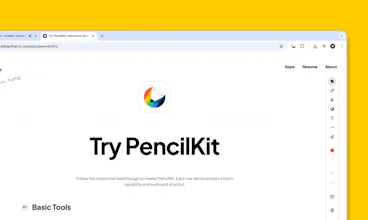
Turn any webpage into your personal notepad. Annotate, highlight, and type directly on top of content with a calm, Apple-inspired experience — perfect for research, reviews, or quick ideas. Instead of juggling screenshots, notes, and separate tools, PencilKit lets you think right on the page
Hey everyone 👋
I’m Sidiq, the designer/developer behind PencilKit.
I built PencilKit because I was tired of juggling screenshots, notes, and tabs just to think through a webpage. I wanted something calm and minimal — like drawing directly on glass.
With PencilKit you can:
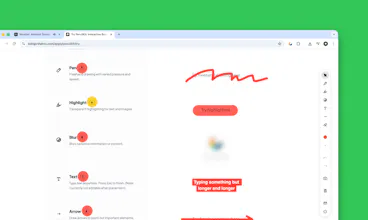
- Draw, highlight, and type directly on any page
- Keep annotations locked to the content, even when you scroll
- Capture smart snapshots of just your notes or the full view
- Keep everything private on your device, no servers
- Use simple shortcuts: P for Pen, H for Highlight, T for Text, E for Eraser
- And quick snapshot actions: Shift + C to copy to clipboard, Shift + S to save as image, Shift + P to save as PDF
It’s **pay what you want** — you can use it fully for free, or support the project later if it’s useful for you.
I’d love feedback on:
- How it feels the first time you try it
- Whether the shortcuts feel natural for you
- Any friction when annotating long or complex pages
- What’s missing for your real workflow (research, reviews, learning, etc.)
Really appreciate you taking the time to try it and share your thoughts. Thank you!
Report
No reviews yetBe the first to leave a review for PencilKit