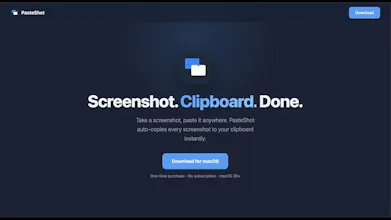
PasteShot is a macOS menu bar utility that automatically copies your screenshots to the clipboard the moment you take them. The problem: Every screenshot on Mac saves a file. Sharing it means opening Finder, finding the file, and dragging it into chat. Do this dozens of times a day and it adds up. The fix: Take a screenshot, Cmd+V. That's it. One-time purchase. No subscription.
Hey Product Hunt!
I'm Ganesh, and I built PasteShot because I was frustrated with the same workflow every day: take a screenshot, open Finder, find the file, drag it into Slack. Repeat.
The app is intentionally simple — it does one thing and does it well. It watches for new screenshots, copies them to your clipboard, and gets out of the way.
A few things I'm proud of:
Native Swift, zero dependencies. No Electron, no frameworks. The whole app is under 200KB.
Never connects to the internet. Your screenshots stay on your machine.
30-second setup.A quick onboarding lets you choose Instant Mode (disables the macOS thumbnail delay) and Clipboard Only mode (auto-deletes files after copy).
This is my first paid Mac app. I'd love to hear what you think — any feedback is welcome.
Happy to answer any questions about the build or the product!
Report
No reviews yetBe the first to leave a review for PasteShot — Auto-Copy Screenshots