
NiroHelp
Save time and money with AI-native support for WordPress
60 followers
Save time and money with AI-native support for WordPress
60 followers
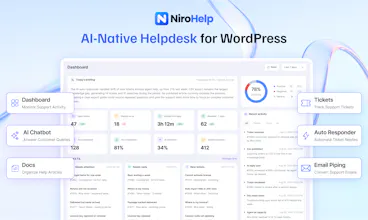
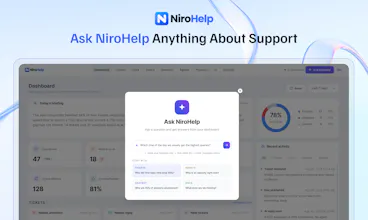
Support more customers with a smaller team and lower costs. NiroHelp’s AI uses your docs to answer customer questions in chat and reply to support tickets automatically. Customers get faster answers, while your team spends less time on repetitive questions. When AI is unsure, your team takes over. All inside WordPress.

Free Options
Launch Team

Render Sandboxes: a computer for every agentGive every agent its own machine. Starts in under a second
Promoted
the "when AI is unsure, your team takes over" line is the part I'd want to stress test before trusting it on a real support inbox. is unsure something the model self-reports based on its own confidence, or do you have separate rules for what counts as a handoff trigger (refund requests, angry tone, etc)? self-reported confidence from a chat model is usually the least reliable part of these systems in my experience
@galdayan I appreciate your comment!
That’s a fair concern. The handoff isn’t based purely on the model saying “I’m unsure.”
NiroHelp uses a Retrieval-Augmented Generation (RAG) approach. Your documentation is broken into smaller sections and indexed, then semantic/vector matching finds the most relevant sections for each question. The RAG system can retrieve multiple sections/documents and pass them as context, along with the ticket context.
For each retrieval, the system generates a relevance score and compares it against the configured confidence threshold. If the score meets or exceeds that threshold, the AI(LLM) then generates its response based on that retrieved information rather than simply relying on its general knowledge.
So the more detailed and well-covered your documentation is, the more useful information it has to work with.
If the retrieved information doesn’t meet the threshold, NiroHelp can hold back the response instead of generating an unsupported answer.
For frustrated customers, you can use NiroHelp’s AI Instructions to guide how the AI should respond, while sentiment analysis helps your team identify conversations that need attention.
@mustakim that's a much better answer than "the model says so" - retrieval score against a threshold is at least measurable and tunable. is the threshold set per-customer, or one global default? I'd guess a sparse or newly-launched docs site would trip the "not enough coverage" fallback way more often than a mature one, which could look like the AI is being unhelpful when really it's just under-indexed.
@galdayan The threshold is totally up to you. You can set it from your site dashboard. So, there is no global value set.
Hey Product Hunt! 👋
I’m Nazmul Ahsan, founder of NiroHelp.
We built NiroHelp to solve a problem in our own WordPress product business: customers kept opening tickets for questions our documentation already answered.
Our team had to read each question, find the information, and write a reply. Meanwhile, tickets needing real investigation waited in the same queue.
We wondered: what if our support system could handle those repetitive questions itself?
That question became NiroHelp. We’ve used it in our own support operation for more than a year, shaping it around the work our team handles every day.
NiroHelp helps you support more customers without growing your team or support costs at the same pace.
Whether you run a WordPress plugin or theme business, a WooCommerce store, an agency, or a membership or course website, it helps your team spend less time answering the same questions.
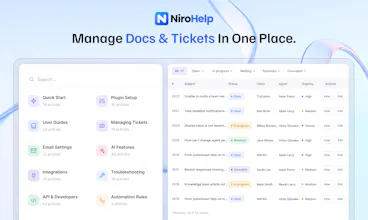
It brings docs, tickets, and AI together inside WordPress:
📚 Knowledge Base: Help customers find answers through searchable, organized documentation.
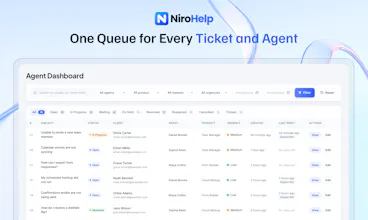
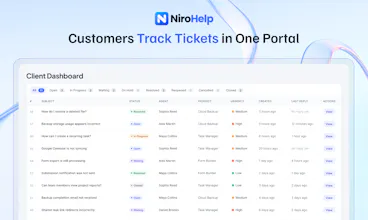
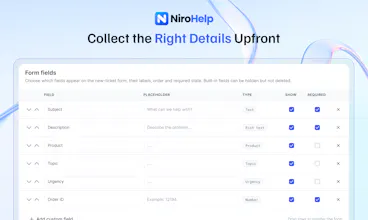
🎫 Support Ticketing: Keep requests organized with stages, priorities, custom fields, automatic assignment, and a customer portal.
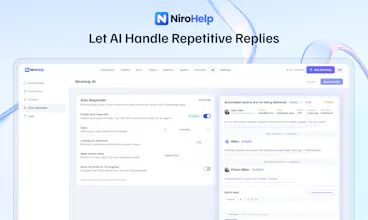
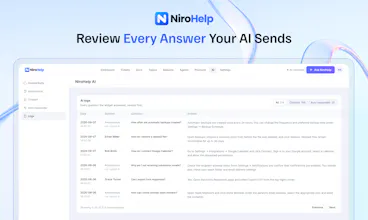
🤖 AI Auto-Responder: Automatically reply to tickets using your docs when answers meet your confidence threshold. Leave uncertain cases for your team.
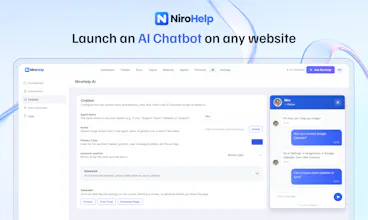
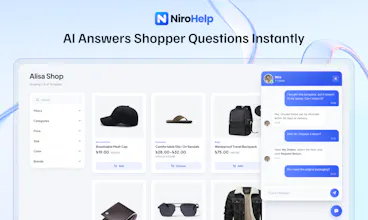
💬 AI Chatbot: Answer visitor questions directly from your published docs. You can also host your docs on WordPress and embed the chatbot on a non-WordPress site to answer questions there.
📊 Dashboard & AI Copilot: See workload, overdue tickets, and sentiment. Ask questions about your support data.
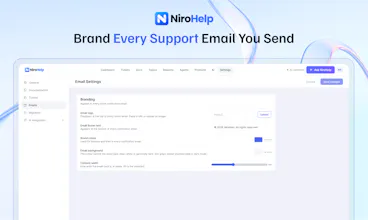
📧 Email Piping: Automatically turn incoming support emails into trackable tickets, so your team can manage every request from one place.
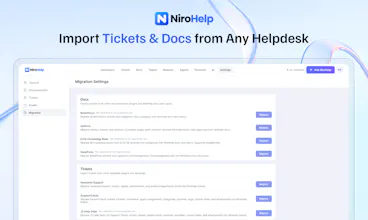
🔄 Migration Tools: Bring existing docs and tickets from supported plugins like Echo Knowledge Base, SupportCandy, and more.
🔗 Webhooks: Connect your support workflow with external tools and services
🔔 Slack Integration: Receive ticket notifications and collaborate with your team in Slack.
The free core includes documentation, ticketing, chatbot access, free AI credits, and migration tools, with unlimited agents and tickets.
Paid plans provide more AI credits, email piping, and additional features. You don’t need a separate AI subscription or your own API key.
Now I’d love to see how NiroHelp works for your team.
Try it with the questions your customers keep asking. If an answer falls short or a workflow feels awkward, tell me what happened. Your feedback will help shape what we build next.
Also, a special perk for the Product Hunt community. Enjoy an extra 10% off your purchase. Just apply the code EXTRA10 at checkout.
Nazmul Ahsan
Founder, NiroHelp